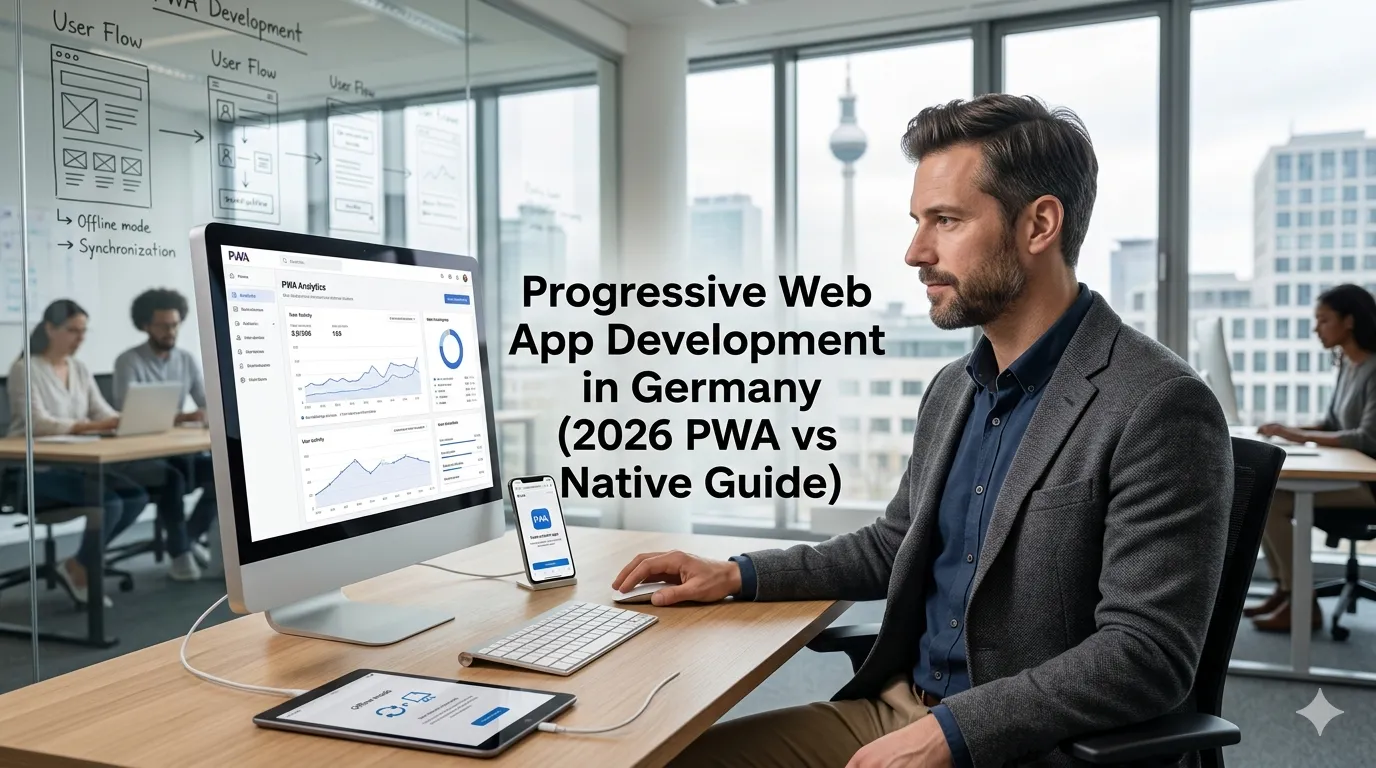
In 2026 the gap between “web app” and “mobile app” has narrowed dramatically thanks to Progressive Web Apps — installable web applications with push notifications, offline support, hardware access, and home-screen presence. For a meaningful share of German businesses, a PWA replaces what would have been a separate iOS + Android native build, saves €100,000+, and ships in half the time.
But PWAs aren’t universally the right answer. iOS still has gaps. App Store discoverability is real. Native APIs matter for some product categories. Knowing when a PWA wins and when native still beats it is the single most expensive decision in mobile-adjacent product strategy.
This guide walks through what PWA development in Germany actually looks like in 2026: technical reality, EUR build costs, German DSGVO specifics, when PWA beats native (and when it doesn’t), and the most common build pitfalls.
What is a Progressive Web App in 2026?
A PWA is a web application that uses modern browser capabilities to behave like a native app:
- Installable on iOS, Android, Windows, macOS, ChromeOS from a single browser visit
- Offline-capable via service workers caching assets and data
- Push notifications on Android (and now iOS 16.4+)
- Hardware access to camera, microphone, location, Bluetooth (Web Bluetooth), USB (Web USB), with permission
- Home-screen presence with custom icon, splash screen, name
- No app store distribution required (no review, no 30% revenue share for digital goods)
A PWA is still a web app at heart — same HTML/CSS/JS codebase as your website, just enhanced.
When does a PWA beat a native app for a German business in 2026?
Five signals a PWA is the right call:
You need fast iteration with no app store gatekeeping
Deploying a fix to a PWA takes minutes; deploying to App Store takes 1–7 days. For products that ship updates frequently, no gatekeeping is enormous.
You don’t need cutting-edge platform features
If you don’t need Apple Watch complications, iOS Live Activities, Material You theming, advanced ARKit — PWA covers 95%+ of feature requirements.
Your audience is mostly business users
B2B, internal tools, professional users — they don’t browse app stores looking for new apps. They open links and bookmark URLs.
You want one codebase across web, iOS, Android, desktop
A well-built PWA runs everywhere with the same code. No “build twice for iOS+Android” cost.
Your budget is constrained
PWA build cost is typically 40–60% of equivalent native or React Native cost.
When does native (or React Native / Flutter) still win?
Five signals to skip PWA:
- You need iOS-specific platform features (Apple Pay UX, Sign in with Apple, App Clips, Live Activities)
- You need granular background processing (audio, downloads, geofencing)
- App Store discoverability is genuinely a primary acquisition channel
- You need access to APIs not in PWAs (HealthKit, Mail compose, deeply integrated with Bluetooth at-scale)
- The product depends on app store payments (digital goods on iOS — Apple’s IAP is mandatory)
For most B2B and many B2C use cases, a PWA covers the requirements. For consumer apps that depend on app store discovery and in-app purchase, native still wins.
What does PWA development cost in Germany in 2026?
Realistic EUR ranges.
DIY / lean PWA
If you’re a technical founder building on Next.js + service workers:
- Hosting + tools: €15–€80/month
- Setup time: 60–150 hours of your own work
- Total to launch: €150–€800
Agency-built PWA (German agency)
- Companion PWA for existing web product: €8,000–€25,000
- Full PWA build (single-purpose product): €20,000–€70,000
- Complex PWA with custom backend: €50,000–€180,000
- Enterprise PWA: €150,000–€500,000+
Nearshore-built PWA
40–60% lower than German agency rates.
Compare to native mobile
For broader cost context see our mobile app development guide. A PWA equivalent typically costs 40–60% of native iOS + Android.
What’s the current state of PWA on iOS vs Android in 2026?
The honest 2026 state of the platforms:
Android
PWA support is excellent. Chrome handles install prompts, service workers, push notifications, background sync, payment request API, web share API. Most German Android users can install and use PWAs seamlessly.
iOS (Safari)
Significantly improved since iOS 16.4+ (push notifications, badging) and continuing to expand. Still has gaps vs. Android: limited service worker storage, some background-sync limits, App Clips don’t bridge cleanly to PWA install.
For Germany specifically: ~30% of mobile users are iOS, ~70% Android. PWA experience on Android is excellent; on iOS still slightly behind native but increasingly viable.
Desktop (Chrome, Edge, Safari)
Excellent. PWAs install on Windows, macOS, ChromeOS with native-app-like windowing, taskbar/dock presence, notifications. A PWA on desktop is often a better experience than a packaged Electron app.
What technical stack works for PWA in 2026?
Common modern choices:
Next.js + service worker
Most common modern PWA stack. Next.js handles server-rendering for fast first load; service worker handles offline caching and background sync. Workbox library makes service worker patterns straightforward.
Astro / SvelteKit / Remix
Each can produce strong PWAs. Astro excellent for content-heavy PWAs; SvelteKit for highly interactive ones.
WordPress as a PWA
Possible with plugins (PWA for WordPress, Super Progressive Web Apps). Reasonable for content sites and small e-commerce.
Shopify PWA
Shopify Hydrogen makes headless React-based commerce that ships as PWA. Worth considering for D2C brands.
For tech stack guidance see our best tech stack for German startup web app guide.
How does DSGVO shape PWA development in Germany?
Same fundamentals as any German web app:
Consent before tracking scripts fire
Service worker registration, analytics, push subscription — all consent-gated. Common mistake: service worker registers before consent.
EU data residency
PWA backend data in EU regions.
Push notification consent
iOS and Android both require explicit permission. Document the permission text and timestamp.
Offline data encryption
Data cached in IndexedDB or Cache Storage is accessible to anyone with device access. For sensitive data, encrypt at application layer.
Service worker lifecycle and data retention
Service workers can persist long after consent withdrawal. Plan unregister flows.
For broader DSGVO guidance see our GDPR compliance guide.
What are the most common PWA build mistakes German businesses make?
Four patterns:
Treating PWA as “just add manifest.json”
A real PWA requires careful service worker strategy, offline-first design patterns, install prompt UX, push subscription management. Sprinkling a manifest on a SPA is not a PWA.
Bad service worker caching
Caching everything aggressively means users get stale content. Not caching enough means PWA feels no different from a website. Get the caching strategy right (network-first for HTML, cache-first for static assets, stale-while-revalidate for data).
Skipping iOS testing
iOS Safari PWAs behave differently from Android Chrome. Test on real iOS devices, not just simulators.
Underestimating install UX
Users don’t know what a PWA is. Educate them with an install prompt at the right moment (after demonstrating value, not on first visit).
How does push notification work on PWAs in Germany?
Android (Chrome)
Web Push API + Firebase Cloud Messaging or VAPID directly. Works well.
iOS (Safari 16.4+)
Web Push API supported but only after the user installs the PWA to home screen. Once installed, push works similarly to native.
Permissions and DSGVO
Two-step consent: ask in-app first (“Would you like to receive notifications?”), then trigger the browser permission prompt. Single-stage prompts get rejected. Document consent timestamp.
When does PWA + native hybrid make sense?
For some German businesses: ship a PWA first to validate, then add a thin native wrapper (Capacitor or Tauri) later for App Store discoverability without rewriting.
- Capacitor (Ionic) — wraps web app as iOS/Android native shell.
- Tauri — Rust-based desktop equivalent, increasingly cross-platform.
This pattern works well for content + commerce hybrids: ship PWA first, validate market, add native wrapper for the 20% of users who’d install from app store.
Frequently Asked Questions About PWA Development in Germany
€8,000–€25,000 companion; €20,000–€70,000 full; €50,000–€180,000 complex — typically 40–60% of native cost.
Often yes — 2–4 week add-on for installability, offline, push, and home-screen presence.
Yes since iOS 16.4 — push, badging, install-to-home-screen all work; some gaps vs Android remain.
PWA for B2B, internal tools, content-heavy; native for App Store discovery, IAP, deep platform features.
Yes for physical goods/services/subscriptions; digital goods on iOS still need native IAP.
SEO, paid search, email, content marketing — same as a website plus engagement-triggered install prompts.
Yes — service workers cache assets/data; queue API calls; sync on reconnect.
PWA is one web codebase everywhere; RN/Flutter compile separate codebases to native binaries.
Need help scoping a PWA build?
If you’re considering a PWA for German users and want a 30-minute scoping conversation about technical fit, stack choice, and realistic EUR budget, book a meeting or send details via our contact page.
Need expert help? Gem Programmers provides professional web design services for businesses in Germany, Austria and Switzerland. Request a free, no-obligation quote and get a clear plan with scope, timeline and price.