
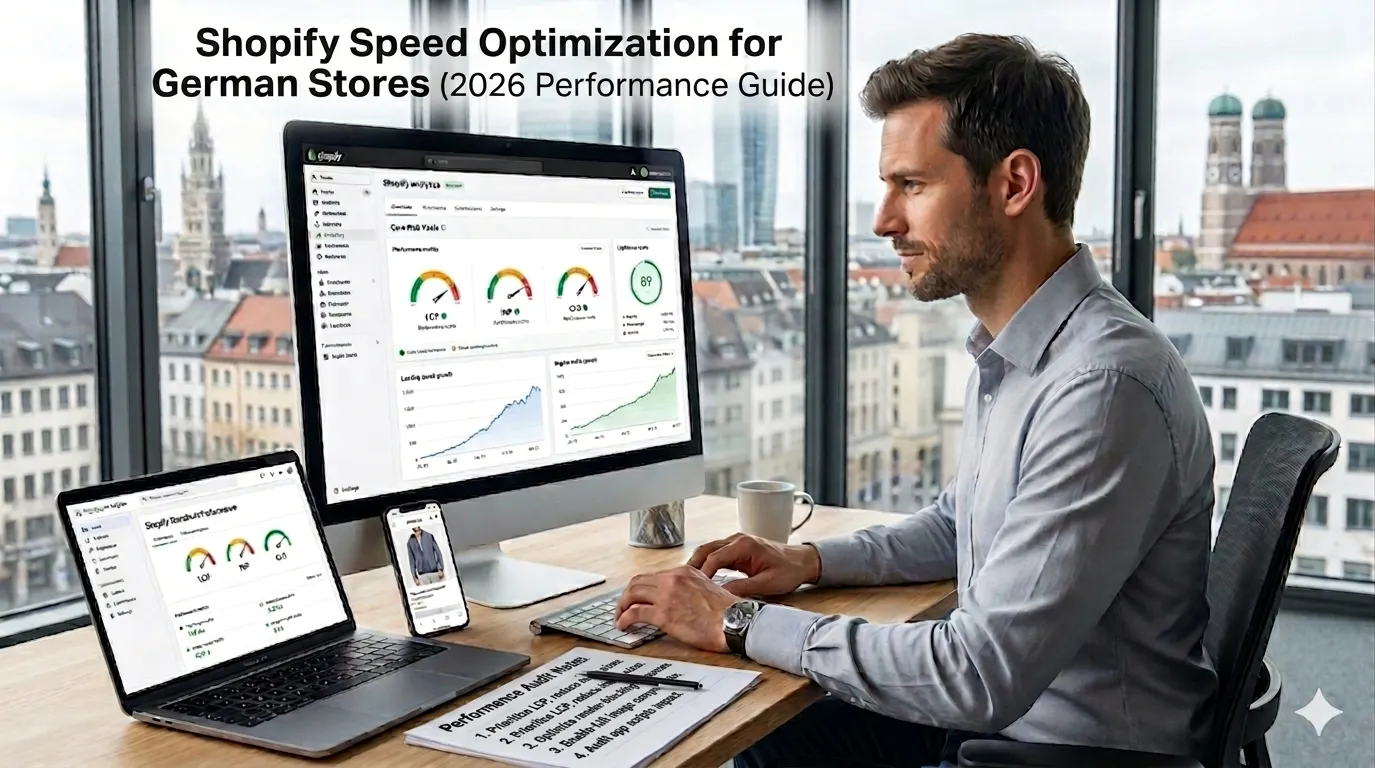
A slow German Shopify store loses conversions visibly. Beyond conversion, slow stores rank worse on Google (Core Web Vitals is a ranking factor), retain mobile users less, and damage brand perception. The good news: Shopify is inherently faster than self-hosted alternatives, but most German Shopify stores still leave 30–50% performance headroom on the table — usually due to bloated app stacks, unoptimized images, and theme decisions,
This guide walks through what Shopify speed optimization for German stores actually requires in 2026: realistic Core Web Vitals targets, app stack discipline, theme optimization patterns, image handling, CDN considerations, and the mobile-first wins that consistently deliver measurable conversion lift.
What are realistic 2026 Shopify performance targets?
Core Web Vitals targets:
LCP (Largest Contentful Paint)
- Target: under 2.5s (Google’s “Good” threshold)
- Stretch: under 1.5s (top-tier performance)
- Typical Shopify default theme: 1.8–3.2s
INP (Interaction to Next Paint, replaced FID in 2024)
- Target: under 200ms
- Stretch: under 100ms
- Common app-bloat issue: 250–500ms
CLS (Cumulative Layout Shift)
- Target: under 0.1
- Stretch: under 0.05
- Common issue: lazy-loaded images causing shift
Lighthouse Performance score
- Mobile target: 75+
- Desktop target: 90+
- Stretch: mobile 90+, desktop 95+
A typical well-built German Shopify store should hit 80+ mobile, 90+ desktop. Below that, optimization headroom exists.
What are the top performance wins for German Shopify in 2026?
Six high-impact optimizations, ordered by typical ROI:
1. App stack audit and reduction
Each Shopify app injects JavaScript. 5 apps is fine; 25 apps is performance death. Quarterly audit:
- List every app + monthly cost + what it actually does
- Remove apps not used or duplicative
- Replace 3–5 SaaS apps with one custom app where ROI justifies
Typical lift: 10–25% Lighthouse mobile score from app reduction alone.
2. Image optimization
Shopify’s CDN serves images, but you control the upload + filters:
- Upload images at appropriate dimensions (max 2000px wide for hero images)
- Use Shopify’s Liquid image filters for responsive sizing
- WebP / AVIF format where supported
- Lazy-load below-the-fold images
- Compress before upload (TinyPNG, Squoosh)
Typical lift: 15–30% LCP improvement.
3. Defer non-critical JavaScript
App scripts often load synchronously. Defer where possible:
- Chat widgets: load on user interaction
- Reviews widgets: lazy-load below fold
- Analytics: load with low priority
- Marketing pixels: gate behind consent + defer
Typical lift: 20–40% INP improvement.
4. Theme code optimization
For custom themes: minify, tree-shake, remove unused CSS/JS. For premium themes: check developer’s optimization patterns.
5. Eliminate render-blocking resources
Critical CSS inline, async/defer non-critical CSS, deferred scripts.
6. CDN and edge optimization
Shopify uses Cloudflare CDN by default. Verify:
- Image assets served from CDN
- Static assets cached aggressively
- Brotli compression enabled (Shopify handles this)
What apps hurt Shopify performance most?
After auditing dozens of German Shopify stores:
Heavy chat widgets
Intercom, Drift, Tidio loading on every page = 100–300ms INP cost.
Fix: Load chat widget on user click (button → load). Or use Userlike (Germany, lightweight).
Reviews widgets on every product page
Loading review data synchronously on page load.
Fix: Lazy-load below fold. Use widgets that don’t block render.
Pop-up apps with timer-based shows
Pop-up scripts evaluating constantly.
Fix: Use lightweight pop-up apps. Don’t run multiple pop-up apps.
Customer support widgets that auto-open
Intrusive + heavy.
Fix: User-initiated only.
Bundle / upsell apps with heavy JS
Cart-page apps that recalculate on every interaction.
Fix: Use lean alternatives. Test performance before installing.
Wishlist apps with login modals
Often heavy JS frameworks for simple functionality.
Survey / quiz apps
Heavy frameworks for limited use.
For app stack discipline, see our Shopify cost Germany guide.
What about theme performance?
Theme choice matters significantly:
Dawn (Shopify’s free theme)
Lighthouse 88+ mobile out of the box. Excellent baseline. Recommended for most German stores.
Sense, Crave, Refresh (other free themes)
Solid performance. 85–90 mobile.
Premium themes (Impulse, Symmetry, Empire, etc.)
Varies by theme. Many are 70–80 mobile out of the box. Customization can hurt or help.
Custom themes
Should be 90+ mobile if built by competent agency. If your custom theme is slower than Dawn, the agency built it badly.
For theme decisions see our custom Shopify theme development guide.
How does German market context affect Shopify performance?
Three German-specific considerations:
Cookie banner overhead
Cookie banner script loads on every page. Use lightweight options (Borlabs, Real Cookie Banner, Consentmanager) over heavy ones. Test impact on LCP.
Marketing pixel consent gating
Pixels (Meta, GA4, Klaviyo) load only after consent. This actually IMPROVES performance for users who don’t consent. Honor it.
German hosting / CDN reality
Shopify’s CDN is global (Cloudflare). German users typically hit Frankfurt edge — sub-50ms latency. No further German-specific CDN needed.
Trust seal widgets
Trusted Shops, Trustpilot widgets load asynchronously. Configure for non-blocking load.
How do you measure Shopify performance properly?
Tools
- Lighthouse (Chrome DevTools, mobile + desktop)
- PageSpeed Insights (Google’s hosted Lighthouse)
- WebPageTest (deeper waterfall analysis)
- Shopify Web Performance Dashboard (built into admin)
- Real-user monitoring via SpeedCurve, Pingdom, Sentry Performance
Tests to run
- Home page (mobile + desktop)
- Top-selling product page
- Cart page
- Checkout (limited testing since checkout is Shopify-controlled)
How often
- Quarterly: full performance audit
- After every theme change or app install: re-test
- Monthly: spot-check key pages
What are the most common Shopify performance mistakes German brands make?
Five patterns:
Over-apping
Most common cause of slow Shopify. Quarterly app audit is the single biggest performance lever.
Unoptimized hero images
Hero image is the LCP element. Compressed + correctly sized hero image alone can lift LCP 30%.
Heavy chat widgets
Loading chat widgets eagerly on every page. Load on user interaction instead.
Theme code with unused CSS/JS
Especially after years of customization. Annual code audit removes accumulated cruft.
Not lazy-loading below-the-fold content
Below-fold images, reviews, product recommendations all loading eagerly. Lazy-load.
When is a full performance rebuild worth it?
If your store is consistently below 60 mobile Lighthouse after optimization:
- Theme is fundamentally bloated → consider switching theme
- App stack is fundamentally too large → audit and reduce aggressively
- Custom code is poorly optimized → rebuild critical paths
Typical full performance rebuild project: €8,000–€30,000 for a mid-size German Shopify store. ROI usually positive via conversion lift.
When does headless Hydrogen win on performance?
For top-tier performance (LCP under 1.0s, near-perfect Lighthouse), Hydrogen on Oxygen can outperform Liquid themes. But the build cost (€45,000+) only justifies for performance-critical brands.
See our Shopify Hydrogen headless Germany guide.
Mobile 75+ baseline, 85+ good, 90+ excellent. Desktop 85+ baseline, 90+ good, 95+ excellent.
App stack audit, image optimization, defer JS, theme code optimization, eliminate render-blocking.
5 to 10 is fine, 15+ concerning, 25+ definitely hurting performance. Audit quarterly.
Dawn is the fastest baseline. Choose Dawn or a custom theme over heavy premium themes.
Yes, Cloudflare with Frankfurt edge, sub-50ms latency for German users.
Quarterly full audit, re-test after theme or app changes, monthly spot-check.
Consider Hydrogen for sub-1.0s LCP. For most stores, optimized Liquid is enough.
App stack reduction. Removing 10 unused apps lifts Lighthouse mobile 15 to 25 points.
Need help optimizing Shopify performance?
If your German Shopify store is underperforming on Core Web Vitals and you want a 30-minute scoping conversation about app audit, theme optimization, or rebuild ROI, book a meeting or send details via our contact page.