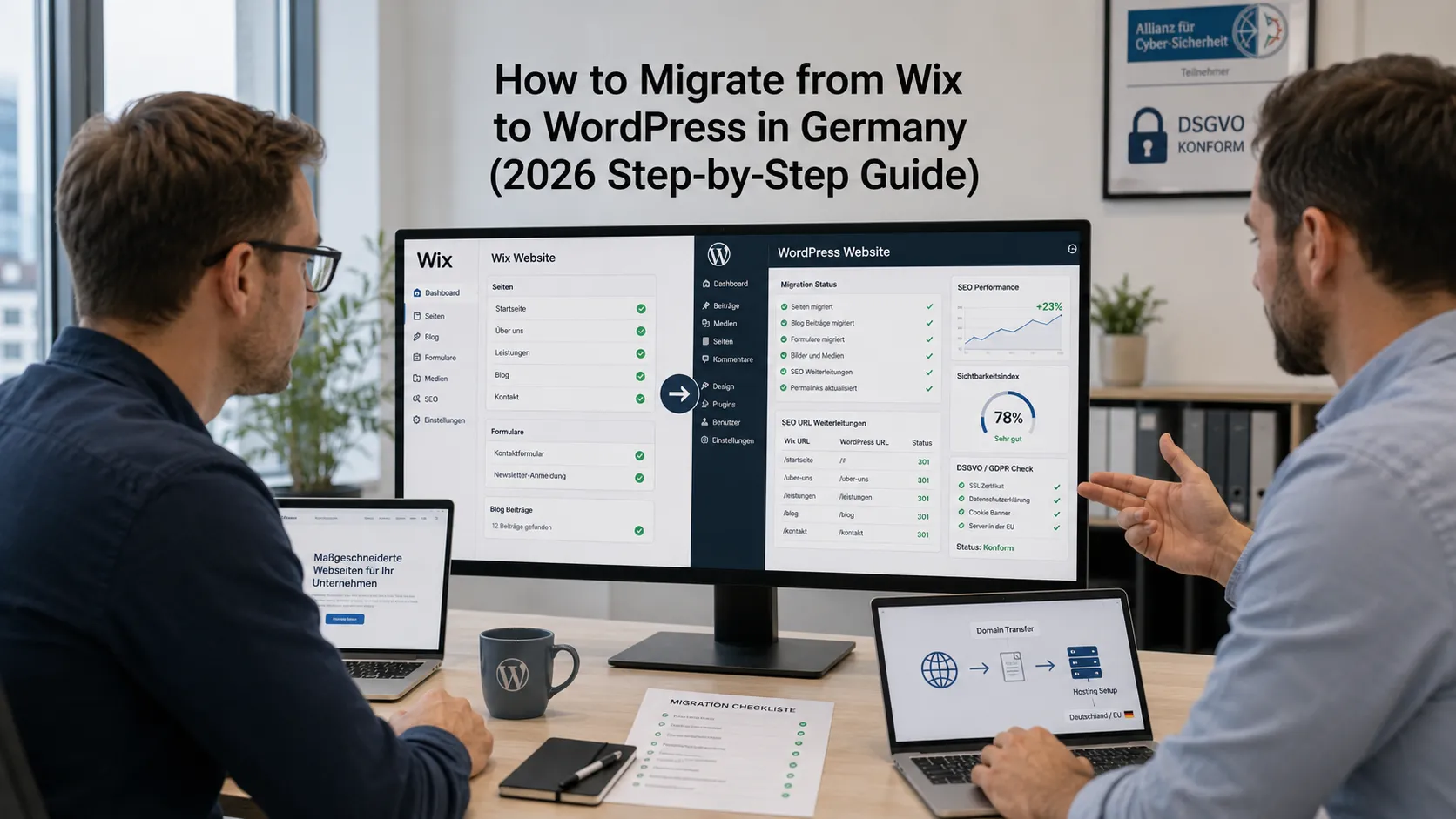
Wix is a great starting platform — until it isn’t. Most German businesses on Wix hit the same wall around year two or three: limited SEO control, no real plugin ecosystem, expensive feature add-ons, design restrictions, and a vague sense that they’re stuck on someone else’s platform. At that point, the question becomes: how do we migrate from Wix to WordPress without destroying our SEO, our forms, or our weekend?
This guide walks through how to migrate from Wix to WordPress for a German business in 2026: realistic EUR costs, the SEO redirect strategy that preserves rankings, DSGVO setup on the new site, content and design transfer, and the common pitfalls that turn a clean migration into a 6-week nightmare.
Why are German businesses migrating from Wix to WordPress in 2026?
Five reasons come up consistently in client conversations.
SEO limitations
Wix’s SEO has improved over the years but still lags behind WordPress for complex content sites. URL structure is restrictive, schema markup is limited, the speed-optimization toolset is weaker, and you can’t run advanced SEO tools the way you can on WordPress.
Monthly cost creeps up
Wix Premium plans start cheap (€15–€25/month) but climb fast as you add features: e-commerce, multi-language, advanced apps, increased storage. A Wix Business + multi-language site in 2026 runs €60–€140/month — more than self-hosted WordPress on a quality German host with WP Rocket and a premium theme.
Design and feature flexibility
Wix has a great visual editor for the first 80% of customization. The remaining 20% — unique scroll behaviors, custom Gutenberg blocks, niche integrations to German tools (Lexware, Mittwald, Hetzner Cloud) — often requires WordPress.
DSGVO posture
Wix is Israel-based with infrastructure across multiple regions. For German clients with strict DSGVO requirements, WordPress on a German host (Hetzner, Mittwald) provides cleaner data residency and AVV clarity.
Wanting to own your platform
The biggest non-technical reason: Wix-built sites depend on Wix continuing to exist, continuing their plan structure, and continuing to support your specific features. WordPress is open source — you own the code and can move to any host on any day.
When is migrating from Wix to WordPress the right call?
Five signals it’s the right time:
- You’re paying €40+/month in Wix subscription and feeling restricted
- You’re hiring marketing or SEO help and they’re asking “why aren’t you on WordPress?”
- Your content library is growing beyond ~50 pages and Wix’s organization is breaking down
- You’re adding e-commerce or membership features that don’t fit Wix’s native tools
- You’re building toward a multi-language or multi-region presence
When to stay on Wix:
- Your site is under 20 pages, mostly brochure content, and you’re not technical
- You don’t have budget for a WordPress agency or maintenance plan
- You’ve tried WordPress before and hated managing it
- Your business doesn’t depend on SEO or content marketing
What does a Wix-to-WordPress migration actually involve?
Five distinct workstreams, often run in parallel.
1. Content migration
Pages, blog posts, images, videos, embedded content. Wix does not export to a WordPress-compatible format natively — there’s no clean RSS import. Options:
- Use a paid migration service (CMS2CMS, etc.) — €99–€499 depending on site size
- Use a Wix-to-WordPress plugin like the official Wix RSS importer (covers blog posts only)
- Manually copy-paste page-by-page (laborious but reliable, often needed for non-blog pages)
- Use a custom scraper that pulls Wix pages and pushes into WordPress posts via REST API
Sites under 30 pages are usually fastest and most reliable with manual copy-paste migration.
A professional migration service works best for websites with 30–200 pages.
Custom scraping or a hybrid migration approach is typically required for 200+ pages.
2. Design rebuild
Wix designs do not transfer to WordPress. You’re not migrating the design; you’re rebuilding it. Three options:
- Match Wix design pixel-perfect in WordPress using a theme + page builder (Elementor, GeneratePress, Kadence) or a custom-coded theme. Most expensive option but preserves brand consistency.
- Use the migration as a redesign opportunity with a fresh WordPress theme. Often the right move if the Wix design was constraining you anyway.
- Use a Wix-to-WordPress design clone service — limited quality, but cheap (€500–€2,500 for a clone-style rebuild).
3. SEO migration (the critical piece)
Every URL on the Wix site maps to a URL on the WordPress site. Search engine rankings, inbound links, and bookmarks all rely on the old URLs. If you don’t 301-redirect them, you lose 30–80% of SEO traffic during the migration.
The minimum SEO migration checklist:
- Export every Wix URL into a spreadsheet
- Map each Wix URL to its new WordPress URL
- Implement 301 redirects (in WordPress via Redirection plugin or in Nginx/Apache config)
- Re-create meta titles and descriptions on the new pages (Yoast or RankMath SEO plugin)
- Submit a new sitemap to Google Search Console
- Monitor Google Search Console for crawl errors for 30–60 days post-launch
4. Forms and integrations
Wix has built-in forms; WordPress doesn’t. You’ll need to install a form plugin (Gravity Forms, Fluent Forms, Contact Form 7, WPForms) and rebuild each form. If forms were connected to CRM, email automation, or Make.com / Zapier, all those integrations need to be reconfigured.
5. E-commerce migration (if applicable)
Wix Stores → WooCommerce is a project of its own. Product data exports cleanly, but customer accounts, order history, payment integrations, and shipping rules require careful reconfiguration. Budget 30–80% of the total migration time for e-commerce if you have a Wix Stores presence.
What does Wix-to-WordPress migration actually cost in Germany?
Realistic 2026 EUR ranges.
DIY migration
Small Wix site (under 20 pages), basic blog, no e-commerce:
- Domain transfer (or just reconfigure DNS): €0–€20
- WordPress hosting (Hetzner, Mittwald, Raidboxes): €5–€30/month
- WordPress theme: €0–€80
- Migration plugins/services: €0–€199
- Your time: 25–60 hours
- Total: €60–€400 + your time
Agency migration
Standard 30–60 page Wix migration with design rebuild, SEO redirect map, forms, basic DSGVO setup:
- Build: €3,500–€9,500
- Ongoing maintenance: €79–€199/month
Complex migration
Multi-language Wix site, Wix Stores → WooCommerce, custom integrations:
- Build: €10,000–€28,000
- Ongoing maintenance: €199–€499/month
Enterprise migration
200+ page Wix site with extensive blog history, multiple Wix Stores, multi-region:
- Build: €25,000–€70,000+
- Ongoing: €499–€1,500/month
What’s the right SEO migration strategy?
The make-or-break part of any Wix migration. Five steps.
Step 1: Crawl your existing Wix site
Use Screaming Frog (free up to 500 URLs) or Sitebulb to crawl your Wix site and extract every URL, meta title, meta description, and inbound link.
Step 2: Build the URL mapping spreadsheet
Two columns: Old URL (Wix) → New URL (WordPress). Most pages map 1:1. Some Wix URLs (member pages, dynamic gallery pages) may not have a direct WordPress equivalent — decide whether to recreate, redirect to a relevant page, or 410 (intentionally gone).
Step 3: Implement redirects
In WordPress, the Redirection plugin handles 301 redirects from a CSV upload. Alternative: write rules in .htaccess (Apache) or nginx.conf (Nginx) for slightly better performance.
Step 4: Preserve meta data
Yoast SEO or RankMath on the new WordPress site. Copy the meta title and meta description from the Wix page to the matching WordPress page. Verify with Google Search Console after launch.
Step 5: Monitor for 60 days
After launch, check Google Search Console daily for the first two weeks, then weekly. Watch for: crawl errors, indexing drops, sudden traffic loss. Most well-executed migrations show a 5–15% temporary traffic dip in weeks 1–3, recovering in weeks 4–8.
How do you set up the new WordPress site for DSGVO compliance?
Wix’s DSGVO posture is acceptable but not exemplary for German clients. Your new WordPress site should be cleaner. Three priorities:
EU hosting with a signed AVV
Hetzner (Falkenstein, Nürnberg), Mittwald, Raidboxes, IONOS, or AWS Frankfurt with a signed AVV. See our best web hosting in Germany guide.
Cookie banner and consent
Real Cookie Banner, Borlabs Cookie, or Cookiebot. All marketing scripts (Google Analytics, Meta Pixel, etc.) must load only after consent. See our cookie banner compliance guide.
Legal pages
Impressum, Datenschutzerklärung, AGB if you sell anything. Templates from IHK, eRecht24, or a German Anwalt. Don’t reuse the Wix versions verbatim — Wix-generated legal pages often miss German specifics.
For a complete checklist see our GDPR compliance guide for German websites.
What about the domain — can you keep the same one?
Yes, in 99% of cases. The domain is separate from Wix’s hosting; you just reconfigure DNS to point to your new WordPress host.
Process:
- Get the new WordPress site fully built on a staging URL (e.g., staging.example.com or a temporary subdomain)
- Verify everything works: pages load, forms submit, SEO data is set, redirect rules tested
- Update DNS A records to point to the new WordPress host (TTL = 300 for fast switchover)
- Activate the redirect rules
- Monitor for 24–48 hours
Most domains can be switched with under 1 hour of downtime if you’ve staged properly. Always do this during low-traffic hours (early Sunday morning is the German standard) and have a rollback plan.
What are the biggest mistakes in Wix-to-WordPress migrations?
After auditing dozens of completed and failed migrations, five patterns dominate.
Skipping the redirect map
Launching the new WordPress site without 301 redirects from old Wix URLs. Result: 30–80% SEO traffic loss in the first month, much of which never recovers.
Migrating before the new site is ready
Pulling the trigger on DNS before forms work, before redirects are in place, before the new site has been tested. Result: weeks of frustration as visitors hit broken pages and broken forms.
No backup of the Wix site before migration
You can’t realistically “go back to Wix” if you break the migration — but you can lose all your old content if you delete the Wix subscription before exporting everything. Always keep the Wix site live (paused, but live) for at least 30 days after WordPress launch.
Ignoring the WordPress maintenance reality
Wix updates itself automatically. WordPress doesn’t — you (or your agency) need to update core, themes, plugins, monitor security, run backups. Plan for this from day one.
Underestimating the design rebuild
“We’ll just clone the Wix design” turns into “we need to rebuild every page block” once you start. Budget 30–50% more design time than you initially estimate.
When should you build a custom WordPress theme instead of using one off-the-shelf?
For most Wix migrations, an off-the-shelf theme + customization is the right move:
- Kadence, GeneratePress, Astra, Blocksy — modern, fast, flexible themes that work with Gutenberg or page builders.
- Pre-built theme packs — pre-designed templates that match common brand types (consulting, e-commerce, blog, portfolio).
Custom theme builds make sense when:
- You need a truly unique design system that no theme provides
- You’re at enterprise scale and theme limitations cost more than custom development
- You have a multi-site rollout requiring shared design infrastructure
For most German SMEs, configuring an off-the-shelf theme is the right move. Custom theme work is €4,000–€18,000 vs. €0–€80 for an off-the-shelf option.
For more on the build vs. buy question, see our custom WordPress plugin development guide.
Frequently Asked Questions About Wix to WordPress Migration in Germany
1–3 weeks DIY; 3–6 weeks agency standard; 6–12 weeks complex; 3–6 months enterprise.
5–15% dip weeks 1–3 with proper 301 redirects; 30–80% drop without them.
€60–€400 DIY; €3,500–€9,500 agency; €10,000–€28,000 complex; €25,000+ enterprise.
Yes — products export cleanly; customer accounts/orders/payments need manual reconfig.
Google Workspace can move independently via MX records; Wix-native email must be migrated to a separate provider.
Yes, until DNS switches — then keep Wix paused 30 days as fallback.
Yes via RSS import; comments do not migrate.
No — rebuild them in Gravity Forms, Fluent Forms, WPForms, or Contact Form 7.
Ready to migrate from Wix to WordPress?
A well-executed Wix-to-WordPress migration is one of the best long-term moves a German SME can make — IF it’s done right. Wrong execution destroys SEO, breaks forms, and creates 6 weeks of pain.
If you want a 30-minute scoping call where we look at your specific Wix site and map out a clean migration plan, book a meeting or send the details via our contact page. We’ll come back with a written migration plan including realistic EUR budget, timeline, and an SEO redirect strategy designed specifically for your site.
Need expert help? Gem Programmers provides custom website development for businesses in Germany, Austria and Switzerland. Request a free, no-obligation quote and get a clear plan with scope, timeline and price.