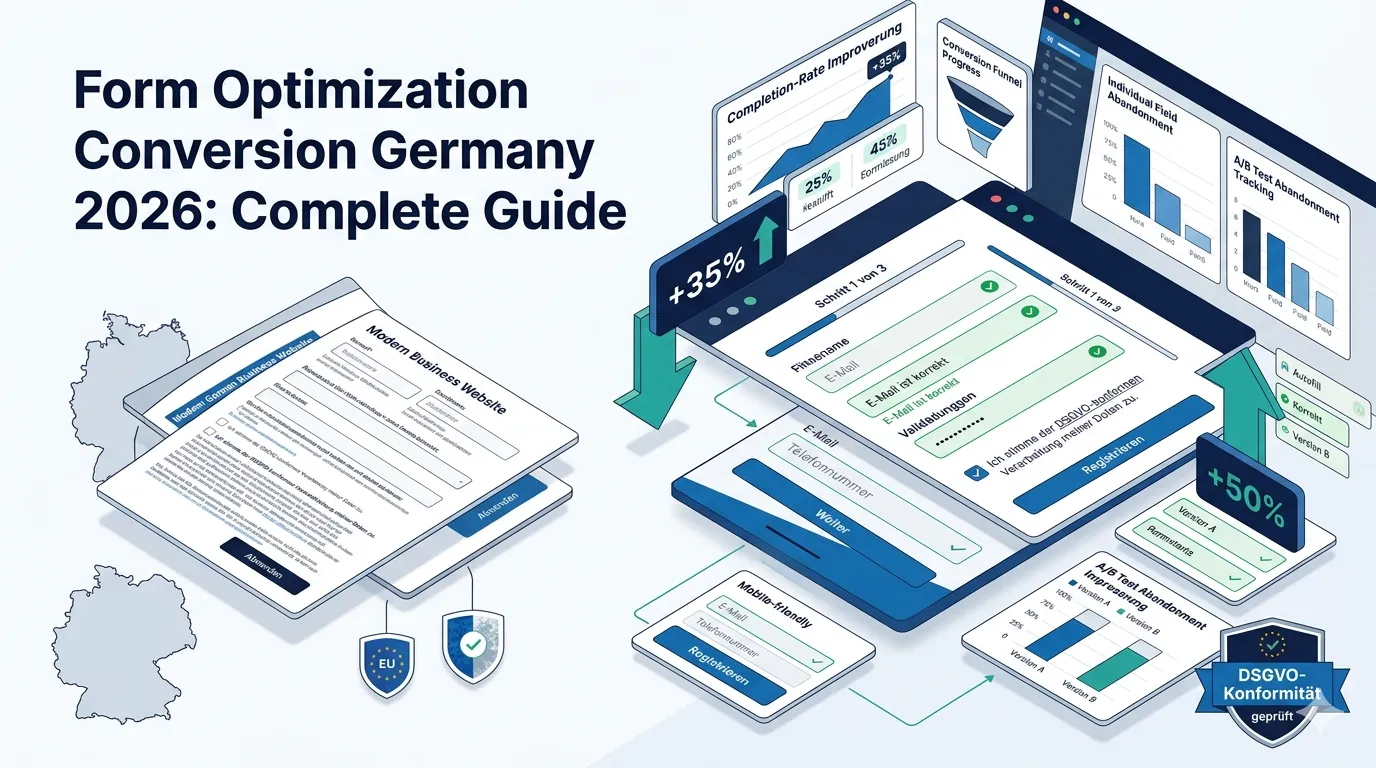
Forms are where conversion actually happens — or doesn’t. A 30% form completion rate vs 50% completion rate doubles your effective lead generation. For German sites in 2026, form optimization is one of the most underused high-ROI CRO levers. Reducing form friction often delivers 20–50% conversion lift on lead-gen pages.
This guide walks through what form optimization conversion in Germany actually requires in 2026: field reduction principles, multi-step forms, error handling, autofill optimization, DSGVO consent integration, and common conversion mistakes.
For broader CRO see our CRO services Germany guide.
Why does form optimization matter?
Five reasons:
Every field reduces completion
Each additional field typically reduces completion 5–15%. Form length matters dramatically.
Bottom-of-funnel high value
Form completion = converted lead. Single biggest CRO lever.
Mobile especially friction-sensitive
Mobile form completion 30–50% lower than desktop. Massive opportunity.
Often skipped in CRO
Easy to overlook. Most CRO programs don’t deeply optimize forms.
Compounds across channels
Form improvement benefits all traffic sources simultaneously.
What’s the field reduction principle?
Each form field reduces completion. Eliminate ruthlessly:
Questions to ask per field
- Is this absolutely required at this stage?
- Can we get it after conversion?
- Does the customer know we need it
- Will autofill help here?
Trade-off
Fewer fields = more leads but less qualified. Balance lead quantity + quality per channel + funnel stage.
Stage-appropriate fields
Top-of-funnel: email only. Middle: email + name + company. Bottom: full qualification fields.
What field counts work for different forms?
By form type:
Newsletter signup
1 field (email). Maybe 2 (email + name).
Lead magnet download
2-3 fields. Email + name + company.
Demo request (B2B SaaS
4-6 fields. Email + name + company + role + use case.
Contact form
3-4 fields. Email + name + message.
Quote request
5-8 fields. Email + name + service + project details.
Service inquiry
3-5 fields. Contact info + service of interest + timeline.
B2B enterprise demo
8-12 fields. Full qualification. But split into multi-step.
What’s the multi-step form approach?
For complex required-info scenarios:
Single long form
Show 12 fields at once. User overwhelmed. ~25% completion.
Multi-step form
Break into 3-4 steps with 3-4 fields each. Progress indicator. ~50–60% completion.
Why multi-step wins
- Less overwhelming
- User commits step-by-step
- Sunk cost fallacy keeps them progressing
- Easier to track drop-off per step
Tool support
Typeform, JotForm, Tally, Gravity Forms, native React/Vue all support.
What German-specific form considerations?
Six factors:
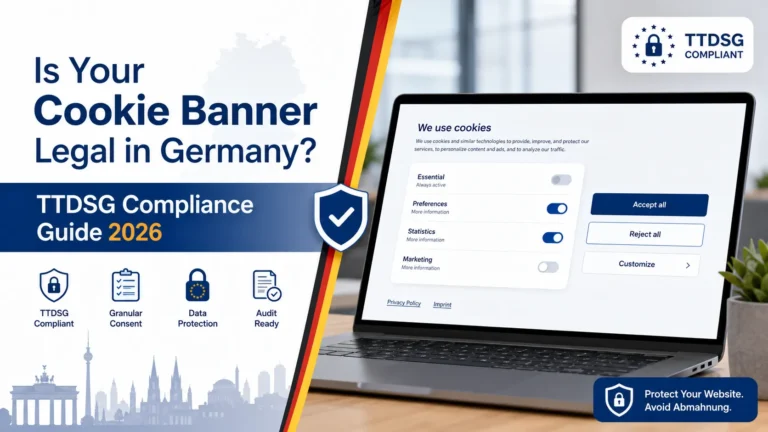
DSGVO consent checkbox
For email collection: explicit consent. “Ich möchte den Newsletter erhalten + akzeptiere die Datenschutzerklärung.”
Sie-form labels
For B2B/professional: “Ihr Name” not “Dein Name.”
Mandatory fields marked
Per UWG, required fields marked clearly (asterisk + explanation).
Privacy notice
Brief note about data usage near submit button.
Trusted Shops compatibility
For e-commerce: form consistent with Trusted Shops requirements.
Mobile keyboard optimization
<input type="email"> triggers email keyboard. <input type="tel"> triggers phone keyboard. Use correctly.
What form copy works in Germany?
Five patterns:
Clear field labels
“E-Mail-Adresse” beats “Email” for German users.
Helpful placeholder text
“name@firma.de” example better than generic “Email.”
Outcome-focused submit button
“Beratung anfragen” beats “Senden” or “Submit.”
Reassurance below submit
“Innerhalb von 24 Stunden Antwort” or “Kostenlos + unverbindlich.”
Error messages helpful
“Bitte geben Sie eine gültige E-Mail-Adresse ein” beats “Invalid input.”
What about form errors?
Error handling significantly affects completion:
Inline validation
Validate as user types. Don’t wait until submit.
Specific error messages
“E-Mail-Adresse fehlt” beats “Error in form.”
Visual error indicators
Red field outline + error text. Clear what’s wrong.
Help text
Explain requirements before user submits. “Mindestens 8 Zeichen” for password fields.
Preserve user input
When error occurs, don’t clear other fields. Just highlight problem.
What about autofill?
Browser autofill significantly aids completion:
Proper field names
Use standard autocomplete attributes:
autocomplete="email"autocomplete="name"orgiven-name/family-nameautocomplete="tel"autocomplete="street-address"
Tab order
Logical tab progression. Users tab through quickly.
Mobile autofill
Mobile autofill especially helpful. Don’t break it with custom fields.
For broader mobile see our mobile conversion optimization guide (forthcoming, #154).
What’s the optimal form layout?
Five layout principles:
Single column
Multi-column forms reduce completion. Stick to single column.
Field labels above fields
Below labels work too. Inside-field placeholders alone insufficient (UX confusion).
Larger touch targets
Mobile-friendly. 44×44px minimum for input fields.
Logical grouping
Related fields together. Personal info > company info > preferences > consent.
Submit button prominent
Visually distinct. Outcome-focused copy.
What’s the trust signal placement near forms?
Trust signals near submit help completion
Below submit button
“Trusted Shops” badge, “Spam-frei garantiert,” “10.000+ Kunden vertrauen uns.”
Near sensitive fields
For credit card / payment: “256-Bit verschlüsselt” or trust seal.
Privacy reassurance
“Wir teilen Ihre Daten niemals” near consent checkbox.
For broader trust see our trust signals conversion guide (forthcoming, #152).
What’s the testing approach for forms?
Five high-impact A/B tests:
Field count
Test removing 1-2 less-critical fields.
Multi-step vs single page
For longer forms.
Field labels + helper text
German-specific phrasing variations.
Submit button copy
“Beratung anfragen” vs “Jetzt kostenlos starten” vs other variants.
Visual emphasis
Different submit button colors, sizes, placements.
For broader A/B testing see our A/B testing Germany guide.
What are common form mistakes German businesses make?
Seven patterns:
Too many required fields
“Phone number” required for newsletter signup. Reduces completion needlessly.
Generic error messages
“Error” without explanation. User frustrated, leaves.
No mobile optimization
Desktop-designed form forced onto mobile. Tiny touch targets, awkward keyboards.
Missing DSGVO consent
Or unclear consent text. Legal risk + user mistrust.
No visual progress indicator
Long forms without progress = users abandon midway
Hidden mandatory fields
Form looks short, expands as user fills. Misleading.
CAPTCHA friction
Aggressive CAPTCHA reduces completion. Use Cloudflare Turnstile or hCaptcha (better UX).
How do you measure form performance?
Five KPIs:
Form completion rate
Submissions / form views. Primary metric.
Field-level abandonment
Where in form users stop. Form analytics tools (Hotjar Forms, Mouseflow) reveal.
Time to complete
How long does form take? Longer = higher abandonment.
Error rate per field
Which fields trigger most errors? Often UX issues
Quality of leads
If form is too easy: leads low quality. If too friction-heavy: high quality but few. Balance.
How does AI help form optimization in 2026?
Three applications:
Auto-validation
AI-powered email validation, phone validation, address completion.
Smart defaults
Pre-fill based on inferred user attributes.
Conversational forms
Chat-style forms (Typeform, Drift) feel less like forms.
Form analytics + recommendations
AI-powered analysis surfacing optimization opportunities.
Frequently asked questions about form optimization conversion
Newsletter 1–2. Lead magnet 2–3. Demo 4–6. Quote 5–8. B2B qualification 8–12 (multi-step).
For 6+ field forms: yes. 50%+ completion improvement typical.
Explicit consent checkbox for marketing. Clear privacy notice. Required vs optional fields marked.
Cloudflare Turnstile or hCaptcha. Better UX than reCAPTCHA v2. Less friction.
Above. Beside reduces mobile UX. Inside-only is insufficient.
Outcome-focused: “Beratung anfragen,” “Demo buchen,” “Kostenlos starten.” Not generic “Senden.”
Completion rate, field-level abandonment, time to complete, error rates, lead quality.
Yes. Field count, multi-step vs single, copy, button design. High-impact tests typical.
Need help with form optimization?
If you’re scoping form CRO for your German business and want a 30-minute scoping conversation about field reduction + testing strategy, book a meeting or send details via our contact page.
Need expert help? Gem Programmers provides CRO services for businesses in Germany, Austria and Switzerland. Request a free, no-obligation quote and get a clear plan with scope, timeline and price.