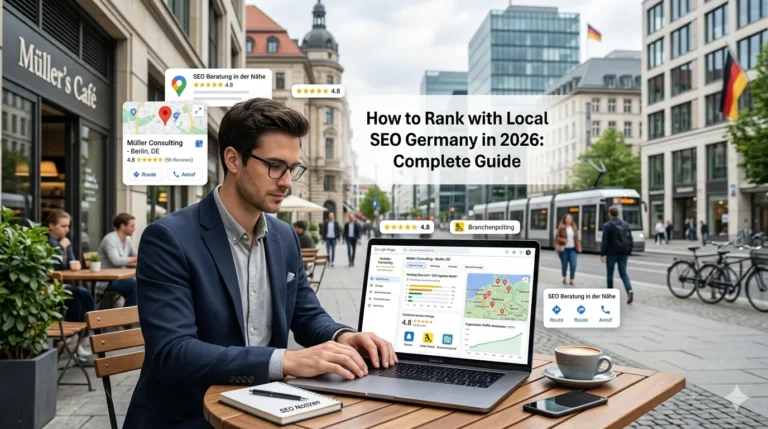
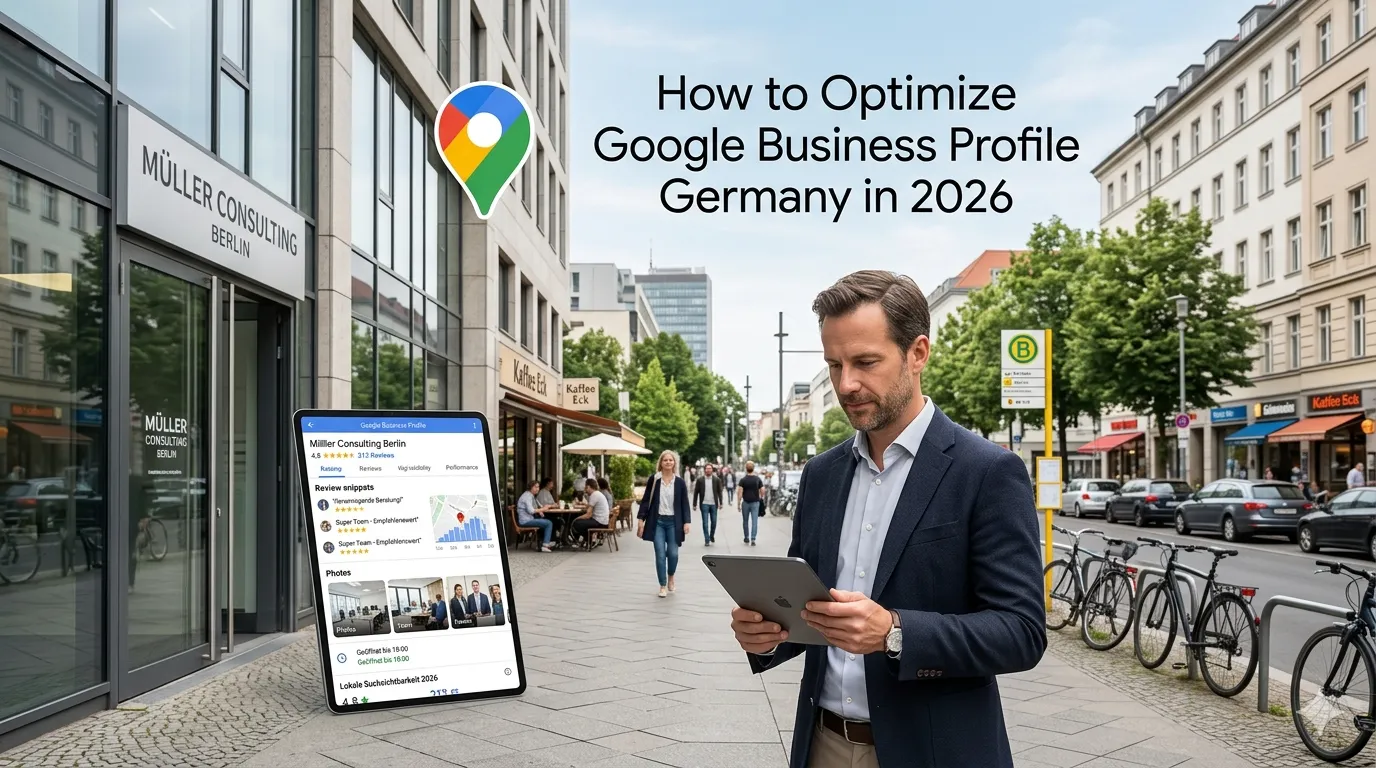
Google Business Profile Germany is the highest-ROI free marketing channel for German service businesses (formerly known as Google My Business). A well-optimized GBP drives more inquiries than most local SEO tactics combined, costs nothing to maintain, and signals legitimacy + trust to potential customers researching your business.
This guide walks through what Google Business Profile Germany optimization actually requires in 2026: setup, category selection, photo strategy, Google Posts cadence, review management, Q&A monitoring, and common mistakes that waste GBP potential.
For broader local SEO context see our local SEO Germany guide.
What does Google Business Profile actually do?
Five user-facing functions:
Appears in local pack (“3-pack”)
For local queries, GBP-claimed businesses can rank in Google’s local pack at top of SERPs.
Appears on Google Maps
Maps searches surface GBP-claimed businesses.
Knowledge panel for branded searches
When someone searches your brand name, GBP info populates the knowledge panel on the right.
Provides contact actions
Click-to-call, directions, message, website, booking — all from GBP card.
Hosts reviews
Customer reviews live on GBP, visible to everyone.
For German businesses: GBP is essential infrastructure, not optional marketing.
How do you set up Google Business Profile?
A 10-step setup:
Step 1: Go to business.google.com
Sign in with Google account. Use a dedicated business Google account (not personal).
Step 2: Add your business
Enter exact legal business name. Don’t include keywords (“Steuerberater Berlin Müller GmbH” — only correct if that’s actually your legal name).
Step 3: Choose category
Primary category most important. Pick the most specific accurate category. Examples: “Steuerberater” not generic “Buchhalter.”
Step 4: Add location
Physical address customers visit. If you serve customers at their location (not yours), set service area instead.
Step 5: Add contact info
Phone number (+49 with full German area code), website URL.
Step 6: Verify your business
Google sends postcard with verification code (5–14 days). Some industries can verify by phone/video.
Step 7: Complete profile
Add hours, photos, description, attributes.
Step 8: Start posting
Weekly Google Posts about offers, events, news.
Step 9: Encourage reviews
After-service email asking for review. QR code on receipts.
Step 10: Respond to all reviews
Within 7 days. Factual, respectful tone.
What categories should you choose?
Primary category
Most important. Pick the single most-specific match.
Up to 9 additional categories
Add 3–5 closely related secondary categories.
Common German business categories
- Steuerberater
- Rechtsanwalt
- Heilpraktiker
- Bauunternehmen
- Friseur
- Restaurant + cuisine sub-types
- Boutique + retail sub-types
- Webagentur / IT-Dienstleister
Pick categories that match what customers search for in Google. Use Google Suggest to discover common category terms.
How important are photos?
Very. Photos drive engagement + conversions:
Required minimum
- Logo
- Cover photo
- 5–10 interior/exterior photos
Recommended
- 30+ photos covering: location exterior, interior, team, products/services, work in progress, customer experiences
Photo guidelines
- High resolution (1080px+ recommended)
- Recent (not stock photos)
- Authentic (not over-edited)
- German context where relevant
Businesses with 100+ photos get 10x more profile views than those with under 10.
Add photos monthly
Fresh photos signal active business. Add 1–5 photos per month minimum.
What are Google Posts and how often should you post?
Google Posts
Short content (similar to social media) on your GBP. Appears in search results + Maps.
Post types
- Updates: news, announcements
- Events: upcoming dates, registration links
- Offers: discounts, promotions
- Products: featured products with prices
Cadence
Weekly minimum. More active businesses post 2–4x per week.
Active posting signals to Google
Regular posts = active business = better rankings.
Post length
500–1,500 character body + photo + CTA button. Concise.
How do you handle reviews on GBP?
Encourage reviews
After service: email thank-you + review link. QR code on physical receipts. SMS with link (with consent).
Don’t pay or incentivize improperly
Google penalizes fake/incentivized reviews. Also illegal under German UWG.
Respond to every review
Within 7 days. Factual + respectful tone.
Negative review response template
“Sehr geehrte/r [Customer], vielen Dank für Ihr Feedback. Es tut uns leid, dass Sie eine schlechte Erfahrung gemacht haben. Wir möchten das gerne klären — bitte kontaktieren Sie uns unter [contact]. Mit freundlichen Grüßen, [Your Name]”
Resolution-focused. No arguing.
Aim for 4.5+ average
Below 4.0: serious problem. 4.5–4.7: solid. 4.8+: excellent.
Quantity matters too
50+ reviews shows established business. 200+ shows established + active.
What about Q&A?
Pre-populate common questions
You can ask + answer your own questions to seed the Q&A section.
Examples for Steuerberater
- “Welche Sprachen sprechen Sie?”
- “Bieten Sie Online-Beratung an?”
- “Wie hoch sind Ihre Stundensätze?”
Monitor customer questions
When customers post questions, answer within 48 hours.
Q&A appears in search results
Featured prominently. Good Q&A boosts both visibility + conversion.
How do you handle multi-location?
For businesses with 2+ locations:
Separate GBP per location
Each location has its own profile. Don’t consolidate.
Same brand across all
Logo, brand name consistent. Distinguish by location (“Müller Steuerberatung Berlin” vs “Müller Steuerberatung Hamburg”).
Bulk management via GBP
For 10+ locations: bulk upload via Google Business Profile API or CSV.
Location-specific photos + posts
Each location’s GBP shows that location’s photos + relevant posts.
For multi-location depth see our multi-location local SEO guide (forthcoming).
What are the most common GBP mistakes German businesses make?
Five patterns:
Incomplete profil
Missing photos, no posts, partial information. Quickest win to fix.
Stuffing business name with keywords
“Müller GmbH Steuerberater Berlin” when legal name is just “Müller GmbH.” Google penalizes.
Wrong category
Generic category when specific available. “Beratung” instead of “Steuerberater.”
Ignoring reviews
Few reviews + slow response + low rating. Lose to competitor with 100 reviews + 4.7 average.
No Google Posts
Inactive GBP = weaker ranking signal. Weekly posts minimum.
How does GBP interact with on-site SEO?
GBP + your website are complementary:
NAP consistency
Address + phone + name match exactly between GBP + website footer + citations.
Location page links to GBP
Your location page should link to your GBP profile (and embed Google Map).
Schema on website reinforces GBP
LocalBusiness schema with same NAP as GBP.
GBP drives both direct conversions + website traffic
Some users call directly from GBP. Others click through to website. Both valuable.
How do you measure GBP performance?
GBP Insights dashboard
Built-in analytics: views, searches, calls, directions, website clicks, photo views.
Track over time
Monthly review. Compare month-over-month + year-over-year.
Set KPIs
- Profile views: growth target
- Direct contacts (calls, messages): growth target
- Review velocity + average rating
- Map pack ranking for priority queries
Frequently asked questions
Free Google product showing your business in Search and Maps.
Postcard in 5 to 14 days; some industries by phone or video.
No; use legal business name only.
Minimum 10; optimal 50+; add fresh photos monthly.
Weekly minimum; 2 to 4 times per week is ideal.
Yes; positive briefly, negative factually with resolution.
Report to Google with evidence.
Only with multiple physical locations.
Need help with GBP optimization?
If you’re scoping GBP optimization for your German business and want a 30-minute scoping conversation about setup + ongoing strategy, book a meeting or send details via our contact page.
Need expert help? Gem Programmers provides search engine optimisation services for businesses in Germany, Austria and Switzerland. Request a free, no-obligation quote and get a clear plan with scope, timeline and price.