
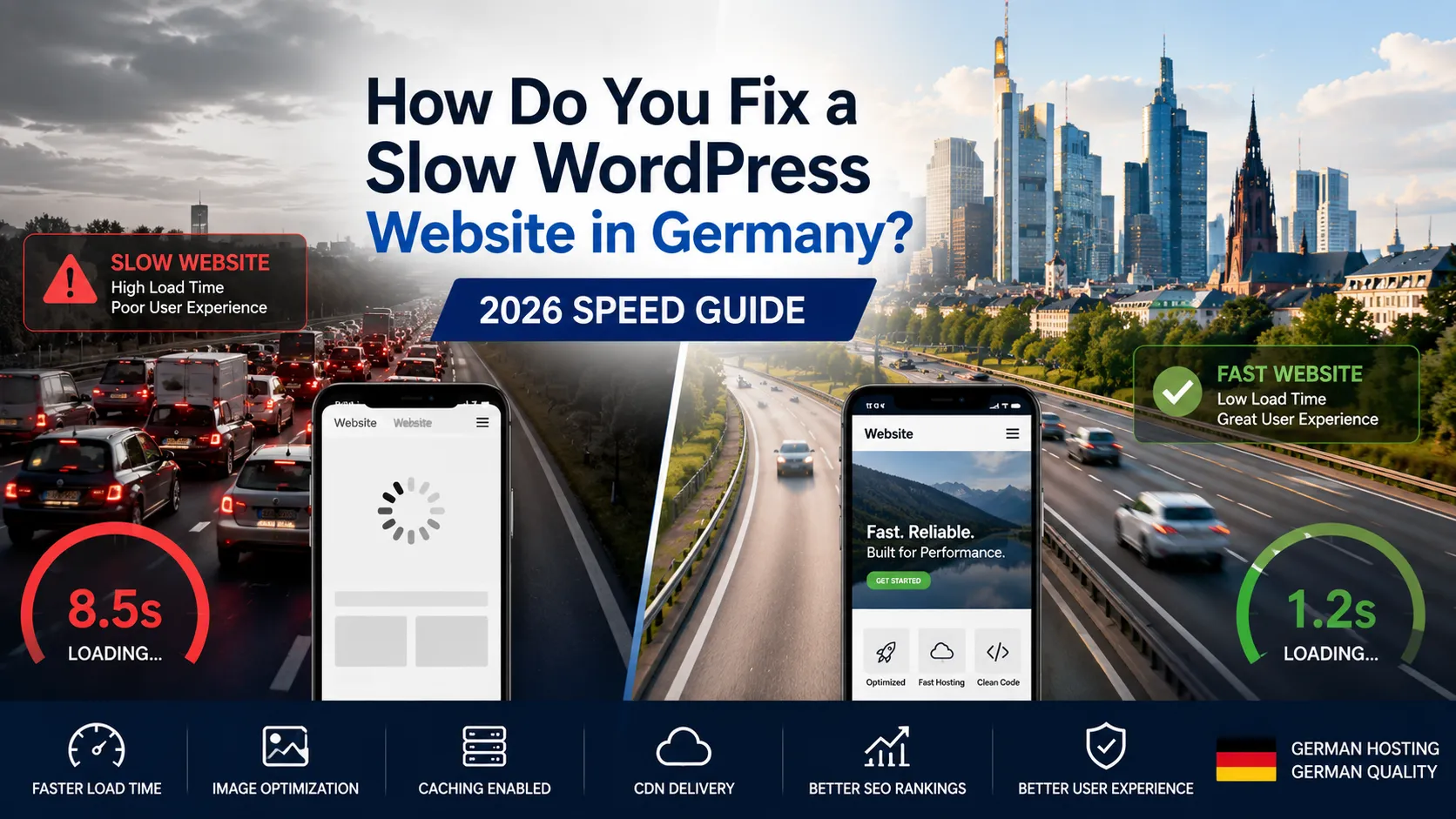
If your WordPress website slow fix Germany is slow in bouncing visitors on mobile, the cause is almost never one thing — it’s usually four or five small problems compounding. The good news: most German SME WordPress sites can be made dramatically faster in a single afternoon, without rebuilding or hiring a developer. This guide walks through how to diagnose the real cause, what to fix first, and when to consider switching hosting providers.
Written for GmbH founders, marketing managers, and Mittelstand operators who need their site faster but don’t want to learn htop to get there.
Why is my WordPress website slow in Germany?
Eight causes account for almost every slow WordPress site in the DACH market:
- Cheap shared hosting with overloaded servers
- Heavy theme with unused features and bloated CSS
- Plugin sprawl (30+ active plugins, each adding HTTP requests)
- Unoptimised images (PNG/JPG at full resolution served to mobile)
- No caching layer (page generated on every visit)
- No CDN (assets served from a single distant server)
- Render-blocking JavaScript in the
<head> - Bloated database with years of revisions, expired transients, and spam comments
The first step isn’t to install another speed plugin — it’s to find out which of these eight is actually killing your site.
How do you diagnose a slow WordPress site properly?
Run these three tests in this order:
Test 1: Google PageSpeed Insights
Visit pagespeed.web.dev and enter your homepage URL. Look at the mobile score and these three Core Web Vitals:
- LCP (Largest Contentful Paint) — should be under 2.5s
- INP (Interaction to Next Paint) — should be under 200ms
- CLS (Cumulative Layout Shift) — should be under 0.1
Mobile is what Google ranks on, so prioritise the mobile column over desktop.
Test 2: GTmetrix Waterfall View
GTmetrix shows you the loading sequence in a “waterfall” chart. Look for:
- Which file takes longest to load (the bar furthest right)
- Which file is largest (the thickest bar)
- How many total HTTP requests the page makes
A page making 200+ HTTP requests is almost certainly running too many plugins.
Test 3: Query Monitor (WordPress plugin)
Install Query Monitor temporarily. It shows which plugins, themes, and database queries are consuming time on every page load. Often reveals a single misbehaving plugin causing 80% of slowness.
The combination of these three tests usually identifies the real bottleneck in under 30 minutes in a WordPress website slow fix Germany scenario.
What are the highest-impact WordPress speed fixes?
Work these in priority order. Stop when your mobile LCP is under 2.5 seconds.
Fix 1: Switch to a faster German hosting provider
This is the highest-impact fix and the one most SMEs put off. If your shared hosting plan costs €3/month, that’s why your site is slow. Reasonable German hosts for 2026:
- Hetzner Cloud — €5–€20/month, Falkenstein/Nuremberg data centres
- Raidboxes — managed WordPress, German team, €15–€80/month
- IONOS — established German host, €10–€40/month for performance plans
- Mittwald — managed WordPress specialist, €15–€60/month
- Cloudways (EU regions) — managed cloud, €15–€80/month
Moving from cheap shared hosting to a quality German host often cuts load time in half before any other optimisation. For deeper hosting selection, our website development services page covers the full picture.
Fix 2: Install a caching plugin
Caching is the single biggest software-level performance win. The three best options in 2026:
- WP Rocket — €59/year, easiest to configure
- FlyingPress — €60/year, more granular controls
- LiteSpeed Cache — free, requires LiteSpeed server
Install one (not three — they conflict), enable page caching, browser caching, and minification. Test before and after with PageSpeed Insights.
Fix 3: Compress and convert images to WebP
Old PNG and JPG images at full resolution are the single biggest contributor to mobile slowness for content-heavy sites.
- Install ShortPixel, Imagify, or TinyIMG
- Convert existing media library to WebP
- Set up automatic compression for future uploads
- Aim for under 200KB per hero image, under 50KB per smaller image
For a site with 200+ images, this fix alone can shave 3–5 seconds off mobile LCP.
Fix 4: Audit your plugins
Open WordPress admin → Plugins → Installed. For each plugin, ask:
- Do we actively use this?
- Was it installed by a previous developer for a feature we no longer need?
- Is there a single-purpose plugin that could replace 3 multi-purpose ones?
Most German SME WordPress sites can deactivate 30–50% of installed plugins with no functional loss. Every removed plugin reduces HTTP requests, database queries, and security surface area.
Fix 5: Add a CDN (Cloudflare free is enough)
A CDN serves static assets (images, CSS, JS) from edge servers close to your visitor. For German traffic served by a Frankfurt host, the speed gain is real but modest in the context of WordPress website slow fix Germany. For international visitors, it’s transformational.
Cloudflare’s free tier handles most SME sites. Sign up, change DNS to point to Cloudflare, enable caching for static assets. Twenty-minute set
Fix 6: Defer non-critical JavaScript
Render-blocking JavaScript in the <head> makes the browser wait before showing the page. Move what you can to the footer or defer execution in a WordPress website slow fix Germany setup.
Most caching plugins (WP Rocket, FlyingPress) handle this automatically. If you have heavy third-party scripts (chat widgets, analytics, marketing pixels), wrap them in cookie consent and delay loading until consent is given.
Fix 7: Clean up the database
WordPress databases accumulate junk: post revisions, auto-drafts, expired transients, spam comments. WP-Optimize or Advanced Database Cleaner clears this safely.
For a site running 3+ years, expect to reclaim 30–60% of database size. Performance impact is small but real, especially for admin-side operations.
Fix 8: Replace heavy themes with lightweight ones
Some themes ship with massive CSS bundles and unused JavaScript libraries. If your theme is one of the older “everything included” themes (Avada, Divi pre-2024, BeTheme), expect a 30–50% speed penalty vs lightweight alternatives.
Modern lightweight themes for 2026: GeneratePress, Astra, Kadence, Blocksy. Migration is real work (1–3 days), but the speed payoff is substantial for content-heavy sites.
Are German hosting providers actually faster than international ones?
For German traffic, yes — meaningfully. A site hosted in Frankfurt typically responds in under 50ms to German visitors. The same site on a generic US host responds in 150–300ms. For SEO, where Core Web Vitals affect ranking, this gap matters.
Beyond speed, German hosts also win on:
- GDPR posture (AVV signed by default, no US CLOUD Act exposure)
- German-language support if needed
- No surprise pricing changes in non-EUR currencies
- ISO 27001 alignment available at reputable providers
For most German SMEs, hosting locally is both faster and cleaner from a compliance angle.
What if my site is fast on desktop but slow on mobile?
This is the most common pattern, and it usually comes from one of three causes:
- Large images served at full desktop resolution to mobile devices
- Heavy JavaScript that runs fine on a laptop but chokes on a budget Android
- Render-blocking third-party scripts (chat, analytics) firing before page paint
The fixes: WebP images with responsive sizing, JavaScript deferral, and delayed loading of marketing pixels until after first paint. Most modern caching plugins handle these automatically once configured.
Mobile-first optimisation matters disproportionately because Google ranks on mobile speed and 60–70% of German B2C traffic now starts on mobile.
How fast should a WordPress website be in 2026?
Realistic 2026 benchmarks for a quality German WordPress site:
- Mobile LCP: under 2.5 seconds (Google “Good” threshold), ideally under 1.8s
- Desktop LCP: under 1.8 seconds, ideally under 1.2s
- Time to First Byte (TTFB): under 600ms, ideally under 300ms
- Total page weight: under 2MB for a typical content page
- Total HTTP requests: under 80 per page
If your site is 4+ seconds on mobile, you’re losing roughly a third of mobile traffic before the page even paints. The fixes above can usually get any reasonable WordPress site under 2 seconds mobile within a week.
When should you bring in a developer vs DIY?
DIY-fixable in a weekend if you’re comfortable in WordPress admin:
- Installing a caching plugin
- Converting images to WebP
- Auditing and deactivating plugins
- Setting up Cloudflare free
Worth a specialist if:
- You’ve done the above and still aren’t under 2.5s mobile LCP
- The site uses a heavy custom theme
- You need to migrate hosting without downtime
- You’re considering a headless WordPress rebuild
Our website development services page covers WordPress performance work as part of the broader delivery model.
How does WordPress speed affect SEO ranking in Germany?
Speed is part of Google’s ranking algorithm via Core Web Vitals. The realistic impact:
- Sites with poor Core Web Vitals lose 10–30% of organic traffic vs faster competitors over time
- Mobile speed matters more than desktop because Google uses mobile-first indexing
- The penalty is gradual — not a sudden drop, but a slow ranking erosion
- Speed gains compound with content and link quality — fast site + good content beats slow site + good content
For German competitive niches, sub-2-second mobile LCP is the bar in 2026. Sites above 4 seconds are unlikely to rank in the top three.
For broader speed/SEO interaction, see our Web Development Trends in Germany 2026 post.
What about WordPress speed plugins like NitroPack?
NitroPack and similar all-in-one performance services (LiteSpeed Cache + QUIC.cloud, FlyingPress, Perfmatters) deliver real speed gains. Trade-offs:
- Easier setup than configuring 5 separate plugins
- Subscription cost (€20–€80/month typically)
- Some vendor lock-in (your speed depends on their service)
- Occasional rendering issues if cached HTML drifts from your theme
For non-technical owners, an all-in-one service is often the fastest path to a fast site. For technical teams, the manual approach gives more control.
Frequently Asked Questions About Fixing a Slow WordPress Website in Germany
Test on mobile and 4G in a real German city — that’s where Google measures Core Web Vitals.
DIY: €100–€500; specialist work: €1,500–€5,000 including hosting migration.
Yes if you’re on shared hosting under €10/month — managed typically halves load time.
Yes — independent tests show 30–60% mobile speed improvements vs no caching plugin.
Search Console → Core Web Vitals report; goal is 0 URLs in Poor for mobile.
For most SMEs, yes — free tier provides CDN, basic DDoS protection, and SSL.
Yes — going from 5s to 2s mobile typically recovers 30–60% of bouncing visitors.
Final thoughts on fixing a slow WordPress website in Germany
Most slow German WordPress sites can be fixed in a single focused afternoon — once you stop guessing and actually diagnose with PageSpeed Insights, GTmetrix, and Query Monitor. The biggest wins come from quality hosting (German-based, not shared), a real caching plugin, and image compression. Everything else is incremental.
If you’d like a free speed audit on your WordPress site — with prioritised fixes and a written report — our team offers a 30-minute scoping call. You can book a meeting or browse our website development services for the broader maintenance and optimisation offer.