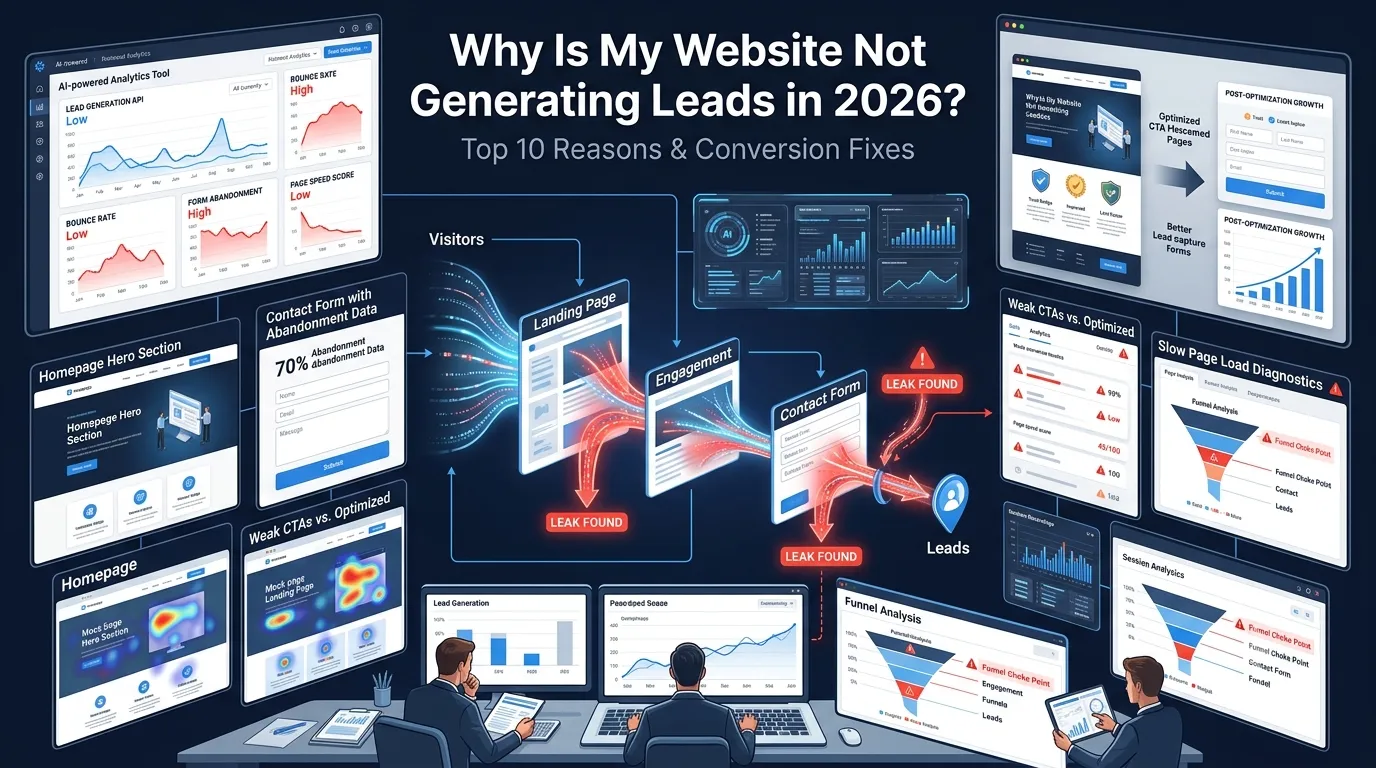
If you’re asking yourself why my website is not generating leads despite steady traffic and a half-decent SEO setup, the problem almost never lives in one place. It’s usually a combination of four or five small things — weak above-the-fold messaging, hidden contact options, slow mobile load, no trust signals — quietly killing conversions every day.
This guide covers the top 10 reasons a B2B or SME site fails to generate leads, how to diagnose each with free tools, and the practical fixes that move the needle in 30 days.
What’s the real question: traffic vs lead-ready traffic?
Most “my website isn’t generating leads” problems aren’t actually traffic problems. They’re traffic quality problems combined with conversion friction.
Two questions to answer before anything else:
- Is your traffic coming from people with buying intent, or random readers from social shares and broad keywords?
- Once they land, does the page give them an obvious next step within 5 seconds?
If either is no, your funnel is leaking before it even starts.
Reason 1: Is your call-to-action clear above the fold?
The single biggest reason websites don’t convert: the visitor doesn’t know what to do next. They land, scroll a bit, see a generic “Learn More” button, and leave.
Fix: One primary CTA per page. Above the fold. Plain language. Examples:
- “Get a free quote” (services)
- “Book a 15-minute call” (B2B SaaS)
- “Start your free trial” (SaaS)
- “Request a demo” (enterprise)
Avoid “Learn more” and “Submit” — they tell visitors nothing about what happens next.
Reason 2: Are your trust signals weak or missing?
Visitors who don’t trust your business won’t fill out a form, even if they like what you sell. Trust comes from specific signals, not vague claims.
Fix — add at least four:
- Real customer logos (with permission)
- Testimonials with names, photos, and roles
- Case studies with measurable results
- Industry certifications, ISO seals, or chamber memberships
- Years in business, team size, or number of projects delivered
- Trusted Shops or ProvenExpert badges (relevant for DACH)
For German audiences, Trusted Shops and TÜV-style trust seals carry disproportionate weight.
Reason 3: Is your page load slow on mobile?
Every second of mobile load time past 3 seconds costs you visitors. Google’s research shows bounce rates jump 32% as load time moves from 1 to 3 seconds, and 90% from 1 to 5 seconds.
Diagnose: Run your homepage and top landing page through Google PageSpeed Insights. Look at Largest Contentful Paint (LCP), Cumulative Layout Shift (CLS), and Interaction to Next Paint (INP) on mobile.
Fix:
- Compress images to WebP or AVIF
- Lazy-load below-the-fold content
- Use a CDN (Cloudflare free tier is fine)
- Cache aggressively (WP Rocket, FlyingPress for WordPress)
- Remove plugins you don’t actively use
Reason 4: Is your mobile experience ugly or broken?
More than 60% of B2B research and most B2C traffic now starts on mobile. A site that works on desktop but has cramped buttons, broken navigation, or unreadable text on mobile loses most of its visitors before they reach a CTA.
Diagnose: Use Chrome DevTools’ device emulator or run Google’s Mobile-Friendly Test. Open your site on three different phones and try to fill out the contact form.
Fix:
- Buttons at least 44×44 pixels
- Sticky CTA bar at bottom of viewport on mobile
- Form fields that auto-zoom appropriately
- Click-to-call phone number link
Reason 5: Is social proof missing where decisions happen?
If your testimonials are buried on a separate “Reviews” page, they aren’t doing any work for you. Social proof needs to live next to the decision points.
Fix:
- Testimonial near the primary CTA on the homepage
- Customer logo strip in the hero or just below
- Case study quote on each services page
- Reviews / star ratings near pricing or contact form
Reason 6: Does your copy talk about you instead of the customer?
Most underperforming websites describe the company in detail — “We are a leading provider of innovative solutions” — and barely mention the customer’s problem.
Fix: Rewrite hero copy using this formula:
“We help [specific audience] [solve specific problem] without [common frustration].”
Example: “We help German SMEs ship GDPR-compliant websites without learning German contract law.”
That’s specific, customer-first, and gives the visitor a reason to keep reading.
Reason 7: Are your contact details or form hidden or broken?
It sounds basic, but founders regularly discover their contact form has been broken for three months, or the email it sends to goes to a folder no one checks.
Fix:
- Make sure your contact page is in the main navigation
- Add a contact CTA in the footer of every page
- Test the form weekly from a different email address
- Set up a UTM-tagged thank-you page so you can track in GA4
Reason 8: Are you getting wrong-fit traffic that will never buy?
If your traffic comes from broad-interest content (think viral blog posts, top-of-funnel SEO topics), it won’t convert into sales leads. You’re getting readers, not buyers.
Diagnose: In GA4, look at your top landing pages and the conversion rate per page. If the high-traffic pages have a near-zero conversion rate, the traffic is the problem.
Fix: Build bottom-of-funnel content for high-intent keywords (pricing pages, comparison guides, case studies). For more on aligning content with intent, see our SEO Services page.
Reason 9: Do you have a lead magnet for visitors who aren’t ready yet?
Most visitors aren’t ready to buy on the first visit. Without a way to capture them, they leave and never come back.
Fix:
- A meaningful lead magnet (checklist, template, ROI calculator)
- Newsletter signup with a real promise of value
- Free audit / quote offer for service businesses
A weak lead magnet (“Subscribe to our newsletter”) converts terribly. A specific lead magnet (“Download the 15-point German GDPR website checklist”) converts 5–10x better.
Reason 10: Are you following up when leads do come in?
If you do generate inquiries but never close them, the problem isn’t the website — it’s response time. Studies consistently show contacting a lead within 5 minutes vs 24 hours can 10x your close rate.
Fix:
- Auto-acknowledgement email immediately on form submit
- Lead routing to a single owner with SLA on response time
- Calendar booking link (Calendly, Cal.com) so leads can book themselves
- CRM integration so nothing falls through cracks
How do you diagnose your website’s lead problem in 60 minutes?
Use these free tools in this order:
- Google PageSpeed Insights — score for both mobile and desktop
- Microsoft Clarity (free) — record sessions, see where visitors drop off
- Google Analytics 4 — top landing pages and conversion rate per page
- Google Search Console — what queries bring visitors, are they buying-intent?
- Hotjar trial (or Clarity for free) — heatmaps showing what gets clicked vs ignored
- A real mobile phone — try to fill out your own contact form from your phone
Sixty minutes with these will reveal where the funnel is leaking. From there, fixes are prioritised by impact: speed and CTA first, copy and trust signals second, lead magnets third.
When should you DIY the fixes vs bring in a CRO specialist?
Most reasons on this list are DIY-fixable: rewriting copy, swapping CTAs, adding testimonials, compressing images. A Friday afternoon can move conversion rate from 0.5% to 1.5% on many small sites.
When to bring in a conversion specialist:
- You have traffic over 5,000 monthly visitors but a stuck conversion rate
- You’ve already done the obvious fixes and need rigorous A/B testing
- Your funnel involves long forms, multi-step processes, or B2B demo flows
Our Conversion Rate Optimization services page covers the systematic approach we use for B2B and SME clients.
What’s a 30-day plan to fix lead generation?
If you want a structured fix-list, work through these in order:
- Week 1: Speed audit + fix mobile speed. Rewrite homepage above-the-fold copy.
- Week 2: Add trust signals near every CTA. Fix contact form + thank-you tracking.
- Week 3: Add one strong lead magnet. Set up email auto-acknowledgement.
- Week 4: Review GA4 data, see what changed, prioritise the next round.
Most SMEs see a 50–150% lead-volume increase from this 30-day cycle alone. Bigger gains come from sustained CRO work after that.
Frequently asked questions about why my website is not generating leads
Usually a mismatch between traffic intent and the offer. Add a softer offer (lead magnet, free audit, newsletter).
1,000+ monthly visitors with zero inquiries after 4–6 weeks signals a conversion problem worth investigating.
2–5% for form fills, 0.5–2% for demo bookings, 5–10% for soft lead magnets. SaaS pages can hit 10–15%+.
Well-configured chat (Userlike, Tidio, Crisp) can lift B2B and service inquiries by 10–25%.
CRO sprints cost €2,000–€8,000. Retainers run €1,500–€6,000/month. Many fixes are DIY.
Speed on mobile. It influences bounce rate, scroll depth, form completion, and ranking.
No. SEO brings traffic, but if the page does not convert, more traffic just means more wasted visits.
Ready to fix why your website is not generating leads?
Lead generation is rarely a single broken thing — it’s a stack of small frictions that compound. Diagnose with free tools, fix the highest-impact issues first (speed, CTA, mobile, trust), and most sites see meaningful uplift inside 30 days.
If you’d like a free 20-minute audit of your current site with prioritised fixes, you can book a meeting with our team or visit our conversion rate optimization services page for a deeper look at our systematic approach.