
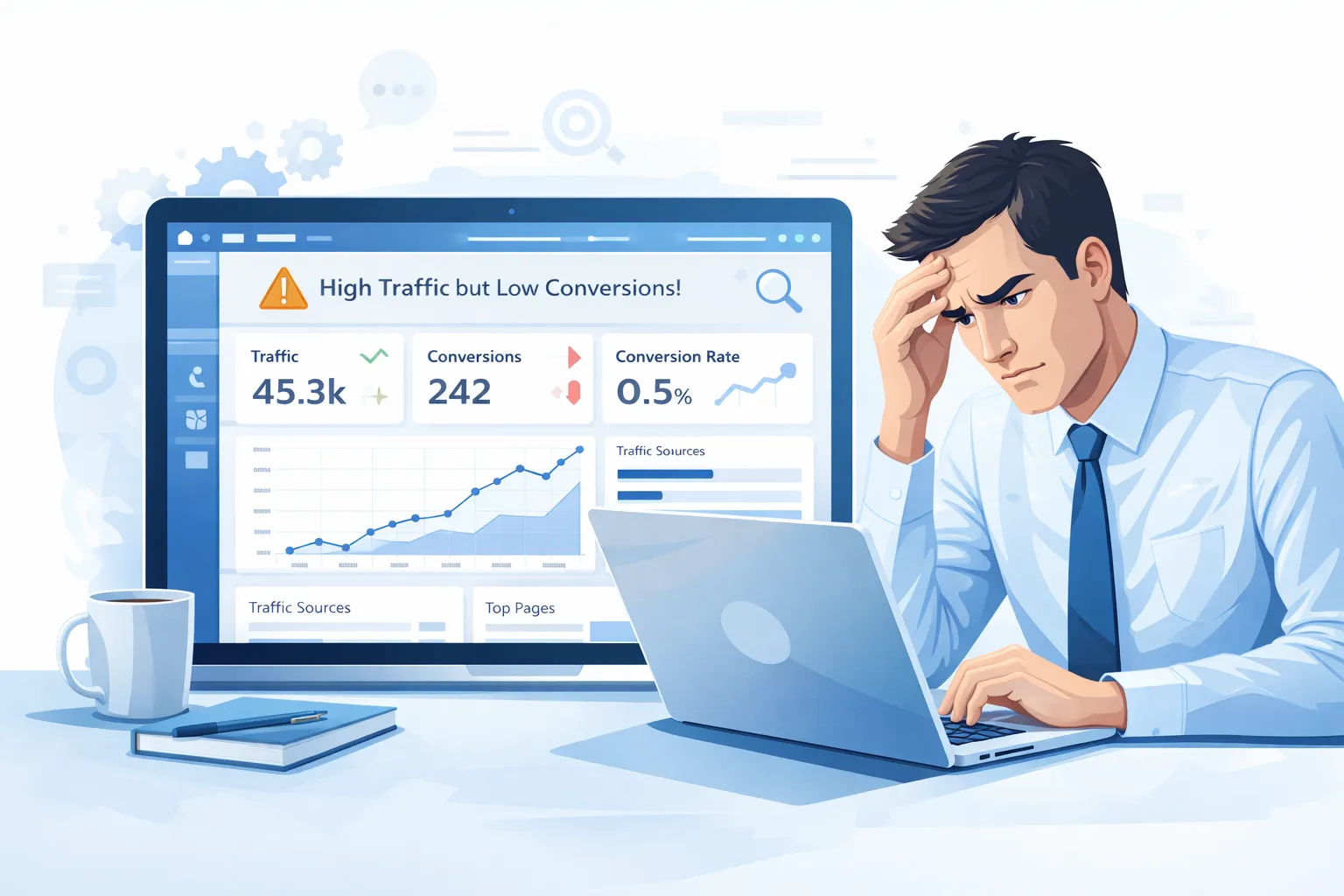
Website Traffic But No Leads? Fix Conversion Issues Fast
Getting traffic feels great.
But traffic alone does not grow your business.
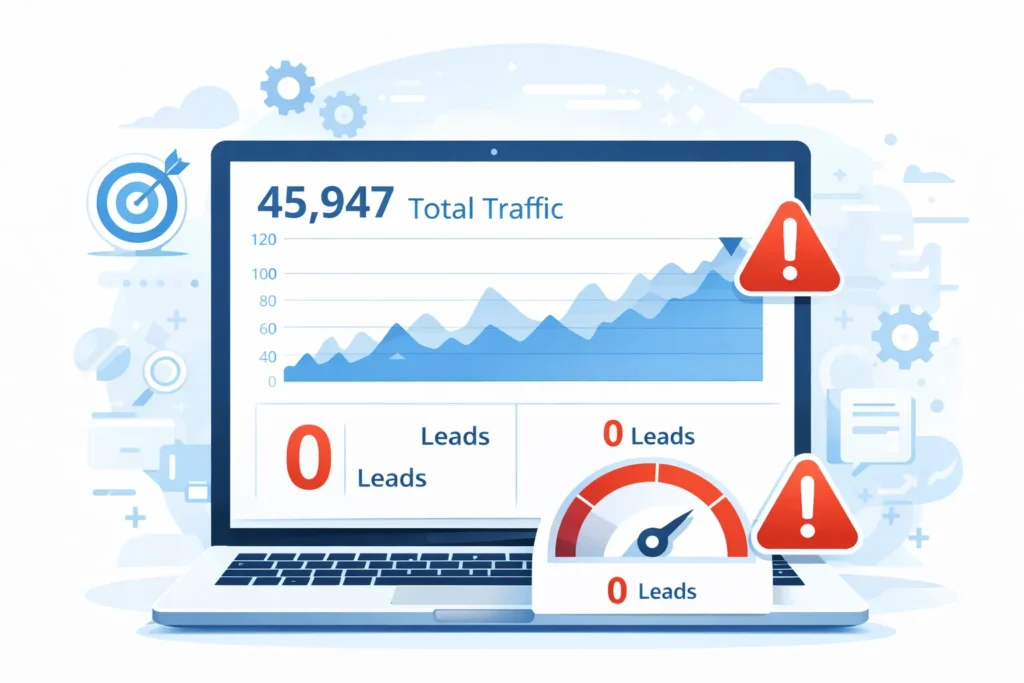
If your website gets traffic but no leads, it means visitors are coming—but they are not taking action. This is a clear sign of conversion leaks.
Let’s break down the real reasons and how to fix them.
What Does “Website Traffic But No Leads” Really Mean?
When users visit your website but don’t:
- Fill out a form
- Call your business
- Book an appointment
- Download anything
It usually points to:
- Low conversion rate
- Poor user experience (UX)
- Weak or missing CTAs
Traffic is only step one.
Conversions are what pay the bills.
Low Conversion Rate: The Silent Business Killer
A low conversion rate means your website is failing to guide users.
Common reasons include:
- Confusing layout
- Too much text
- No clear next step
- Slow Loading Speed Optimization
Even high-quality traffic won’t convert if the website experience is poor.
UX Issues That Push Visitors Away
User experience plays a massive role in conversions.

Major UX issues include:
- Hard-to-read fonts
- Poor color contrast
- Cluttered design
- Broken layouts on mobile
If users feel confused for even 5 seconds, they leave.
Tip: A clean, simple layout always converts better.
Weak CTA = No Leads
Your CTA tells visitors what to do next.
Bad CTAs look like:
- “Submit”
- “Click Here”
- Hidden buttons
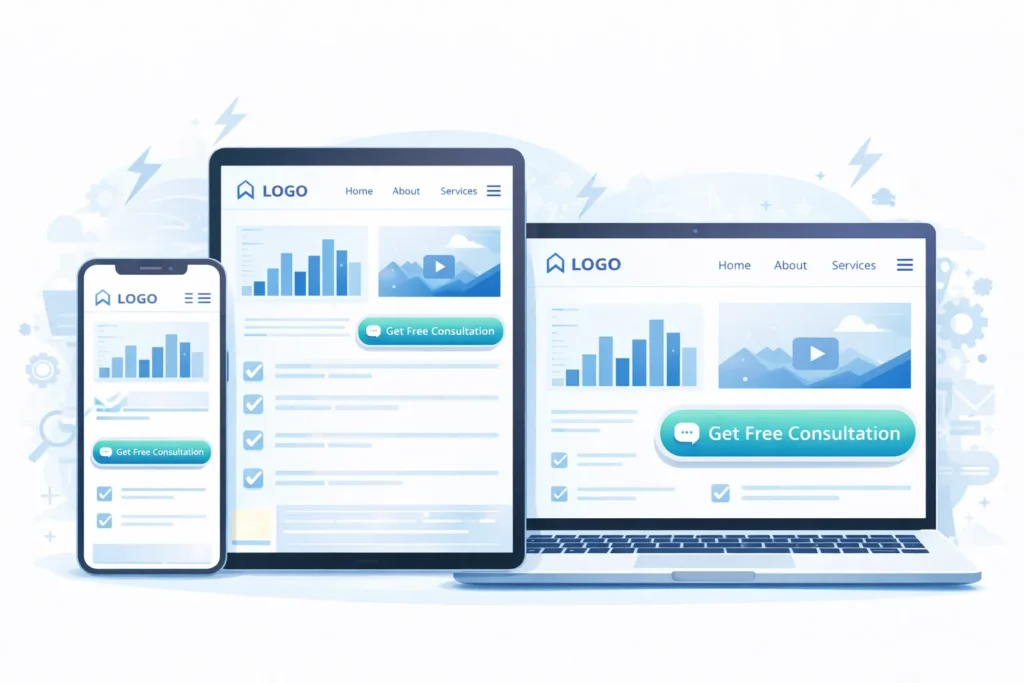
Strong CTA optimization includes:
- Clear action words
- Visible placement
- Urgency and value
Examples:
- “Get a Free Quote”
- “Book a Free Consultation”
- “Talk to an Expert Today”
Lack of Trust Signals
People don’t convert if they don’t trust you.
Missing trust elements:
- Testimonials
- Reviews
- Client logos
- Case studies
- Contact details
Add social proof to remove hesitation.
Mobile Experience Is Killing Your Leads
More than 60% of traffic is mobile.
If your site:
- Loads slowly on mobile
- Has tiny buttons
- Broken forms
You will lose leads—fast.
Mobile optimization is no longer optional.
Forms That Ask Too Much
Long forms scare users.
Common mistakes:
- Too many fields
- Mandatory phone numbers
- Confusing labels
Best practice:
- Ask only what you need
- Short forms = higher conversions
Traffic Quality vs Traffic Quantity
Not all traffic is good traffic.
If you attract the wrong audience:
- They won’t convert
- Bounce rate increases
- Conversion rate drops
SEO and content should match commercial intent, not just volume.
How to Fix Conversion Leaks on Your Website
Here’s what works:
- Improve UX and page layout
- Optimize CTAs
- Speed up your website
- Add trust signals
- Optimize for mobile
- Simplify forms
A conversion-focused website turns traffic into revenue.
When Should You Invest in Website Development Services?
If:
- Your website looks outdated
- Conversions are near zero
- Traffic is high, but sales are low
Then it’s time to invest in professional Website Development Services.
A well-built website is not an expense—it’s a sales machine.
Final Thoughts
If your website gets traffic but no leads, the problem isn’t traffic.
The problem is conversion.
Fix the leaks.
Optimize UX.
Improve CTAs.
And watch your leads grow.
Faqs
Because of poor UX, weak CTAs, low trust, or a low conversion rate, which stops users from taking action.
A good conversion rate is typically between 2% and 5%, depending on your industry and traffic quality.
Yes. Poor design, slow speed, and bad mobile experience directly reduce leads and conversions.
Clear and visible CTAs guide users toward action and reduce confusion, increasing lead generation.
Absolutely. Most users browse on mobile, and bad mobile UX kills conversions instantly.
If your site is outdated or underperforming, a redesign can significantly improve conversion rates.
Yes. Professional development focuses on UX, speed, and conversions—not just design.