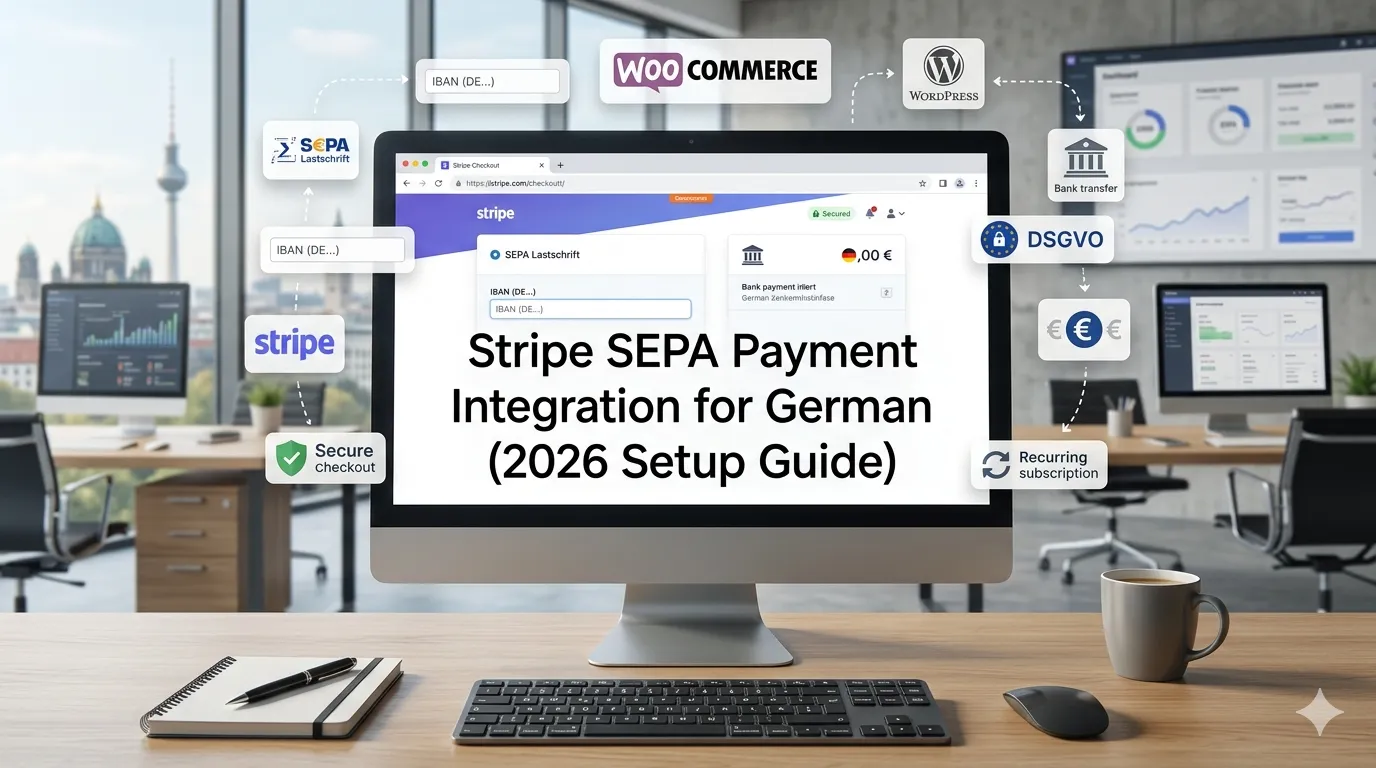
Most German businesses building online checkouts in 2026 reach the same realization: credit-card-only is not enough. A meaningful slice of German buyers — especially in the 35+ demographic, B2B accounts, and recurring-payment customers — strongly prefer SEPA Lastschrift (direct debit). Without it on your site, you lose conversions you didn’t even know you were losing through Stripe SEPA payment integration Germany.
Stripe is the cleanest path to SEPA support for most German websites in 2026 — but only if you know what’s actually involved: mandate collection, two-step confirmation, SCA, refund handling, and the German-specific UX requirements that decide whether SEPA payments actually flow through cleanly.
This guide walks through how to integrate Stripe SEPA Lastschrift on a German website in 2026: setup steps, fee structures in EUR, WooCommerce + WordPress configuration, and what’s different from US Stripe defaults.
What is SEPA Lastschrift, and why does it matter for German websites?
SEPA Lastschrift is the European-wide direct debit standard. A customer provides their IBAN, signs a mandate (electronically), and you (the merchant) pull funds from their bank account.
For German businesses, SEPA matters for three reasons:
- Cultural preference. Many German buyers — especially over 35, and B2B accounts — prefer SEPA over credit card. It feels familiar, comes from “their bank,” and doesn’t require a card.
- Lower fees. Stripe SEPA fees are typically 0.8% capped at €5.00 per transaction, vs. 1.4% + €0.25 for EU cards. On a €500 transaction, that’s €4.00 vs. €7.25 — a meaningful difference at volume.
- Better for recurring billing. SEPA mandates are reusable; once you have the mandate, future charges happen automatically without re-collecting IBAN. Perfect for subscriptions, memberships, courses.
The trade-off: SEPA settlement takes 1–3 business days (vs. instant for cards), and chargebacks (Rücklastschriften) are easier for the customer to initiate. For most legitimate German businesses, neither is a problem.
How does Stripe’s SEPA integration actually work?
The flow from a buyer’s perspective:
- At checkout, the buyer selects “SEPA-Lastschrift” (or its English equivalent).
- The buyer enters their IBAN. Stripe validates the IBAN format and checks against known bad accounts.
- The buyer reviews the SEPA mandate text (a legally required disclosure) and confirms by checking a box.
- Stripe creates a PaymentMethod object for the SEPA debit and either charges immediately (one-time payment) or saves it for recurring use (subscription).
- Within 1–3 business days, the funds settle in your Stripe account.
- The buyer’s bank statement shows the charge with your merchant name + a SEPA mandate reference.
Behind the scenes, Stripe handles: IBAN validation, mandate creation, mandate storage (legally required for years after the last use), bank-level charge initiation, and chargeback (Rücklastschrift) handling.
What does Stripe SEPA cost in Germany in 2026?
Stripe’s German pricing for SEPA Direct Debit in 2026 (approximate):
- Standard fee: 0.8% capped at €5.00 per transaction
- Failed payment: €0.25 (if the bank rejects)
- Chargeback fee: €15.00 per disputed Lastschrift
- Recurring SEPA via Stripe Billing: included with subscription tier
(These rates change occasionally — verify on stripe.com/de before committing.)
Compared to credit card (1.4% + €0.25 for EU cards on Stripe), SEPA is consistently cheaper above ~€60 transaction size. For B2B invoices, recurring subscriptions, and high-ticket courses, the math strongly favors SEPA as the default offer.
For very small transactions (under €10), the €0.25 fixed credit card fee can be cheaper than SEPA’s percentage-based pricing.
How does Stripe SEPA compare to Mollie, PayPal, and other alternatives?
| Provider | SEPA Native | Setup Complexity | Recurring SEPA | Typical EUR Fee |
|---|---|---|---|---|
| Stripe | Yes | Medium | Yes (Stripe Billing) | 0.8% capped €5.00 |
| Mollie | Yes | Low | Yes | 0.25% + €0.35 |
| GoCardless | Yes (specialist) | Medium | Yes (great for B2B) | 1% capped €2.00 + €0.30 |
| PayPal | No | Low | Yes | 2.49–2.99% + €0.35 |
| Klarna | No | Low | Limited | 2.99–3.29% + €0.30 |
| adyen | Yes | High (enterprise) | Yes | Custom contract |
For most German SME WordPress and WooCommerce sites we recommend:
- Stripe if you’re already on Stripe for cards and want one provider for everything.
- Mollie if you want the lowest SEPA fees and a European company.
- GoCardless if you’re B2B-focused with high-ticket recurring invoices.
How do you set up Stripe SEPA on a German WordPress site?
The setup, step by step.
Step 1: Enable SEPA Direct Debit in Stripe Dashboard
In your Stripe dashboard, go to Settings → Payment methods → SEPA Direct Debit → activate.
Step 2: Configure your business address as German
Your Stripe account country must be Germany (or another SEPA-supported country) to offer SEPA.
Step 3: Install the right plugin (WooCommerce)
For WooCommerce: Stripe for WooCommerce (the official plugin, free) or WooCommerce Stripe Gateway. Both support SEPA Direct Debit as a payment method.
For non-WooCommerce checkout: connect via the Stripe PHP/JS SDK or use the specific plugin’s Stripe integration.
Step 4: Configure the SEPA mandate text
Stripe provides a default SEPA mandate text. For Stripe SEPA payment integration Germany and German compliance, you want the text in German on German-facing checkouts. The mandate text legally states who is collecting, the Gläubiger-ID, the mandate reference, and that the customer can request refunds within 8 weeks.
Step 5: Apply for and configure your Gläubiger-ID
German businesses need a Gläubiger-ID (creditor identifier) from the Bundesbank to legally process SEPA debits. Application: bundesbank.de — free, takes 1–3 weeks. Format: DE + check digit + zone + business identifier.
Step 6: Test in Stripe test mode
Stripe provides test IBANs that simulate success, failure, and chargeback scenarios. Test each path before going live.
Step
7: Configure webhook handling
SEPA payments take 1–3 days to confirm or fail. Your site must listen to Stripe webhooks (charge.succeeded, <code>charge.failed, charge.refunded) and update order status accordingly. Most WordPress plugins handle this automatically.
Step 8: Update legal pages
Your Datenschutzerklärung must disclose Stripe as a data processor with link to their DPA and SEPA mandate retention details. Your AGB should reference the SEPA process and customer’s right to dispute within 8 weeks.
What are the most common Stripe SEPA setup mistakes?
Five mistakes dominate audit findings.
Missing Gläubiger-ID
Many German businesses launch SEPA without applying for a Gläubiger-ID first. For Stripe SEPA payment integration Germany, Stripe will accept the setup but mandates are technically non-compliant. Get the Gläubiger-ID BEFORE you launch.
English mandate text on German checkout
The mandate must be in the buyer’s language. Configure Stripe to serve the mandate in German for German visitors.
No webhook handling
The site marks orders as “paid” immediately after SEPA submission, even though SEPA takes 1–3 days. Then chargebacks come in, refunds get tangled, and orders are fulfilled before payment confirmation. ALWAYS wait for charge.succeeded before fulfilling.
<!– wp:heading {“level”:3} –>
<h3 class=”wp-block-heading”>Mixi
ng test mode IBANs in production
Production accounts should never accept test IBANs. Verify your live keys are deployed and test keys aren’t accidentally lingering.
Not reconciling failed payments
When SEPA debits fail (insufficient funds, closed account), some plugins don’t update the order status cleanly. Build a weekly reconciliation report comparing Stripe charge status to your order fulfillment status.
How do you handle SEPA chargebacks (Rücklastschriften)?
A SEPA chargeback is the buyer’s right under EU regulation:
- First 8 weeks after the debit: the buyer can dispute the charge for ANY reason. The funds are returned to them automatically — no merchant proof required.
- Weeks 9–13: the buyer can dispute claiming the mandate was unauthorized. You’ll need to prove the mandate exists. Stripe stores this automatically.
- After week 13: no more disputes possible.
To minimize Rücklastschriften:
- Use a clear merchant descriptor — “GEMPROGRAMMERS *Membership” beats “GEMPGM CHARGE”
- Send a payment confirmation email the day of the SEPA debit
- For subscriptions, send a “Erinnerung” email 3 days before the next debit
- Document the consent flow clearly in your DB (timestamp, IP, mandate text version)
German B2C buyers initiate Rücklastschrift more readily than US chargebacks. A clean German Stripe SEPA business sees 0.5–1.5% Rücklastschrift rates.
When should you offer SEPA Lastschrift vs. when to skip it?
Offer SEPA when:
- “wp-block-list”>
- Your buyers are 25%+ German consumers
- You have recurring billing (subscriptions, memberships, courses)
- Average transaction size is €40+
- Your business serves B2B Germany (where SEPA is dominant)
Skip SEPA when:
- “wp-block-list”>
- Your buyers are predominantly outside the EU
- Transaction sizes are very small (€5–€15 range)
- You can’t tolerate 1–3 day settlement delays for cashflow reasons
For most German service businesses, e-commerce stores, and recurring-revenue companies, SEPA should be the default option alongside credit card and PayPal.
How does SEPA integrate with German invoicing and accounting?
Three integration points matter:
Invoice generation
When SEPA settles successfully, your invoicing system should automatically generate a GoBD-compliant invoice marked as paid. Plugins like Germanized for WooCommerce, Lexware Lexoffice integration, or FastBill connectors handle this.
Accounting export
SEPA charges should export to your accounting tool (Lexware, sevDesk, Datev) with the correct payment date (1–3 days after charge initiation, when funds actually arrived).
Reconciliation
Match Stripe payouts (which combine multiple charges) against bank statements. Most accounting tools handle this with a Stripe connector.
For more on German invoicing and recurring revenue, see our membership website guide and LMS course platform guide.
When should you build custom SEPA integration?
<!– /wp:heading –>
Alm
ost never. Stripe + WooCommerce, Stripe + custom checkout via SDK, or GoCardless for B2B cover 95% of needs. Custom makes sense only when:
- “wp-block-list”>
- You have unusual mandate workflows (multi-signatory, regulated industries)
- You’re integrating SEPA into a proprietary checkout that no plugin supports
- You’re at enterprise scale where per-transaction fee negotiations justify custom
For these, expect €6,000–€25,000 to build a clean Stripe SEPA integration.
For more on the build vs. buy decision, see our custom WordPress plugin development guide.
Frequently Asked Questions About Stripe SEPA Payment Integration in Germany</h2>
Yes — Stripe and Mollie offer native SEPA via WooCommerce plugins and direct SDK.
0.8% capped at €5.00; €0.25 failed; €15.00 chargeback — cheaper than cards above ~€60.
</div>Yes — free from the Bundesbank, takes 1–3 weeks.
1–3 business days from charge initiation to funds in Stripe account.
Yes — within 8 weeks for any reason; weeks 9–13 with unauthorized-mandate claim.
Mollie wins on cost; Stripe wins on developer experience and recurring billing.
Yes — Stripe Billing reuses mandates without re-collecting IBAN.
Yes — Stripe Ireland entity, signed DPA, EU mandate storage; add Stripe to your Datenschutzerklärung.
Ready to add SEPA to your German checkout?
Adding SEPA Lastschrift to your German website is one of the highest-conversion-lift changes you can make in 2026. Done right with a clean Stripe integration, German mandate text, Gläubiger-ID setup, and proper webhook handling, it can lift conversion 15–30% for the right businesses.
If you want a 30-minute scoping call to map out the right SEPA setup for your specific situation, book a meeting or send the details via our contact page.
Need expert help? Gem Programmers provides professional web design services for businesses in Germany, Austria and Switzerland. Request a free, no-obligation quote and get a clear plan with scope, timeline and price.