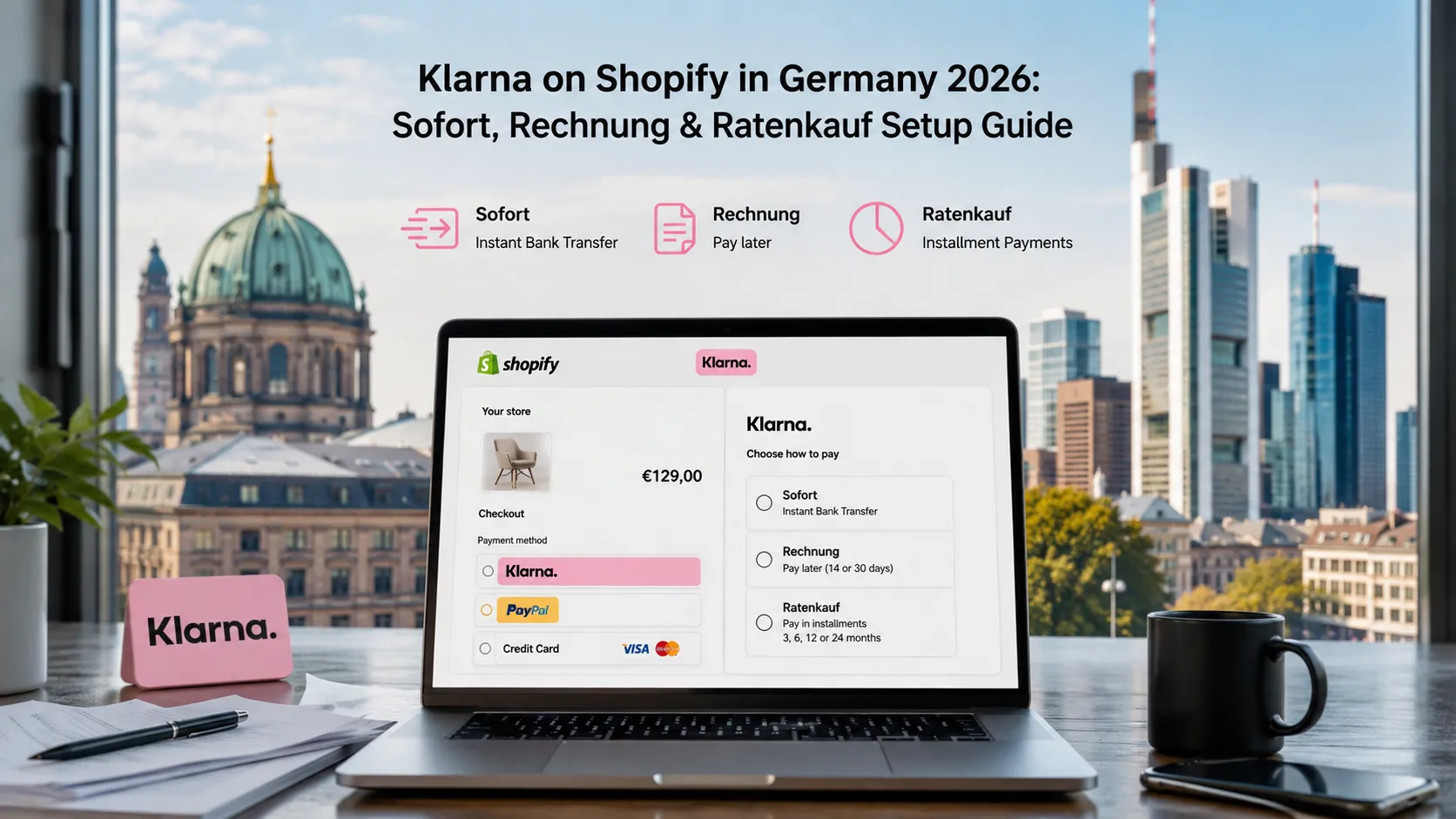
shopify klarna germany is one of the most powerful conversion levers a German Shopify store can pull. Its three German-specific payment methods — Sofort (instant bank transfer), Rechnung (invoice / pay-later), and Ratenkauf (installment payments) — match how a large share of German online buyers actually want to pay. Stores that add Klarna properly typically see 10–25% conversion lift and 15–35% average-order-value lift on B2C purchases.
This guide walks through how to actually enable Klarna on a Shopify store in Germany in 2026: the three payment methods, setup steps, fees, conversion best practices, and the German legal compliance that determines whether Klarna actually works for your buyers.
What are Klarna’s three German payment methods?
Klarna Sofort (instant bank transfer)
The legacy “Sofortüberweisung” approach. Customer redirected to their online banking, authorizes transfer in real time. Merchant gets immediate confirmation. Funds settle within hours.
Klarna Rechnung (pay-later / 14 or 30 days)
Customer receives goods first, pays via invoice up to 14 or 30 days later. Klarna underwrites credit risk. Critical for German market — many older buyers prefer this over revealing card or bank details.
Klarna Ratenkauf (installments / 3, 6, 12, 24 months)
Customer splits payment across monthly installments. Klarna underwrites credit. Best for higher-ticket purchases (€100+).
Why does Klarna matter so much for German Shopify?
Four reasons:
Cultural fit
German buyers are uncomfortable with revealing financial details upfront. Klarna Rechnung in particular feels familiar and trustworthy.
Conversion lift
Adding Klarna typically lifts conversion 10–25% on relevant cart sizes. For €100+ orders, Rechnung is often the difference between completion and abandonment.
AOV lift
Ratenkauf encourages larger purchases. Average-order-value typically rises 15–35% when Ratenkauf is available.
Klarna brand trust
Klarna’s reputation in Germany is strong enough that buyers will check whether your store accepts it. Klarna logo at checkout is a positive trust signal.
How do you enable Klarna on Shopify?
The setup, step by step.
Step 1: Install Klarna for Shopify app
Free app from Shopify App Store. Search “Klarna” — official integration.
Step 2: Create Klarna merchant account
If you don’t have one, set up at klarna.com/business/de. Approval typically 1–5 business days.
Step 3: Connect Klarna account to Shopify
Within the Klarna app on Shopify, paste API credentials from your Klarna merchant dashboard.
Step 4: Enable the three payment methods
Sofort, Rechnung, Ratenkauf — enable each in Klarna app settings.
Step 5: Configure display options
- “Klarna Messaging” widgets on product pages and cart
- Klarna logo at checkout
- Installment-pricing-from messaging on product pages
Step 6: Test in Klarna playground
Klarna provides test credentials. Test each payment method before going live.
Step 7: Live activation
Switch from test to live. Make first €1 test purchase yourself to verify end-to-end.
What does Klarna cost on Shopify in 2026?
Approximate German Klarna fees in 2026:
Shopify Klarna Germany integration
- ~1.7% + €0.30 per transaction
Pay Later (Invoice) with Klarna
- ~2.99% + €0.30 per transaction (Klarna takes credit risk)
Installment payments (Klarna Ratenkauf)
- ~3.29% + €0.30 per transaction (Klarna takes credit risk + finances)
Plus Shopify’s transaction-fee surcharge on third-party gateways (0.2%–2.0% depending on plan).
These are higher than card or SEPA fees, but Klarna typically delivers enough conversion + AOV lift to justify the higher cost.
What conversion best practices work for Klarna in Germany?
Six practices that consistently lift Klarna usage:
Display Klarna messaging on product pages
“ab €X / Monat mit Klarna” on product pages with prices above €100. Increases AOV.
Use Klarna’s express checkout
One-click checkout for repeat Klarna users. Reduces checkout friction.
Show Klarna logo prominently at checkout
Klarna logo as one of the top-listed payment methods (not buried below cards).
Don’t hide Klarna for B2B-only stores
Many German B2B buyers personally prefer Klarna even on company purchases. Show it unless you specifically only sell business-to-business.
Klarna abandoned-cart emails
If using Klarna + Klaviyo, send Klarna-specific abandoned-cart emails with Klarna-payment messaging.
Optimize mobile Klarna flow
Most Klarna purchases happen on mobile. Test the mobile checkout flow rigorously.
What German legal requirements apply to Klarna integration?
Five compliance items:
Klarna in Datenschutzerklärung
Document Klarna as data processor / sub-processor. Link to Klarna’s privacy policy.
Cookie consent for Klarna messaging
Klarna’s product-page widgets load tracking scripts. Gate behind cookie consent.
Rechnung legal text
Rechnung is regulated. Klarna provides compliant legal text — display it correctly.
Ratenkauf credit disclosures
Ratenkauf is consumer credit. APR, total cost, installment plan details must be disclosed per German consumer credit law (§ 491 BGB onwards). Klarna handles disclosure text; you must display it.
Widerrufsrecht for Klarna purchases
14-day right of withdrawal still applies. Refunds via Klarna flow back through Klarna to customer.
For broader DSGVO context see our GDPR compliance guide.
What are the most common Klarna integration mistakes?
Four patterns:
Disabling Klarna messaging on product pages
Klarna’s installment messaging on product pages is a major AOV lift. Stores that hide it leave money on the table.
Wrong placement of Klarna at checkout
Klarna below cards in payment method ordering reduces visibility. Test ordering carefully.
Not testing on mobile
Klarna mobile checkout has different UX than desktop. Test rigorously.
Hiding Klarna for small carts
Klarna Ratenkauf may not be offered by Klarna for very small cart values (cost vs. credit risk). But Sofort and Rechnung typically available for any size. Show what’s available.
When should you NOT use Klarna?
Three signals to skip or de-emphasize Klarna:
- Pure B2B with corporate-account-only billing flows
- Very low-margin products where 3% fee hurts unit economics
- High-fraud product categories (some restrictions from Klarna)
For most German B2C Shopify stores: Klarna is essential. Not optional.
How does Klarna compare to alternatives?
Klarna vs PayPal
Both critical. PayPal for trust + speed. Klarna for Rechnung + Ratenkauf flexibility. Offer both.
Klarna vs Afterpay
Afterpay (Clearpay) has limited German market presence. Klarna dominates here.
Klarna vs ratepay / easyCredit
Smaller German competitors. Klarna’s market share + UX make it the default first choice.
Frequently Asked Questions About Klarna on Shopify in Germany
Sofort (instant bank transfer), Rechnung (pay-later 14/30 days), Ratenkauf (installments).
~1.7% + €0.30 Sofort; ~2.99% Rechnung; ~3.29% Ratenkauf; plus Shopify surcharge.
Yes — typically 10–25% conversion + 15–35% AOV lift on B2C carts above €100.
Yes unless strictly enterprise-only with PO billing — many B2B buyers personally prefer Klarna.
1–5 business days approval + 1–3 days Shopify testing.
Yes — Klarna takes credit risk on Rechnung/Ratenkauf; lower fraud exposure than cards.
Yes — on-page widgets (ab €X/Monat); critical for AOV; gate behind cookie consent.
One-click checkout for repeat Klarna users — strong mobile friction reduction.
Need help with Klarna setup?
If you’re enabling Klarna on your German Shopify store and want a 30-minute scoping conversation about the three payment methods, conversion best practices, and German compliance, book a meeting or send details via our contact page.
Need expert help? Gem Programmers provides Shopify development services for businesses in Germany, Austria and Switzerland. Request a free, no-obligation quote and get a clear plan with scope, timeline and price.