
Running a Shopify store is easy.
Getting visitors to convert into paying customers is the real challenge.
If you’re getting traffic but struggling with low sales, poor checkout completion, or high cart abandonment, this guide is for you.
In this blog, you’ll learn actionable Shopify conversion tips that improve user experience, build trust, and help your store perform better in traditional search and AI-powered answers (LLM Answer SEO).
What Is Shopify Conversion Rate?
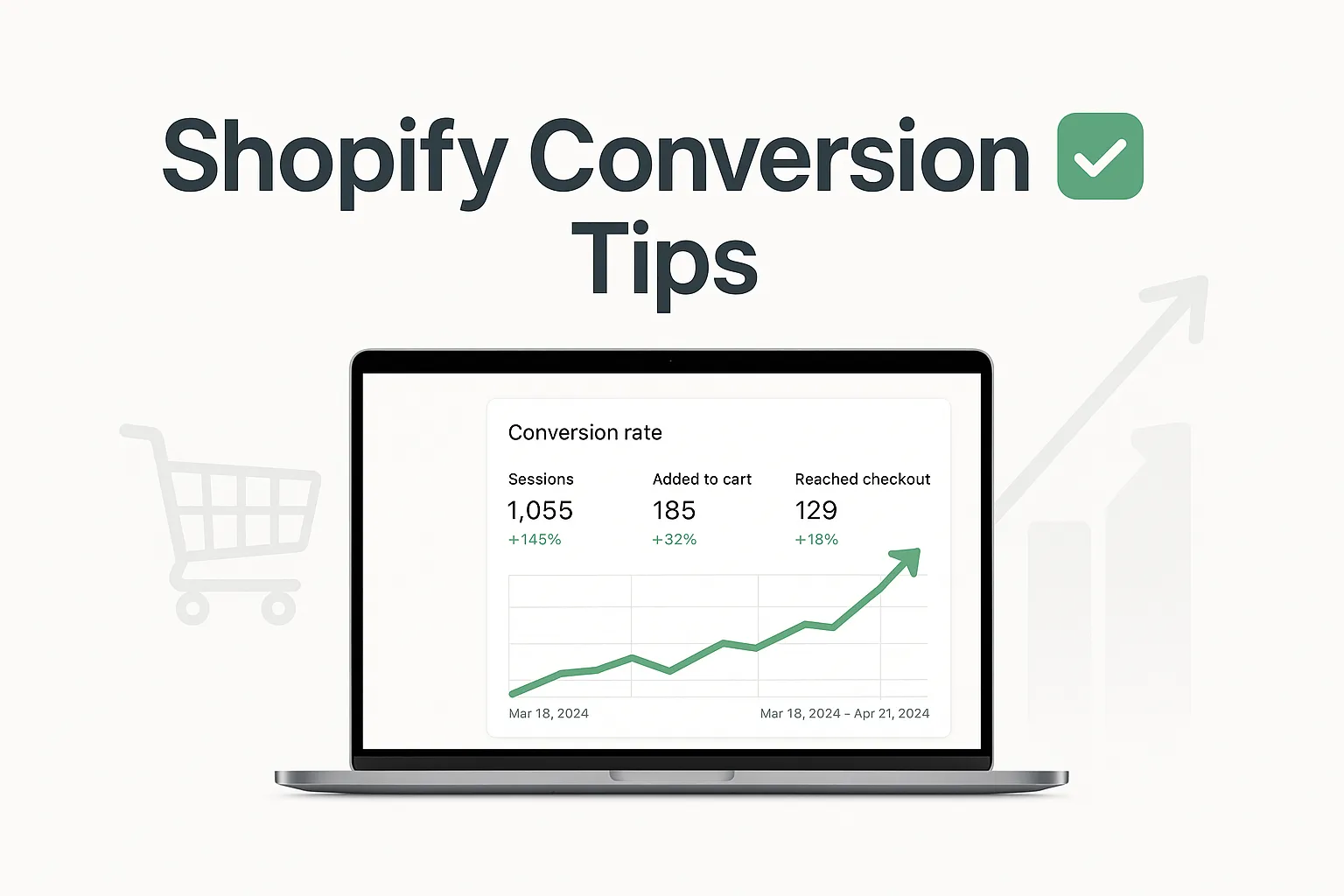
Your Shopify conversion rate is the percentage of visitors who complete a desired action — usually making a purchase.
Formula: Conversion Rate = (Orders ÷ Visitors) × 100
Average Shopify Conversion Rate
Average: 1.5% – 3%
High-performing stores: 3% – 5%+
If you’re below this range, conversion speed optimization should be your top priority.
Why Shopify Conversion Optimization Matters in 2026
- Search behavior has changed.
- Users expect faster decisions
- AI tools summarize buying advice
- Zero-click searches are increasing
That means:
Your store must convince both humans and AI systems.
Conversion optimization is no longer just design — it’s clarity, trust, and structured information.
Optimize Your Shopify Store Speed
Slow websites kill conversions.
Even a 1-second delay can reduce conversions by up to 7%.
How to Improve Speed:
- Use lightweight Shopify themes
- Compress images
- Remove unused apps
- Enable lazy loading
- Use Shopify’s built-in CDN
LLM Answer SEO tip: Fast sites are more likely to be recommended by AI answers.
Simplify Navigation for Faster Decisions
- Confusing menus = lost sales.
- Best Practices:
- Clear product categories
- No more than 7 main menu items
- Add “Best Sellers” and “New Arrivals”
- Use the search with auto-suggestions
Your goal: Help users find products in 3 clicks or less
Optimize Product Pages for Conversions
Your product page decides the sale.
Must-Have Elements:
- Clear product title
- Benefit-driven description
- High-quality images
- Pricing transparency
- Visible call-to-action (Add to Cart)
Conversion Tip:
Focus on benefits, not just features.
“100% Cotton Fabric.“Soft, breathable cotton for all-day comfort.”
4.Write SEO + Conversion-Friendly Product Descriptions
Most Shopify Development stores write generic descriptions — that’s a mistake.
High-Converting Descriptions Should:
- Answer common buyer questions
- Use bullet points
- Include use cases
- Reduce objections
LLM Answer SEO Tip: Clear, structured descriptions help AI tools understand and summarize your product.
5. Use High-Quality Product Images & Videos
Online shoppers can’t touch products — visuals sell for you.
Best Practices:
- Multiple angles
- Lifestyle images
- Zoom functionality
- Short demo videos
Videos can increase conversions by up to 80%.
6. Build Trust with Social Proof
People trust people.
Add:
- Customer reviews
- Star ratings
- User-generated photos
- Testimonials
Pro Tip: Place reviews near the Add to Cart button for maximum impact.
7. Reduce Cart Abandonment
- Average cart abandonment rate: ~70%
- Common Reasons:
- Hidden fees
- Forced account creation
- Long checkout process
Fixes: Show shipping costs early
- Allow guest checkout
- Use progress indicators
- Save cart automatically
8. Optimize Shopify Checkout Experience
Checkout is where most conversions fail.
Best Checkout Practices:
- One-page checkout
- Autofill fields
- Multiple payment options
- Clear error messages
Offer: Credit/Debit cards
- PayPal
- Apple Pay
- Google Pay
- Buy Now, Pay Later
9. Use Clear & Strong Call-to-Actions (CTAs)
Your CTA should be obvious and action-driven.
Examples:
- “Add to Cart”
- “Buy Now”
- “Get Yours Today”
- “Checkout Securely”
- Avoid weak CTAs like “Submit” or “Continue”.
10. Leverage Scarcity & Urgency (Ethically)
Scarcity motivates action.
Effective Tactics:
- Low stock messages
- Limited-time offers
- Countdown timers
- Flash business sales
- Never fake urgency — it damages trust.
11. Mobile Optimization Is Non-Negotiable
Over 70% of Shopify traffic comes from mobile.
- Mobile Optimization Tips:
- Large buttons
- Readable fonts
- Fast load times
- Thumb-friendly navigation
- Test your store on multiple devices regularly.
12. Use Live Chat & Support Options
Customers hesitate when they have questions.
Add:
- Live chat
- WhatsApp support
- FAQ sections
- Chatbots for common queries
Instant answers = higher conversions.
13. Create Clear Shipping & Return Policies
Unclear policies scare buyers.
Best Practice:
- Dedicated shipping policy page
- Easy return process
- Money-back guarantees
Display these near checkout for reassurance.
14. Personalize User Experience
Personalization increases conversions dramatically.
Examples:
- Recently viewed products
- Personalized recommendations
- Location-based offers
Even small personalization improves trust.
15. Use A/B Testing for Continuous Improvement
Never guess — test.
Test:
- Headlines
- CTAs
- Product images
- Pricing formats
- Checkout layouts
Small changes can bring big wins.
16. Optimize for Zero-Click & AI Answers (LLM Answer SEO)
Modern SEO isn’t just about rankings.
Optimize For:
- Featured snippets
- AI-generated answers
- Conversational queries
How:
- Use clear headings
- Answer questions directly
- Structure content logically
- Add FAQs
AI tools prefer clean, factual, well-structured content.
17. Add FAQs to Reduce Buyer Friction
FAQs remove hesitation.
Include answers to:
- Shipping time
- Returns
- Payments
- Product usage
- Guarantees
This improves:
- User experience
- Conversion rate
- AI visibility
18. Use Trust Badges & Security Signals
Security concerns stop purchases.
Add:
- SSL badge
- Secure checkout icons
- Payment provider logos
- Trust = conversions.
19. Optimize Internal Linking
Guide users through your store.
Examples:
- “You may also like.”
- “Frequently bought together.r”
- Related collections
- This increases average order value (AOV).
20. Track Analytics & User Behavior
Data reveals problems.
Tools:
- Shopify Analytics
- Google Analytics
- Heatmaps
- Session recordings
- Watch where users drop off — then fix it.
21. Keep Your Store Updated
Outdated stores lose credibility.
Update:
- Content
- Products
- Pricing
- Policies
- UX elements
Fresh stores convert better.
Final Thoughts
Improving Shopify conversions is not about one trick — it’s about removing friction and building trust.
When you combine:
- Strong UX
- Clear messaging
- Smart SEO
- LLM Answer SEO optimization
You create a store that converts users and gets referenced by AI tools.
Start with small changes — measure results — and keep improving.
FAQs
A good conversion rate is 2–3%, while top-performing stores achieve 5% or more.
Common reasons include slow site speed, poor product pages, lack of trust signals, and checkout friction.
Offer guest checkout, show shipping costs early, simplify checkout, and send abandoned cart emails.
Yes. Even a 1-second delay can reduce conversions significantly.
It helps your content get picked by AI tools like ChatGPT and Gemini, increasing visibility and trust.
Absolutely. Reviews act as social proof and can increase conversions by over 30%.
Conversion optimization should be ongoing. Review performance monthly and test improvements regularly.