
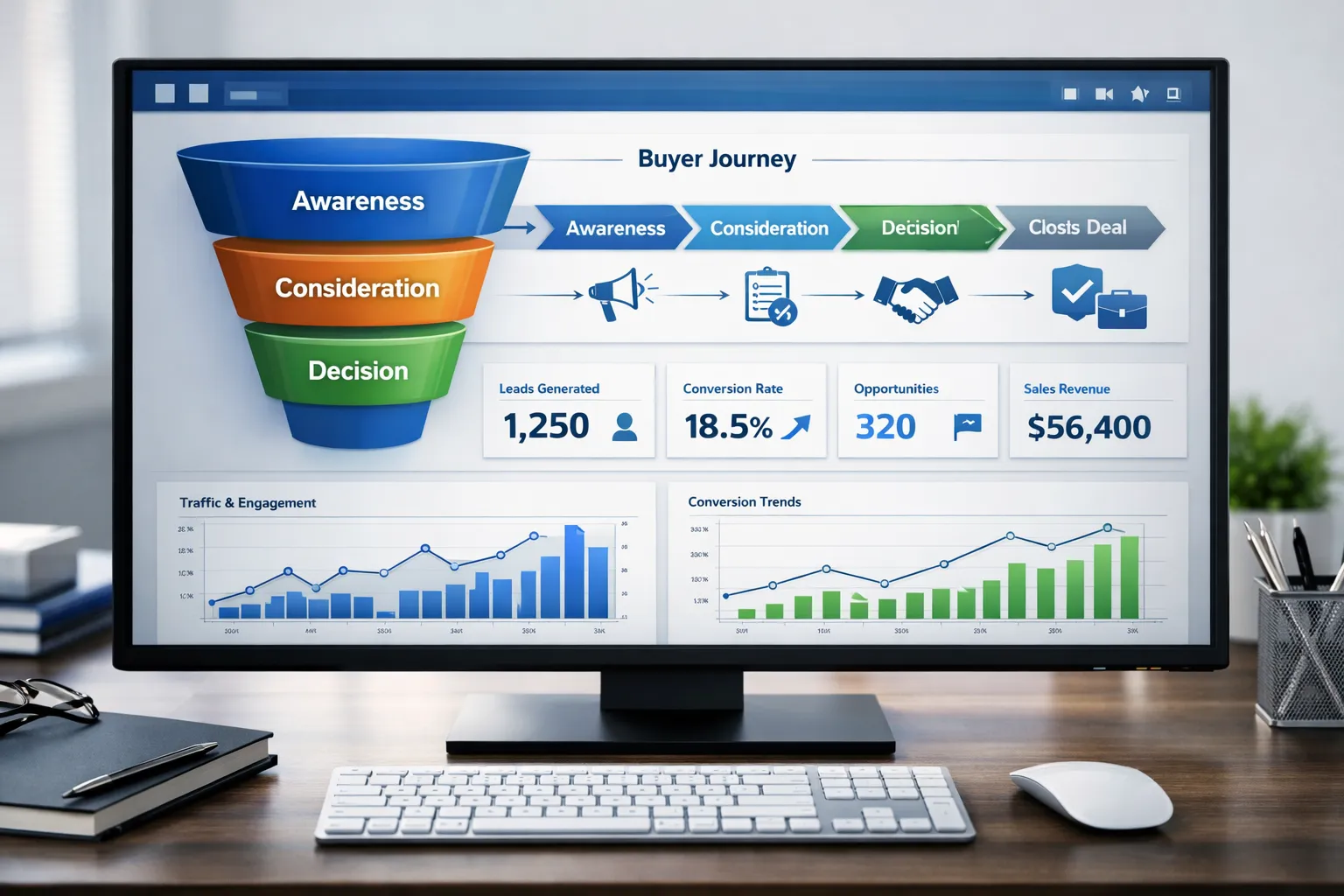
Many companies complain: Our B2B website has no leads, but we rank on Google.
Traffic is coming. Pages are indexed. The design looks modern. Still — no enquiries, no demo requests, no qualified prospects.
This is a common corporate problem.
The issue is not just SEO. It’s not just design. It’s not just content.
The real issue is buyer intent alignment across your website — from keyword to page to CTA to funnel.
In this detailed guide, you will learn:
- Why a B2B website no leads problem happens
- Where corporate websites lose buyer intent
- How buyer journey SEO works
- Funnel gaps that kill conversions
- UX and CTA mistakes that block leads
- Trust and authority signals you must add
- Practical solutions you can apply fast
This guide is built for companies offering Industry Website Services and corporate decision-makers who want results — not just traffic.
What Does B2B Website No Leads Really Mean?
A b2b website with no leads does not mean your website is broken.
It means:
- Traffic ≠ Intent
- Visitors ≠ Buyers
- Pages ≠ Funnel stages
- Content ≠ Decision Support
Most corporate websites are built like brochures.
But B2B buyers don’t convert from brochures.
They convert from guided journeys.
If your website does not match the buyer journey and funnel stages, leads will not happen.
Problem #1 — Your Website Is Built for the Company, Not the Buyer
Corporate websites often talk about:
- Company history
- Awards
- Vision & mission
- Internal structure
- Generic service pages
But buyers want:
- Clear problem → solution mapping
- Use-case relevance
- Industry-specific proof
- Risk reduction
- Outcome clarity
When a visitor lands and cannot quickly answer:
Is this for my problem?
They leave.
Problem #2 — No Buyer Journey Mapping
Most corporate sites ignore the buyer journey completely.
They treat all visitors the same.
But B2B buyers move through stages:
- Problem awareness
- Solution research
- Vendor comparison
- Risk validation
- Decision
If your pages don’t match these stages, your funnel breaks.
What Buyer Journey SEO Looks Like
You should have content like:
- Awareness blogs
- Comparison guides
- Industry use cases
- ROI explainers
- Decision support pages
- Implementation guides
Each page should match intent + funnel stage.
Without this, you get a b2b website with no lead outcome.
Problem #3 — Bad UX Kills Lead Intent
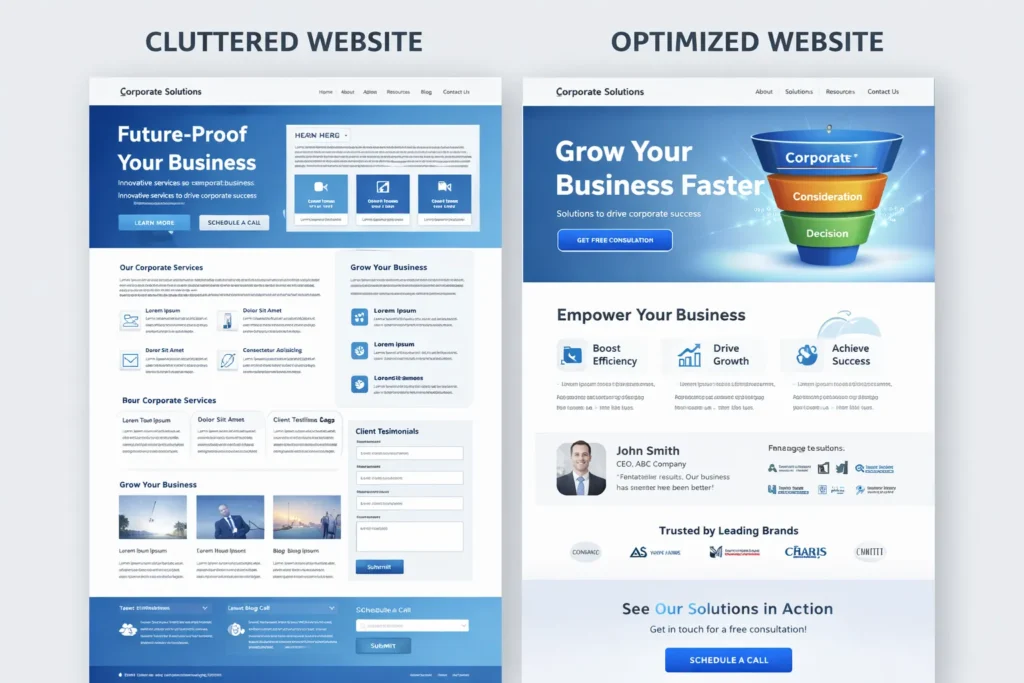
Corporate UX mistakes include:
- Text walls
- No visual hierarchy
- Weak headings
- No scanning structure
- Confusing menus
- Too many choices
- No page flow
B2B buyers scan — they don’t read line by line.
If your UX blocks scanning → it blocks leads.
UX Fix Checklist
Use:
- Short paragraphs
- Strong section headings
- Visual separators
- Benefit boxes
- Proof blocks
- Decision summaries
- Clear next-step prompts
Good UX supports the funnel.
Bad UX stops the funnel.
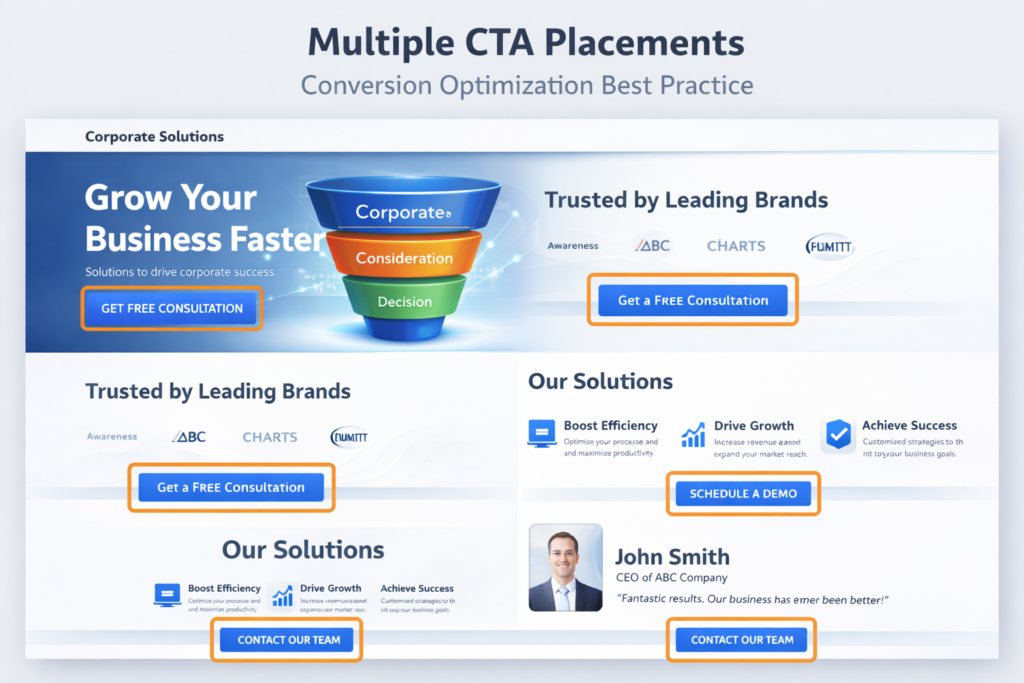
Problem #4 — CTA Placement Is Wrong
Many corporate sites hide CTAs.
Common mistakes:
- CTA only in footer
- CTA only on the contact page
- Generic “Contact Us”
- No stage-based CTAs
- No soft Conversion Rate Optimization options
A visitor in the research stage won’t book a call yet.
You must offer:
- Guide download
- Checklist
- Case study
- Industry report
- ROI calculator
- Strategy audit
Different funnel stage → different CTA.
Problem #5 — Your Funnel Is Missing Middle Pages
A big reason b2b websites don’t generate leads is missing middle-funnel content.
You have:
- Blog posts (top funnel)
- Contact page (bottom funnel)
But nothing in between.
Missing pages:
- Solution explainers
- Industry pages
- Use-case pages
- Comparison pages
- Methodology pages
- Process walkthroughs
Without a middle funnel, buyers cannot move forward.
Problem #6 — No Trust Signals = No Leads
B2B buyers are risk-averse.
They look for:
- Case studies
- Client logos
- Testimonials
- Certifications
- Compliance proof
- Industry recognition
- Real metrics
If trust is missing → conversion stops.
Trust Stack You Should Add
Every core service page should include:
- Results snapshot
- Client proof
- Industry example
- Outcome metrics
- Before/after case
- Process transparency
Trust must appear before the CTA — not after.
Problem #7 — Traffic Keywords Don’t Match Buyer Intent
Ranking keywords ≠ , buying keywords.
Many corporate sites rank for:
- Informational terms
- Definitions
- Trends
- News topics
But buyers search:
- service + industry
- solution + problem
- vendor + comparison
- provider + location
- audit + service
Buyer intent SEO Optimization focuses on:
commercial + solution keywords
Without this → b2b website, no leads.
Problem #8 — Service Pages Are Too Generic
Generic pages say:
“We provide innovative solutions for businesses worldwide.”
This means nothing.
Specific pages say:
- Who it’s for
- What problem it solves
- How it works
- What result to expect
- Proof it works
- What happens next
Specific converts.
Generic gets ignored.
Problem #9 — No Industry Targeting
Corporate websites often try to speak to everyone.
But B2B buyers want:
- Industry relevance
- Sector experience
- Similar case proof
- Familiar language
- Known constraints
Create industry pages like:
- Manufacturing solutions
- Healthcare solutions
- SaaS solutions
- Finance solutions
Industry targeting increases lead confidence.
Problem #10 — No Decision Support Content
B2B buyers need help deciding.
Add:
- Comparison guides
- Vendor evaluation checklists
- RFP templates
- Budget guides
- Timeline guides
- Risk assessment content
Decision support pages close leads.
Problem #11 — No Conversion Path Clarity
Visitors should always know:
What should I do next?
Each page must answer:
- What step am I in?
- What is the next step?
- What will I get?
- How long will it take?
Without path clarity → no conversion.
Problem #12 — Forms Ask Too Much
Long forms reduce leads.
Bad:
- 12 required fields
- Budget mandatory
- Phone mandatory
- Too many dropdowns
Better:
- Step forms
- Short first step
- Progressive profiling
- Optional fields
Reduce friction → increase leads.
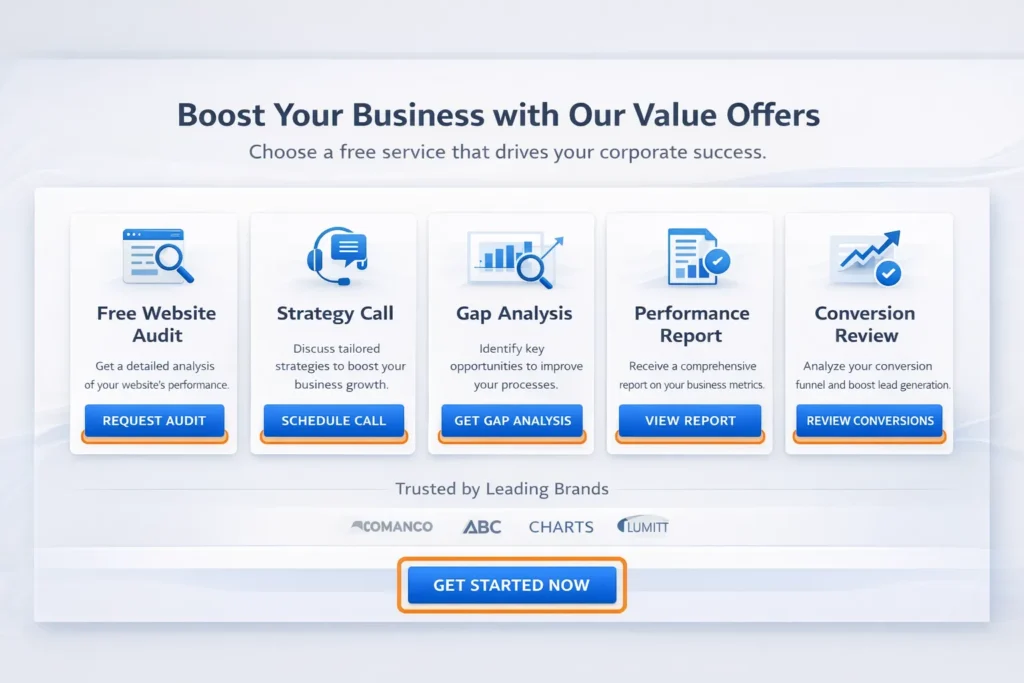
Problem #13 — No Offer = No Reason to Act
Corporate sites often have no offer.
Add:
- Free audit
- Strategy call
- Gap analysis
- Performance report
- Conversion review
Offers create urgency.
Urgency creates leads.
Problem #14 — Weak Messaging Above the Fold
Your first screen must show:
- Who you help
- What you solve
- Why are you different
- What to do next
If above-the-fold is vague → bounce rate rises.
Problem #15 — No Measurement Setup
You cannot fix b2b website with no leads without measurement.
Track:
- Funnel drop points
- Scroll depth
- CTA clicks
- Page exit
- Form abandonment
- Conversion paths
Data shows where leads die.
Complete Solution Framework
To fix a b2b website no leads problem:
Download The B2B Website No Leads Checklist
Fix SEO Intent
- Map buyer intent keywords
- Create funnel-stage pages
- Build commercial content clusters
The Fix UX
- Improve scan structure
- Add visual hierarchy
- Simplify navigation
Fix Funnel
- Add middle funnel pages
- Create industry paths
- Support the decision stage
The Fix CTA
- Stage-based CTAs
- Multiple conversion types
- Context placement
Fix Trust
- Add proof everywhere
- Show results
- Reduce risk perception
Conclusion
If your b2b website no leads problem continues, the issue is rarely traffic alone.
The real problem is misalignment:
- Intent mismatch
- Funnel gaps
- Weak UX
- Missing trust
- Poor CTA strategy
- No buyer journey mapping
Corporate websites must stop acting like brochures and start acting like conversion systems.
Fix the journey — leads follow.
Faqs
Because traffic intent does not match buyer intent, visitors are researching, not buying. Your pages must match the funnel stage and decision needs.
Add middle-funnel pages, improve CTAs, reduce form friction, add trust proof, and align content with buyer journey stages.
Buyer intent SEO targets commercial and decision keywords, not just informational traffic, and maps pages to purchase readiness.
Yes. B2B UX must support research, validation, and risk reduction — not impulse buying.
At least 3–5 contextual CTAs across scroll depth — matched to buyer stage and content section.
Case studies, metrics, industry proof, client logos, certifications, and transparent process details.
Yes. Every page should move the buyer one step forward in the funnel — even if it’s a soft conversion.