
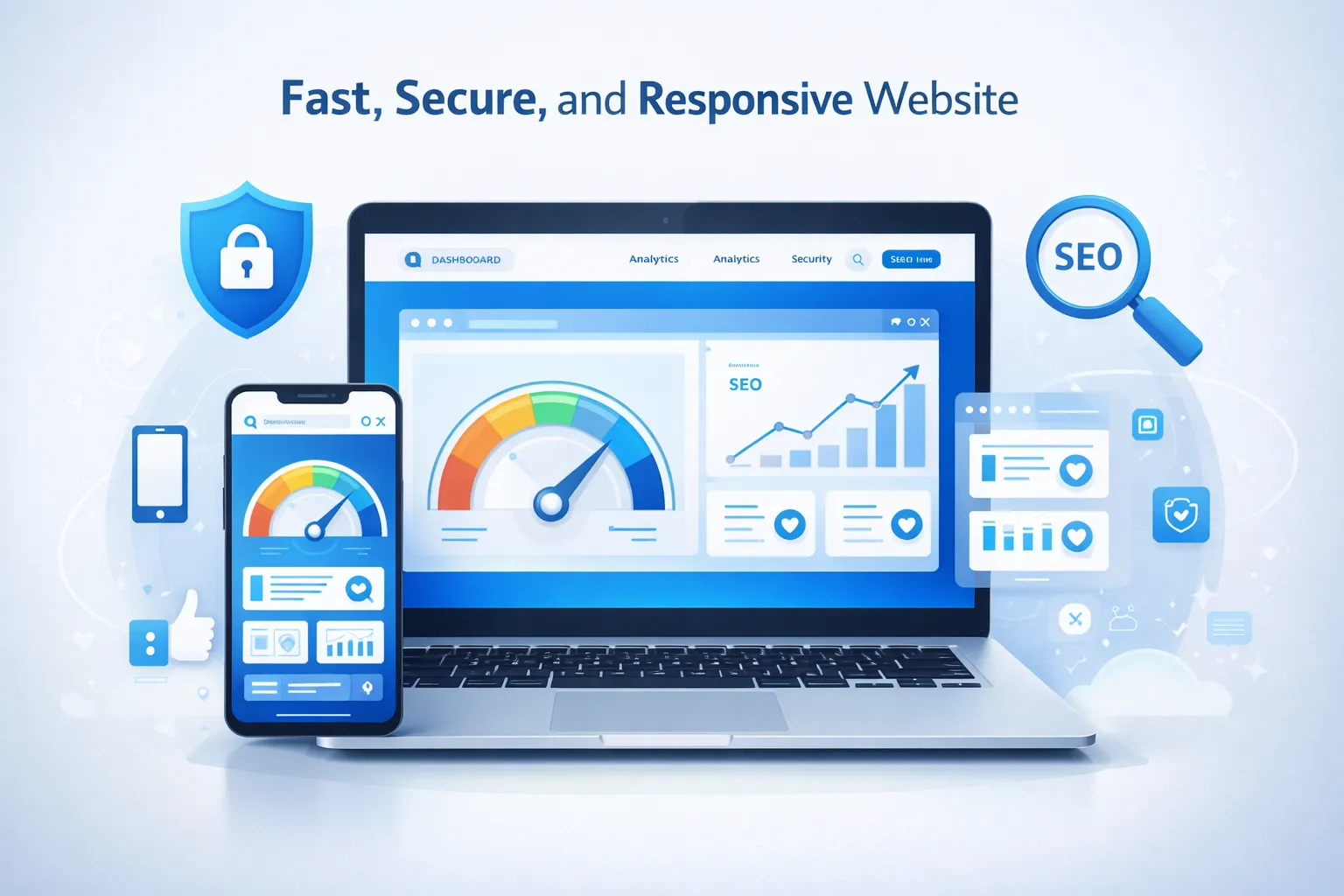
In today’s digital landscape, having a website isn’t enough—you need the right features to succeed. Studies show that 88% of online consumers are less likely to return to a site after a bad experience, and 75% of users judge a company’s credibility based on its website design. Whether you’re building a new website or improving an existing one, understanding essential website features is crucial for success.
This comprehensive guide covers 20+ must-have website features that will help you create a powerful online presence, improve user experience, increase conversions, and dominate search engine rankings in 2026.
1. Core Foundation Features: Building Your Digital Presence
Responsive Design and Mobile Optimization
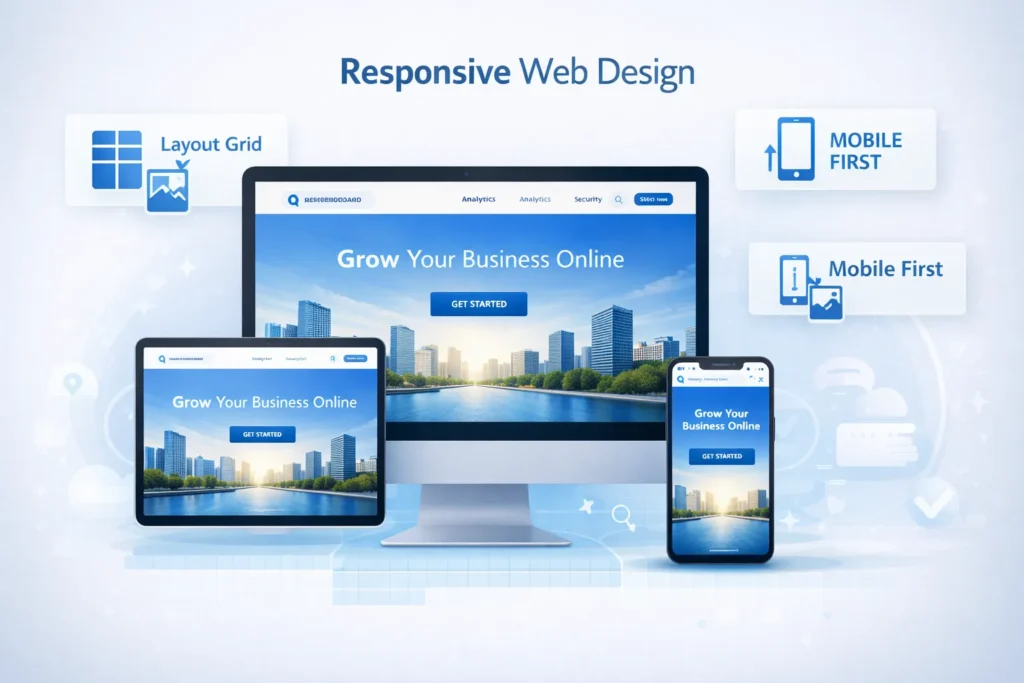
With over 60% of web traffic coming from mobile devices in 2026, responsive design is no longer optional—it’s mandatory. A responsive website automatically adjusts its layout, images, and functionality to provide optimal viewing experiences across all devices, from smartphones to tablets to desktop computers.
Why it matters: Google uses mobile-first indexing, meaning it primarily uses the mobile version of your content for indexing and ranking. If your site isn’t mobile-friendly, you’re losing both traffic and search visibility.
Key elements of responsive design:
- Fluid grid layouts that adapt seamlessly to different screen sizes
- Flexible images that scale proportionally without breaking layout
- Media queries in CSS that apply different styles based on device characteristics
- Touch-friendly navigation with adequately sized buttons (minimum 44×44 pixels)
- Readable text without requiring zoom (minimum 16px font size)
- Optimized forms that are easy to fill out on small screens
Implementation tip: Test your Website Development on multiple devices and browsers. Tools like Google’s Mobile-Friendly Test can identify issues affecting your mobile experience. Ensure your site loads quickly on 3G and 4G networks, as not all users have access to high-speed connections.
Intuitive Navigation and Site Structure
Poor navigation is one of the primary reasons visitors leave websites within seconds. Your navigation should answer three fundamental questions: Where am I? Where can I go? How do I get there?
Best practices for website navigation:
- Limit primary menu items to 5-7 options to avoid overwhelming users
- Use descriptive labels that clearly indicate what users will find
- Implement sticky headers that remain visible while scrolling on long pages
- Include breadcrumb navigation to show users their location within your site hierarchy
- Add a search function for content-rich websites (especially those with 50+ pages)
- Create a logical hierarchy with clear parent-child relationships between pages
- Use mega menus for websites with extensive content, organizing links into categories
Problem solved: Users should never need more than three clicks to reach any page on your website. Clear navigation reduces bounce rates, increases page views, and improves conversion rates by 20-30%.
Professional Homepage Design
Your homepage is your digital storefront—you have approximately 0.05 seconds to make a positive first impression. A well-designed homepage immediately communicates your brand identity and value proposition, and guides visitors toward desired actions.
Essential homepage elements:
- Clear brand identity with prominent logo placement (top-left corner is standard)
- Compelling headline that communicates your unique value proposition within 5 seconds
- High-quality hero image or video that reinforces your message
- Primary call-to-action (CTA) above the fold with contrasting colors
- Social proof, including testimonials, client logos, or trust badges
- Clear benefit statements that explain how you solve customer problems
- Secondary navigation options guiding users to key pages
- Recent content or updates showing your site is actively maintained
Design principle: Follow the F-pattern or Z-pattern reading behavior. Users typically scan in an F-shaped pattern on text-heavy pages and a Z-pattern on visually focused pages. Place your most important content along these visual pathways.
2. Performance and Speed Optimization: The Need for Speed
Fast Loading Speed
Website speed directly impacts everything from user experience to search rankings to revenue. Research shows that a one-second delay in page load time can result in a 7% reduction in conversions. For e-commerce sites, that translates to significant lost revenue.
Target benchmarks for 2026:
- Overall page load time: Under 2.5 seconds
- Time to First Byte (TTFB): Under 600ms
- Largest Contentful Paint (LCP): Under 2.5 seconds
- First Input Delay (FID): Under 100ms
- Cumulative Layout Shift (CLS): Under 0.1
How to achieve fast loading speeds:
Image optimization: Compress images without sacrificing quality using tools like WebP format, which provides 25-35% better compression than JPEG. Implement lazy loading so images only load when they enter the viewport.
Code minification: Remove unnecessary characters from HTML, CSS, and JavaScript files. Minified code reduces file sizes by 20-40%, significantly improving load times.
Browser caching: Configure your server to store static resources in users’ browsers, so returning visitors don’t need to re-download unchanged files.
Content Delivery Network (CDN): Distribute your content across multiple servers worldwide, serving users from the geographically closest location. CDNs can reduce load times by 50% or more for international visitors.
Reduce HTTP requests: Each file (image, script, stylesheet) requires a separate HTTP request. Combine files where possible, use CSS sprites for multiple images, and eliminate unnecessary plugins or scripts.
Enable compression: Use Gzip or Brotli compression to reduce the size of CSS, HTML, and JavaScript files by up to 70%.
Problem solved: Slow websites lose visitors and money. By optimizing for speed, you’ll reduce bounce rates, improve user satisfaction, boost search rankings, and increase conversions. Amazon found that every 100ms of latency costs them 1% in sales—speed matters.
Core Web Vitals Optimization
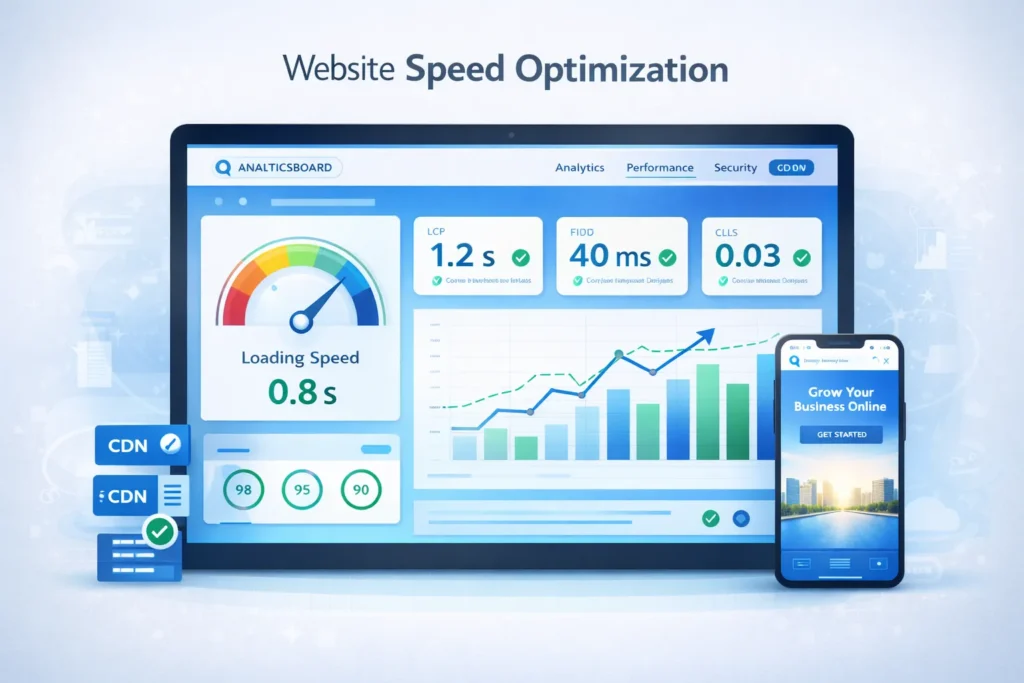
Google’s Core Web Vitals are now essential ranking factors. These metrics measure real-world user experience through three key aspects:
Largest Contentful Paint (LCP) measures loading performance. Your largest content element should render within 2.5 seconds. Optimize by reducing server response times, eliminating render-blocking resources, and optimizing CSS delivery.
First Input Delay (FID) measures interactivity. Users should be able to interact with your page within 100ms of their first click or tap. Minimize JavaScript execution time and break up long tasks.
Cumulative Layout Shift (CLS) measures visual stability. Elements shouldn’t unexpectedly shift while the page loads. Always include size attributes on images and videos, avoid inserting content above existing content, and use transform animations instead of property changes.
Implementation tip: Use Google PageSpeed Insights, Lighthouse, or Chrome DevTools to measure your Core Web Vitals and get specific optimization recommendations.
3. Security and Trust Features: Protecting Your Users

SSL Certificate and HTTPS Protocol
In 2026, SSL/HTTPS is absolutely mandatory. Browsers now display prominent “Not Secure” warnings for HTTP sites, immediately destroying user trust. Beyond browser warnings, HTTPS is a confirmed ranking signal for search engines.
What SSL/HTTPS provides:
- Data encryption protects sensitive information from interception
- Authentication verifies your website’s identity
- Data integrity ensures information isn’t modified during transfer
- Trust signals with the padlock icon in browsers
- Compliance with security standards and regulations
Important update for 2026: Implement the LS 1.3 protocol, the latest standard offering improved security and SEO performance. Older protocols (SSL 2.0, SSL 3.0, TLS 1.0, TLS 1.1) contain known vulnerabilities and should be disabled.
Implementation: Most hosting providers offer free SSL certificates through Let’s Encrypt. For e-commerce sites or businesses handling sensitive data, consider Extended Validation (EV) certificates that display your company name in the browser bar.
Problem solved: Without HTTPS, browsers warn users away from your site, search engines penalize your rankings, and you risk data breaches that could destroy your business reputation and result in legal liability.
Website Security Measures
Beyond SSL, comprehensive security features protect both your business and your users from increasingly sophisticated cyber threats.
Essential security features:
Web Application Firewall (WAF): Filters malicious traffic before it reaches your site, blocking common attacks like SQL injection and cross-site scripting (XSS).
Regular security updates: Keep your CMS, plugins, themes, and server software updated. 60% of data breaches result from unpatched vulnerabilities in known security flaws.
Strong authentication: Implement two-factor authentication (2FA) for admin access, require complex passwords, and limit login attempts to prevent brute force attacks.
Regular backups: Maintain automated daily backups stored in multiple locations. If your site is compromised, you can restore it quickly without losing data.
DDoS protection: Services like Cloudflare protect against Distributed Denial of Service attacks that attempt to overwhelm your server with traffic.
Secure payment processing: Never store credit card information on your server. Use PCI-compliant payment gateways like Stripe, PayPal, or Square.
Security monitoring: Implement tools that actively scan for malware, monitor for suspicious activity, and alert you to potential security threats.
Privacy Compliance and Data Protection
Privacy regulations like GDPR (Europe), CCPA (California), and similar laws worldwide require transparent data handling practices.
Required privacy features:
- Cookie consent banners that clearly explain what data you collect and why
- Privacy policy detailing data collection, storage, usage, and sharing practices
- Data access and deletion mechanisms allowing users to request their data or deletion
- Age verification for sites targeting children
- Third-party disclosure listing all entities that receive user data
- Opt-out options for marketing communications and data sharing
Problem solved: Non-compliance with privacy regulations can result in fines up to €20 million or 4% of annual revenue under GDPR. Transparent privacy practices build user trust and demonstrate ethical business practices.
4. User Experience Essentials: Delighting Your Visitors
Clear Call-to-Actions (CTAs)
Every page on your website should guide users toward a specific action. Without clear CTAs, visitors don’t know what steps to take next, resulting in lost opportunities.
CTA best practices:
- Use action-oriented language: “Get Your Free Quote,” “Start Your Trial,” “Download Now” rather than generic “Submit” or “Click Here.”
- Create visual contrast: CTAs should stand out with colors that contrast with your color scheme
- Position strategically: Place primary CTAs above the fold, and repeat them every 2-3 scrolls on long pages
- Size appropriately: Buttons should be large enough to click easily (minimum 44×44 pixels on mobile)
- Limit choices: Too many CTAs confuse users. Focus on one primary action per page
- Add urgency when appropriate: “Limited Time Offer” or “Only 3 Spots Left” can increase conversion rates
Problem solved: Clear CTAs can increase conversion rates by 200-300%. They guide user behavior and transform passive visitors into active customers.
Accessibility Features (WCAG Compliance)
Approximately 15% of the world’s population lives with some form of disability. Accessible websites serve everyone, regardless of physical or cognitive abilities, while also improving SEO and usability for all users.
Essential accessibility features:
Keyboard navigation: All functionality must be accessible via keyboard alone (Tab, Enter, Arrow keys) for users who cannot use a mouse.
Screen reader compatibility: Use semantic HTML tags, proper heading hierarchy (H1-H6), and descriptive alt text for images so screen readers can accurately convey content.
Color contrast: Maintain minimum contrast ratios of 4.5:1 for normal text and 3:1 for large text, ensuring readability for users with visual impairments.
Resizable text: Users should be able to increase text size up to 200% without breaking layout or losing functionality.
Alternative content: Provide captions for videos, transcripts for audio content, and text alternatives for multimedia.
Clear language: Use plain language, avoid jargon, and structure content logically for users with cognitive disabilities.
Form labels and error messages: Clearly label form fields, provide helpful error messages, and indicate required fields.
ARIA landmarks: Use ARIA (Accessible Rich Internet Applications) labels to help assistive technologies understand page structure.
Implementation tip: Run automated accessibility tests using tools like WAVE or Axe, but also conduct manual testing with actual screen readers (NVDA, JAWS, VoiceOver) to catch issues automated tools miss.
Problem solved: Accessible websites reach broader audiences, reduce legal risks (ADA lawsuits are increasing), improve SEO, and demonstrate corporate social responsibility. Many accessibility improvements benefit all users, not just those with disabilities.
Contact Information and Multiple Contact Methods
Your website should make it easy for customers to reach you. Hidden or hard-to-find contact information erodes trust and costs you business opportunities.
Essential contact elements:
- Dedicated contact page linked prominently in your main navigation and footer
- Multiple contact methods, including phone, email, contact form, and physical address
- Live chat functionality for immediate assistance (82% of customers expect instant responses)
- Clear business hours indicating when you’re available
- Response time expectations (e.g., “We respond within 24 hours”)
- Department-specific contacts for larger organizations
- Social media links to all active profiles
- Google Maps integration shows your physical location
Advanced option: AI-powered chatbots can handle common questions 24/7, providing instant responses even outside business hours. Configure them to escalate complex inquiries to human representatives.
Problem solved: 44% of online customers say having a live person answer questions during purchase is one of the most important website features. Easy contact options build trust, reduce purchase anxiety, and can increase Conversion Rate by 15-25%.
Social Proof and Trust Signals
People trust other people more than they trust businesses. Social proof leverages this psychological principle to build credibility and encourage action.
Effective trust signals:
Customer testimonials: Display specific, detailed reviews with customer names (and photos if possible). Generic testimonials like “Great service!” are less effective than specific stories: “GemProgrammers rebuilt our website and increased our leads by 150% in 3 months.”
Star ratings and reviews: Display aggregate ratings prominently. Studies show products with reviews have 270% higher purchase rates than those without.
Client logos: Showcase recognizable companies you’ve worked with, but only with permission.
Case studies: Detailed success stories with measurable results build credibility for high-value services.
Certifications and awards: Display relevant industry certifications, security badges, and awards.
Media mentions: If you’ve been featured in reputable publications, highlight these with their logos.
User counts and social proof numbers: “Join 50,000+ satisfied customers” leverages the bandwagon effect.
Trust badges: Display security seals, payment security icons (Verified by Visa, PayPal), money-back guarantees, and industry association memberships.
Real-time activity: “5 people are viewing this product” or “327 people purchased this week” creates urgency and validates demand.
Problem solved: Social proof can increase conversions by 15-400% depending on implementation. It reduces perceived risk, builds credibility, and provides the reassurance hesitant buyers need to make purchasing decisions.
5. SEO and Content Features: Getting Found Online
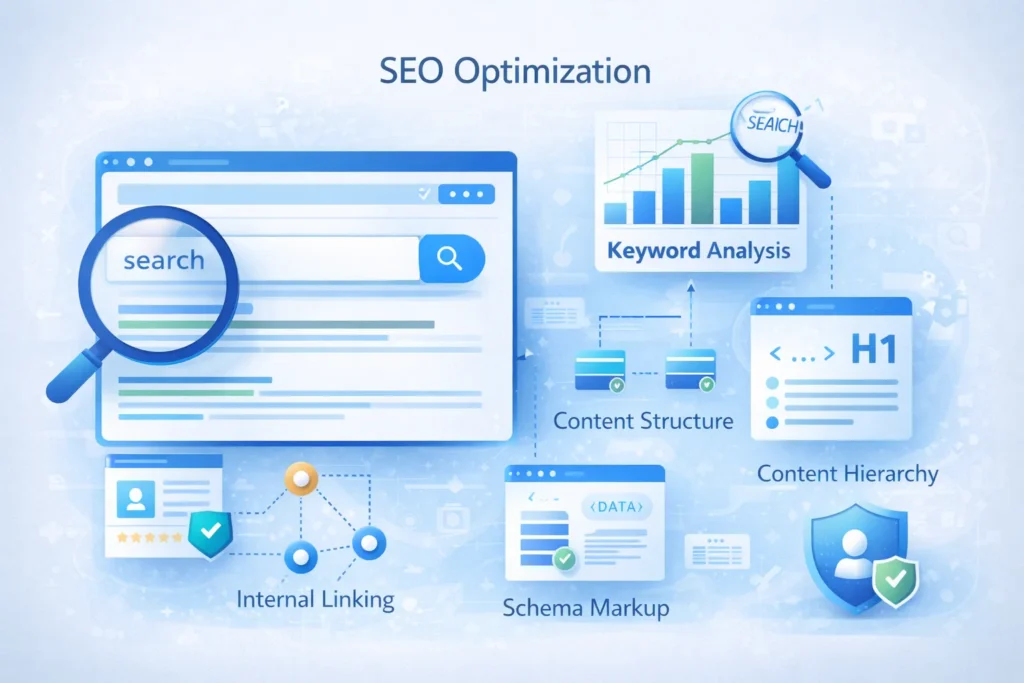
Search Engine Optimization (SEO) Foundation
A beautiful website means nothing if users can’t find it. Strong SEO features help your site rank higher, attract organic traffic, and generate long-term results without paid ads.
Essential On-Page SEO Elements:
- Meta titles & descriptions: Unique, keyword-optimized titles (50–60 chars) and descriptions (150–160 chars) improve click-through rates.
- Heading structure: Use one H1 per page, followed by H2s and H3s for a clear content hierarchy.
- SEO-friendly URLs: Clean, readable URLs with keywords (e.g., /website-features-guide/).
- Keyword optimization: Naturally use primary and secondary keywords without stuffing.
- Internal linking: Connect related pages using descriptive anchor text to pass authority.
- Image alt text: Write meaningful descriptions for accessibility and image SEO.
- Schema markup: Use structured data to enhance search results with rich snippets.
- XML sitemap & robots.txt: Help search engines crawl and index your site efficiently.
- Mobile-first & speed optimization: Fast, mobile-optimized sites rank higher on Google.
Problem solved:
Well-implemented SEO can boost organic traffic by 100–500%, delivering consistent visibility and the best long-term ROI in digital marketing.
High-Quality Content Features
Content is the foundation of SEO and user engagement. Poor content drives visitors away; great content attracts links, shares, and conversions.
Content best practices:
Relevance: Content should directly address user intent and answer their questions comprehensively. Don’t waste their time with fluff.
Depth and comprehensiveness: Long-form content (1,500+ words) typically ranks better than thin content, provided it remains valuable throughout. Cover topics thoroughly rather than superficially.
Original and unique: Duplicate content can harm your rankings. Create original content that provides unique value or perspective.
Regular updates: Fresh content signals site activity. Update existing pages with new information, add publishing dates, and maintain a regular publishing schedule.
Readability: Use short paragraphs, bullet points, subheadings, and simple language. Most web content should target a 6th-8th-grade reading level for maximum accessibility.
Visual breaks: Include relevant images, videos, infographics, and other visual elements every 300-400 words to maintain engagement.
Scannable format: Most users scan rather than read every word. Make content scannable with clear headings, bold key terms, and bulleted lists.
Actionable information: Provide practical, implementable advice rather than vague platitudes.
Multimedia integration: Videos increase time on page by 88%. Include relevant videos, podcasts, infographics, and interactive elements.
Blog or Content Hub
A regularly updated blog provides multiple benefits: fresh content for SEO, thought leadership positioning, customer education, and opportunities to rank for long-tail keywords.
Blog features to implement:
- Clear categories organizing content by topic
- Search functionality for content-rich blogs
- Author bios with credentials and social links
- Related posts keep visitors engaged with more content
- Social sharing buttons encourage content distribution
- Comments or discussion building community (with moderation)
- Email subscription capturing leads from quality content
- Content calendar ensuring a consistent publishing schedule
CONCLUSION
In 2026, a successful website is more than just good design—it’s a combination of performance, security, usability, and SEO-driven features working together. From responsive layouts and lightning-fast loading speeds to strong security, accessibility, and content optimization, every feature plays a vital role in attracting users and converting them into customers.
By implementing these essential website features, you not only improve user experience but also strengthen your search engine rankings, build trust, and future-proof your digital presence. Whether you’re launching a new website or upgrading an existing one, focusing on these proven features will help you stay ahead of competitors and achieve long-term online success.
Faqs
A good website in 2026 must include responsive design, fast loading speed, strong security, SEO optimization, accessibility, and clear calls-to-action for better user experience and rankings.
Website speed directly impacts rankings, bounce rate, and conversions. Slow websites lose visitors, reduce trust, and rank lower in Google search results.
Responsive design ensures your website works smoothly on all devices, improves mobile usability, boosts SEO rankings, and enhances user satisfaction.
Every website should have SSL/HTTPS, firewall protection, secure authentication, regular backups, malware scanning, and privacy compliance features.
Core Web Vitals measure loading speed, interactivity, and visual stability. Optimized scores improve user experience and help websites rank higher on Google.
Accessibility makes websites usable for everyone, improves SEO, reduces legal risks, and enhances overall user experience across all audiences.
Well-designed features like clear CTAs, trust signals, fast speed, and easy navigation guide users smoothly and significantly increase conversion rates.