
Migrating your online store to Shopify can transform your business. Whether your current store is on WooCommerce, Magento, BigCommerce, WordPress, or another platform, Shopify offers scalability, security, and ease of management.
But Shopify migration is more than copying products. It involves data accuracy, SEO preservation, post-migration optimization, and performance enhancements. Businesses that neglect planning often face lost sales, broken links, and ranking drops.
This comprehensive guide will walk you through everything you need to know about Shopify migration—from preparation to advanced strategies, ensuring a smooth transition and improved sales.
Why Shopify Migration is Essential
Businesses consider migration for multiple reasons. Here’s why Shopify is a preferred choice:
1. Faster Performance & Reliability
Shopify Development stores have high uptime and optimized infrastructure. Slow loading times are eliminated, improving user experience and SEO rankings.
2. Mobile-Responsive Design
With over 70% of online shopping done on mobile, Shopify’s responsive themes ensure a consistent experience across devices, boosting conversions.
3. Security & Compliance
Shopify is PCI-compliant and includes SSL certificates, protecting your customers’ sensitive data.
4. Built-In Marketing & Apps
From email campaigns to abandoned cart recovery and social media integration, Shopify has tools to boost sales without third-party systems.
5. Scalability
Shopify easily handles growth. Seasonal traffic spikes, product expansion, and international markets are supported seamlessly.
Step 1: Pre-Migration Planning

Preparation is the foundation of a successful Shopify migration. A well-planned strategy reduces errors and ensures smooth execution.
A. Audit Your Current Store
- List all products, variations, and SKUs
- Identify categories, tags, and collections
- Export customer data and order history
- Record blog posts, pages, and URLs
B. Define Goals
- Performance improvements
- SEO retention
- International expansion
- Improved Conversion Rate Optimization
C. Backup Everything
Always export all data to avoid accidental loss during migration.
D. Assign Roles & Set Timeline
- Determine responsibilities for team members
- Create a migration schedule with milestones
Step 2: Shopify Migration Checklist
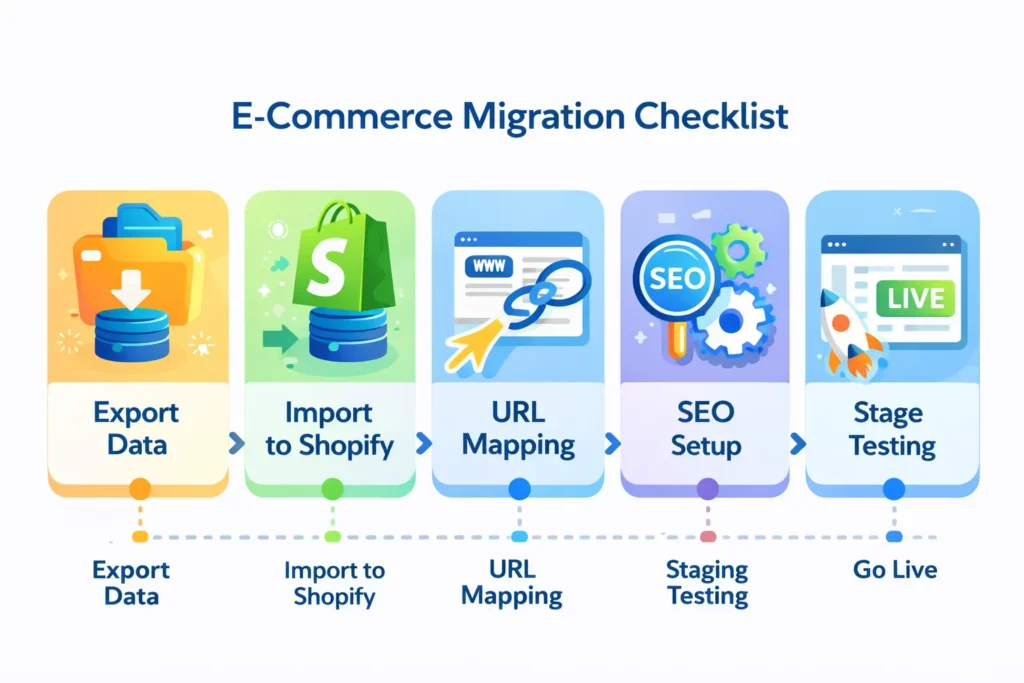
A structured checklist ensures nothing is overlooked:
A. Choose the Migration Method
- Shopify Import Tool: Free for simple stores
- Migration Apps: LitExtension, Cart2Cart for automated migration
- Hire Experts: For large or complex stores
B. Export Store Data
- Products, categories, images
- Customers, orders, discounts
- Blog posts and pages
C. Import Data to Shopify
- Match categories, SKUs, and product tags
- Ensure images, descriptions, and inventory counts are accurate
D. URL Mapping & 301 Redirects
- Map old URLs to new Shopify URLs to preserve SEO
- Avoid broken links
E. SEO Setup
- Meta titles, descriptions, and H1s
- Structured data (schema markup)
- Sitemap submission to Google Search Console
F. Staging Environment Testing
- Checkout and payment gateway testing
- Search and filter testing
- Navigation & product page functionality
G. Go Live
- Monitor live store performance
- Check for broken links, missing images, or inventory errors
Step 3: Platform-Specific Shopify Migration Guides
Different platforms require tailored approaches. Here’s how to migrate from the most common platforms.
1: Platform-Specific Shopify Migration Guides
- Export products via CSV
- Export customers and orders
- Use the Shopify import tool or LitExtension
- Map categories and product tags
- Set up 301 redirects for blog posts and URLs
2: Platform-Specific Shopify Migration Guides
- Export data using Magento export functions
- Check for complex product types (configurable, bundled)
- Use professional migration apps or experts
- Redirect URLs and preserve metadata
- Test checkout thoroughly
3: Platform-Specific Shopify Migration Guides
- Export products, customers, orders
- Match categories, SKUs, and tags
- Use Shopify or third-party migration tools
- Verify tax, shipping, and payment setups
D. WordPress/WooCommerce
- Export products and pages via CSV
- Use Shopify import apps
- Recreate page layouts using Shopify themes
- Redirect old URLs to new Shopify pages
Each platform has unique data structures. Using the right tool ensures accurate migration.
Step 4: SEO Preservation During Migration
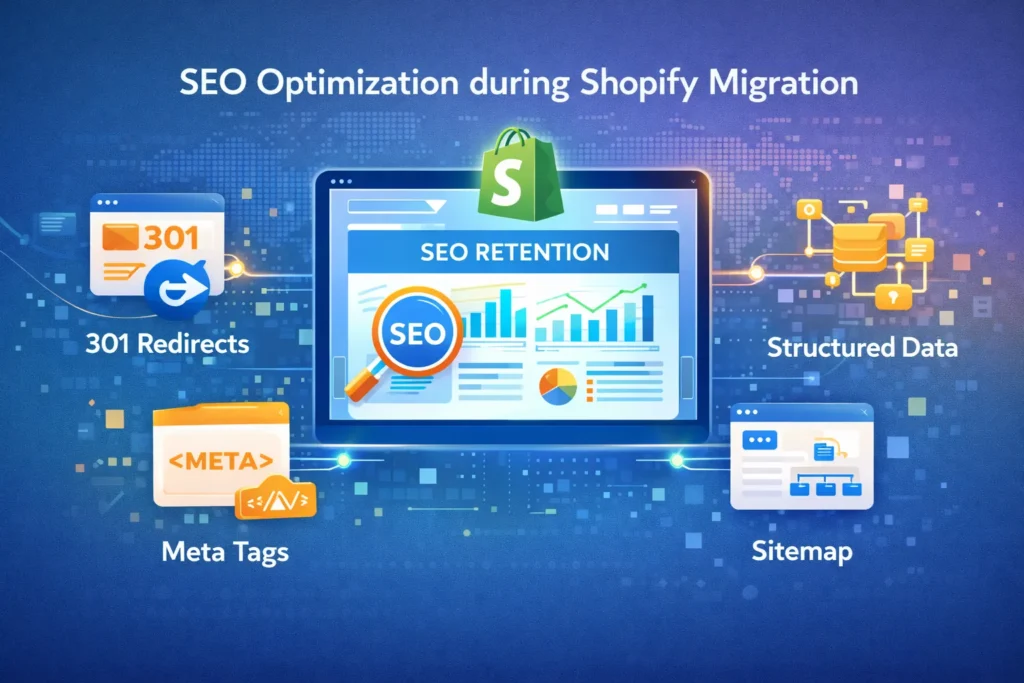
SEO Optimization loss is a major concern. Follow these steps:
- 301 Redirects: Map every old URL to a new URL
- Meta Tags: Transfer titles, descriptions, and H1s
- Internal Links: Update links to reflect the new structure
- Structured Data: Preserve schema markup
- Sitemaps: Submit updated sitemap to Google Search Console
- Monitor Rankings: Check traffic and rankings for drops
SEO planning ensures your migration doesn’t negatively impact search visibility.
Step 5: Post-Migration Optimization
Migrating to Shopify is just the beginning. Optimize for performance, sales, and conversions:
A. Store Performance
- Compress images
- Enable caching
- Test mobile responsiveness
B. Analytics Setup
- Configure GA4
- Track conversions, sales, and customer behavior
- Set up event tracking
C. Conversion Rate Optimization
- Optimize checkout process
- Improve product pages
- Simplify navigation
D. Continuous Monitoring
- Weekly traffic review
- Check SEO rankings
- Monitor customer feedback
Post-migration optimization ensures your Shopify store performs better than before.
Step 6: Tools & Services for Shopify Migration
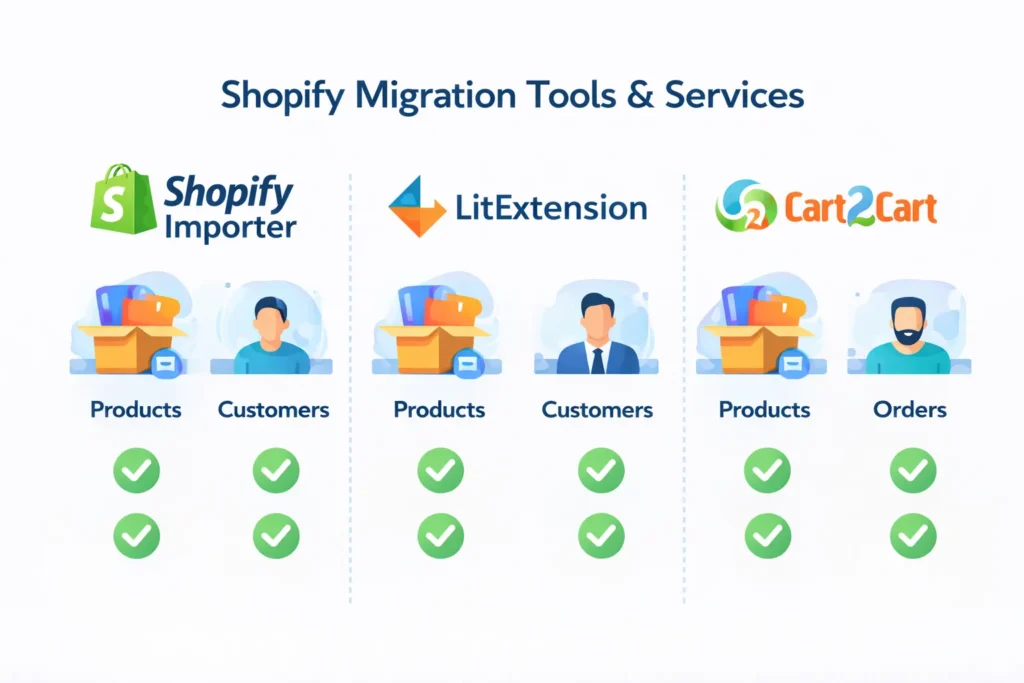
Using the right tools saves time and ensures accuracy.
Migration Tools
- Shopify Importer: Free for simple stores
- LitExtension: Automated migration for complex stores
- Cart2Cart: Paid automated migration
Other Services
- Shopify experts for large-scale migrations
- SEO specialists for preserving search rankings
- Custom theme developers for design consistency
Choosing the right tools minimizes errors and accelerates migration.
Step 7: Cost of Shopify Migration
Migration costs vary depending on complexity:
| Service Type | Estimated Cost |
|---|---|
| DIY migration using Shopify | $0–$200 |
| Migration apps (LitExtension) | $100–$1,000 |
| Hiring Shopify experts | $500–$5,000+ |
| SEO & optimization services | $300–$2,000+ |
| Theme redesign & customization | $500–$5,000+ |
Budget planning ensures you’re not surprised by hidden costs.
Step 8: Advanced Strategies
A. Shopify Plus Migration
For enterprise-level stores with high traffic, Shopify Plus offers:
- Advanced automation
- Multi-currency support
- Custom checkout
B. Headless Commerce
Separate frontend and backend for customized user experiences and faster performance.
C. AI-Powered Tools
- Product recommendations
- Personalized search
- Customer segmentation
D. International Expansion
- Multi-language and multi-currency setup
- Region-specific shipping and taxes
Advanced strategies future-proof your store and drive growth.
Step 9: Common Shopify Migration Problems and Solutions
| Problem | Solution |
|---|---|
| SEO ranking drops | Proper 301 redirects, preserve meta tags |
| Broken links or missing pages | URL mapping and staging tests |
| Data mismatch (products/orders) | Use migration tools or expert services |
| Payment gateway errors | Test checkout and payment integrations |
| Slow page load | Optimize images, caching, and Shopify apps |
Being proactive solves common issues before they impact customers.
Conclusion
Shopify migration is a strategic move for any growing eCommerce business. With proper planning, careful execution, SEO preservation, post-migration optimization, and advanced strategies, your store can achieve:
Higher performance and reliability
Increased conversions
SEO retention and growth
Seamless international expansion
By following this complete 2026 guide, your migration will not only be smooth but also maximize business sales and future-proof your online store.
Faqs
1–4 weeks depending on store size and complexity.
No, if you use proper 301 redirects and preserve metadata.
Yes, using Shopify import apps or manually
For complex stores, experts save time and prevent errors.
Costs range from $0–$5,000+ depending on tools and complexity.
Yes, each platform has tailored migration processes
Always test checkout, payments, and page functionality.
Yes, Shopify supports AI for recommendations, search, and marketing automation.