

Starting an e-commerce store in 2026 can be highly profitable if done correctly. Many beginners struggle with where to start, which platform to choose, or how to market products effectively. This guide solves all those problems by showing you a clear, step-by-step path from idea to launch and beyond.
Step 1: Understand the E-commerce Models
Before building your store, you need to know which business model fits your goals:
- B2C (Business-to-Consumer): Selling directly to customers online.
- B2B (Business-to-Business): Selling products or services to other businesses.
- C2C (Consumer-to-Consumer): Platforms like eBay, Etsy.
- D2C (Direct-to-Consumer): Manufacturers selling directly without middlemen.
- Subscription or Digital Products: Recurring revenue with digital goods or services.
Choosing the right model impacts everything from platform selection to marketing.
Step 2: Market Research & Niche Validation
Many stores fail because the niche is too broad or lacks demand. Follow these steps:
- Identify a Niche: Look for a problem you can solve or a product that people are searching for.
- Validate Demand: Use Google Trends, keyword research, and competitor analysis to ensure your niche is profitable.
- Check Competition: Analyze top competitors to find gaps you can fill.
Pro Tip: Target a niche that is profitable but not overly saturated.
Step 3: Plan Your Store & Legal Setup
- Business Plan: Outline your target audience, products, marketing plan, and financial goals.
- Legal Registration: Register your business, choose a structure (LLC, sole proprietorship), and get tax IDs.
- Policies: Create clear return, shipping, and privacy policies to build trust.
Step 4: Choose the Right Platform
Your platform affects your store’s scalability and ease of use. Consider:
| Platform | Best For | Pros | Cons |
|---|---|---|---|
| Shopify | Beginners & SMEs | Easy setup, apps, support | Monthly fee, transaction cost |
| WooCommerce | WordPress users | Free, flexible, plugins | Requires hosting & setup |
| BigCommerce | Growing businesses | No transaction fees | Slightly steeper learning curve |
| Wix / Squarespace | Small stores | Drag-and-drop simplicity | Free, flexible plugins |
Step 5: Product Strategy & Pricing
- Sourcing Products: Dropshipping, inventory-based, or print-on-demand.
- Pricing Strategy: Factor in cost, shipping, and profit margin.
- Inventory Management: Use tools to track stock and avoid overselling.
Problem Solved: Avoid losing money on wrong pricing or poor inventory management.
Step 6: Store Design & User Experience (UX)
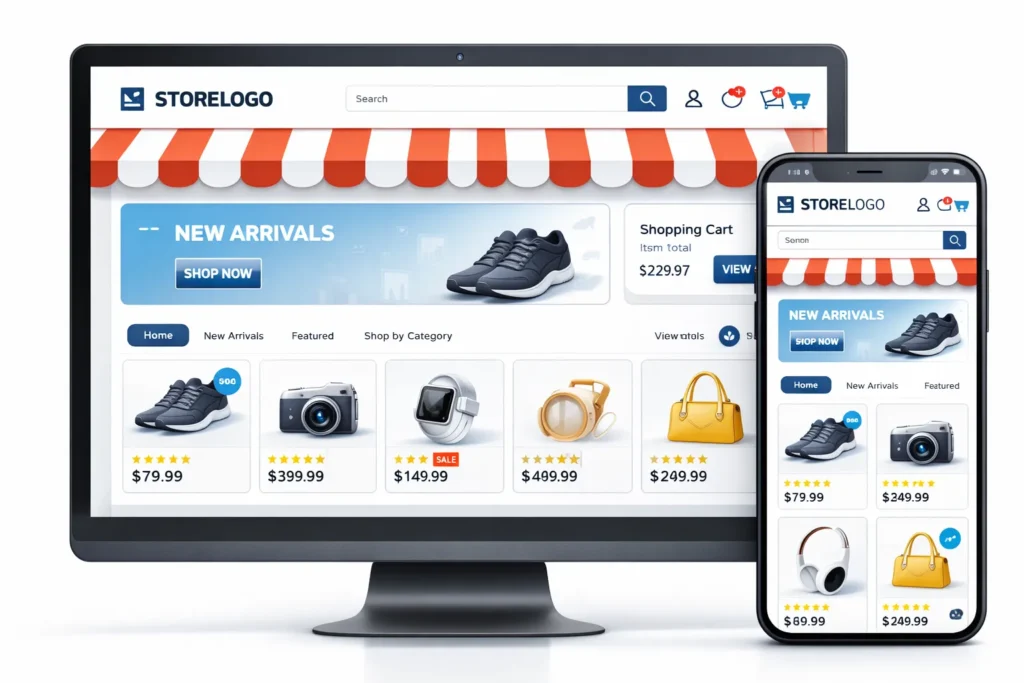
Your store should be easy to navigate and visually appealing:
- Mobile-friendly and responsive design
- Clear navigation and product categorization
- High-quality product images and descriptions
- Trust signals: customer reviews, secure checkout, money-back guarantees
A smooth UX increases conversions and reduces cart abandonment.
Step 7: SEO & Organic Traffic
SEO ensures your store gets organic visitors without paying for ads:
- Research keywords for your products
- Optimize product titles, descriptions, and meta tags
- Use SEO Optimization-friendly URLs
- Internal linking and proper site structure
Problem Solved: Avoid low traffic from poor search visibility.
Step 8: Marketing & Promotion
Even the best store won’t sell without promotion:
- Social Media: Instagram, TikTok, Pinterest for product discovery
- Email Marketing: Build a subscriber list and send automated campaigns
- Paid Ads: Google Ads and Facebook Ads for targeted reach
- Influencer & Affiliate Marketing: Expand audience reach
Pro Tip: Combine organic and paid strategies for faster results.
Step 9: Shipping & Customer Service
- Choose shipping options: flat-rate, free shipping, or local delivery
- Set return and refund policies
- Offer customer support: chatbots, email, or phone support
Problem Solved: Reduce cart abandonment and increase trust.
Step 10: Analytics & Optimization
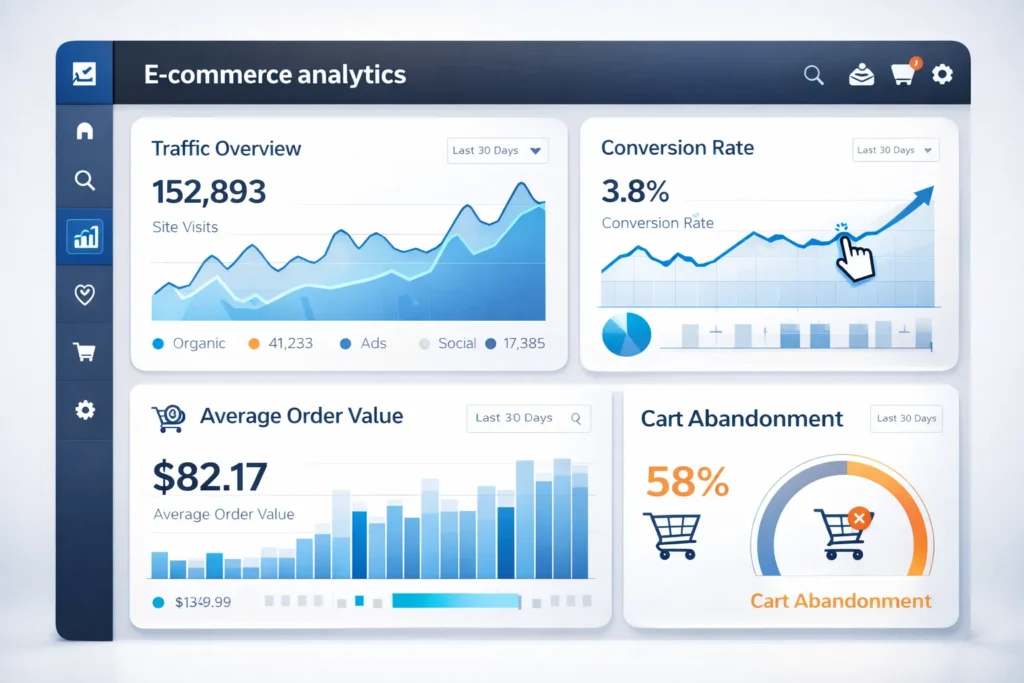
Track key performance indicators (KPIs):
- Traffic and sources
- Conversion Rate Optimization
- Average order value (AOV)
- Cart abandonment rate
Use insights to optimize marketing, pricing, and user experience. Continuous improvement ensures long-term growth.
Step 11: Scaling Your Store
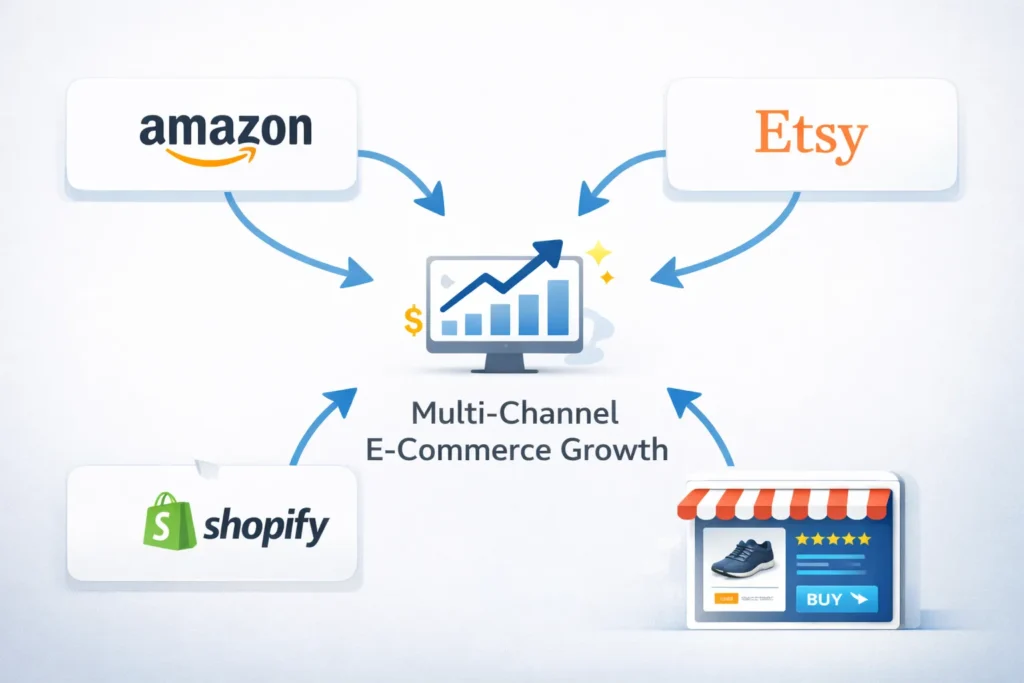
Once your store is profitable:
- Sell on multiple channels (Amazon, Etsy)
- Upsell & cross-sell products
- Launch loyalty programs and subscription models
- Automate processes for efficiency
Scaling ensures your e-commerce store grows sustainably.
Conclusion
Starting an e-commerce store in 2026 is achievable with the right planning and execution. Follow this roadmap from niche selection, platform choice, store setup, Digital Marketing, and scaling. Implementing these steps reduces common mistakes and ensures long-term success.
Faqs
Costs vary by platform and product. Shopify may start at $29/month, and WooCommerce is free but requires hosting. Factor in marketing and inventory costs.
Shopify is easiest for beginners, offering an all-in-one solution. WooCommerce is flexible but requires ha osting setup.
Analyze demand using Google Trends, keyword research, and competitor gaps. Choose a profitable niche that is not oversaturated.
Yes. SEO drives free organic traffic, improves visibility, and reduces dependency on paid ads.
Use social media marketing, email campaigns, paid ads, influencer collaborations, and promotions to reach the target audience fast.
Include product cost, shipping, and profit margin. Monitor competitors and adjust pricing based on market demand.
Expand to multiple channels, introduce upsells, subscriptions, loyalty programs, and automate operations to grow efficiently.