
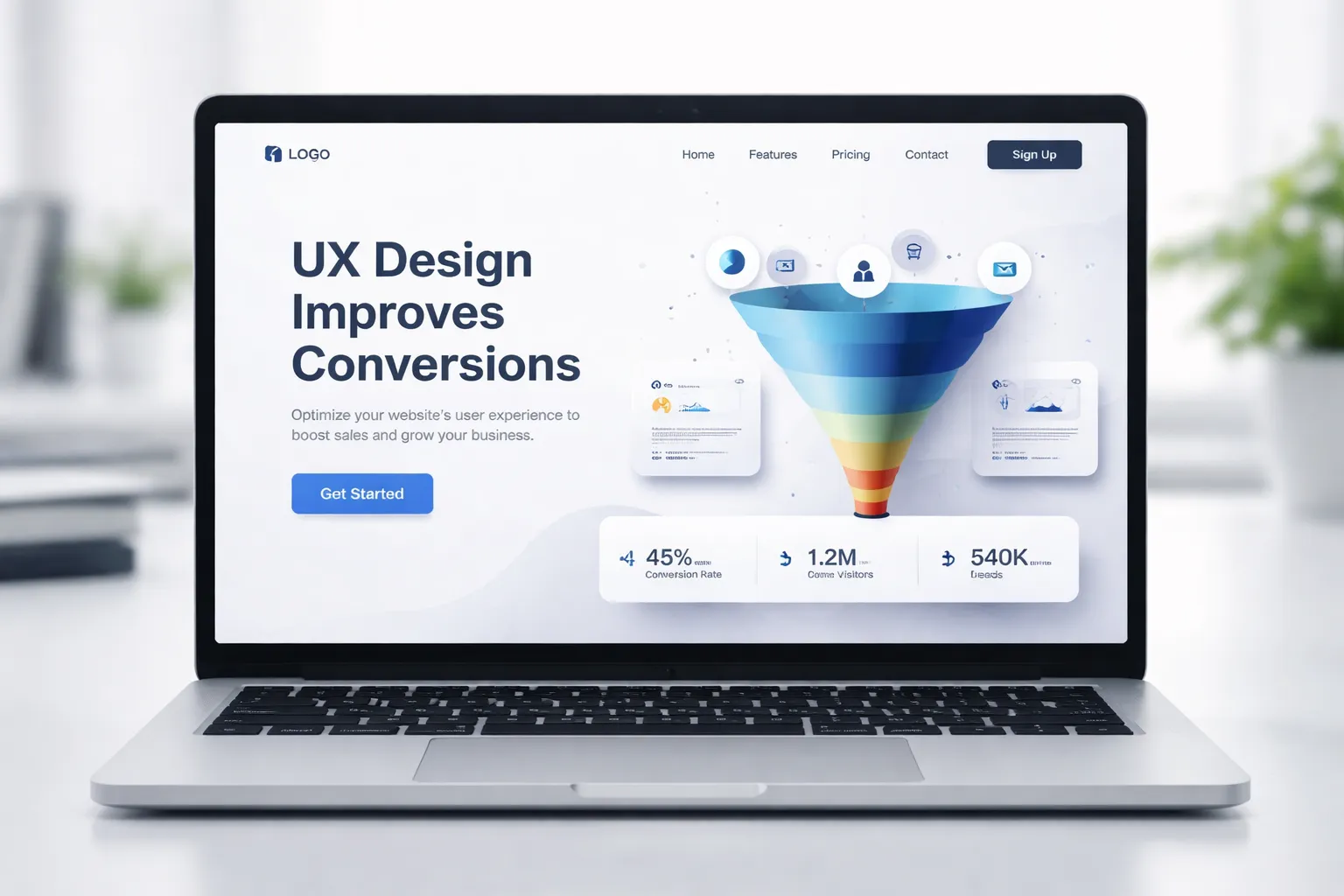
Traffic is no longer the problem in digital marketing. Most businesses today can generate visitors through SEO, paid ads, or social media. The real challenge lies in converting those visitors into customers.
This is where many websites fail. They invest heavily in marketing but ignore how users actually experience their website. A poorly structured interface, confusing navigation, or lack of trust signals can silently destroy conversion rates.
UX design is not just about aesthetics. It is a strategic layer that influences how users think, feel, and act on your website. When implemented correctly, UX design improves clarity, reduces friction, and builds confidence—three critical elements required for conversions.
In this guide, we will explore how UX design improves conversion rates, identify the hidden problems that reduce performance, and provide practical solutions that align with real user behavior and decision-making psychology.
What Does UX Design Actually Mean in CRO?
UX design in the context of conversion rate optimization refers to how efficiently and intuitively a user can move from the entry point to conversion.
It is not limited to visual design. It includes structure, flow, interaction, and emotional response.
A high-performing UX answers three questions instantly:
- Where am I?
- What is this website offering?
- What should I do next?
If a user cannot answer these within a few seconds, the probability of conversion drops significantly.
Strong UX design improves:
- Decision-making speed
- Cognitive clarity
- Trust perception
- Action completion
Weak UX does the opposite. It increases hesitation, confusion, and exit rates.
Why UX Design Improves Conversion Rates
UX design directly impacts user psychology. Every interaction either moves the user forward or creates resistance.
When UX is optimized, users feel guided rather than forced. This subtle shift dramatically improves conversion outcomes.
Key reasons why UX design improves conversions include:
- It reduces cognitive load and simplifies decision-making
- It creates a predictable and intuitive journey
- It reinforces trust through visual and structural consistency
- It eliminates friction points that delay actions
- It aligns user intent with business goals
From a behavioral perspective, users do not convert because they are impressed. They convert because they feel confident and comfortable taking action.
Core UX Problems That Reduce Conversions (And How to Fix Them)
1. Lack of Direction in User Flow
Many websites assume users will explore and figure things out. In reality, users need guidance.
When navigation is unclear or content lacks structure, users hesitate. This hesitation leads to drop-offs.
A well-optimized UX design improves this by creating a linear and predictable flow. Each section naturally leads to the next step, reducing decision fatigue.
Solutions:
- Structure pages with a clear hierarchy
- Use directional cues (headings, spacing, visual flow)
- Guide users toward a single primary action
2. Ineffective Call-to-Actions
A common issue in low-converting websites is vague or poorly placed CTAs. Users may be interested but unsure about the next step.
UX design improves CTA performance by making actions obvious, accessible, and contextually relevant.
Best practices:
- Use action-oriented language
- Maintain visual contrast
- Position CTAs where intent is highest
- Avoid multiple competing actions
3. Trust Deficiency
Trust is one of the most underestimated conversion factors. Even if your offer is strong, users will not convert if they feel uncertain.
UX design improves trust by reinforcing credibility at every stage of the journey.
High-impact trust signals include:
- Customer testimonials with real identity
- Case studies with measurable outcomes
- Security badges and privacy assurances
- Clear contact information and company presence
Trust is not built through a single element. It is a cumulative effect of consistency, clarity, and transparency.
4. Overloaded Interface and Visual Noise
When users land on a page filled with excessive text, colors, or competing elements, their attention becomes fragmented.
This overload increases cognitive friction, making it harder to process information.
UX design improves this by prioritizing clarity over quantity.
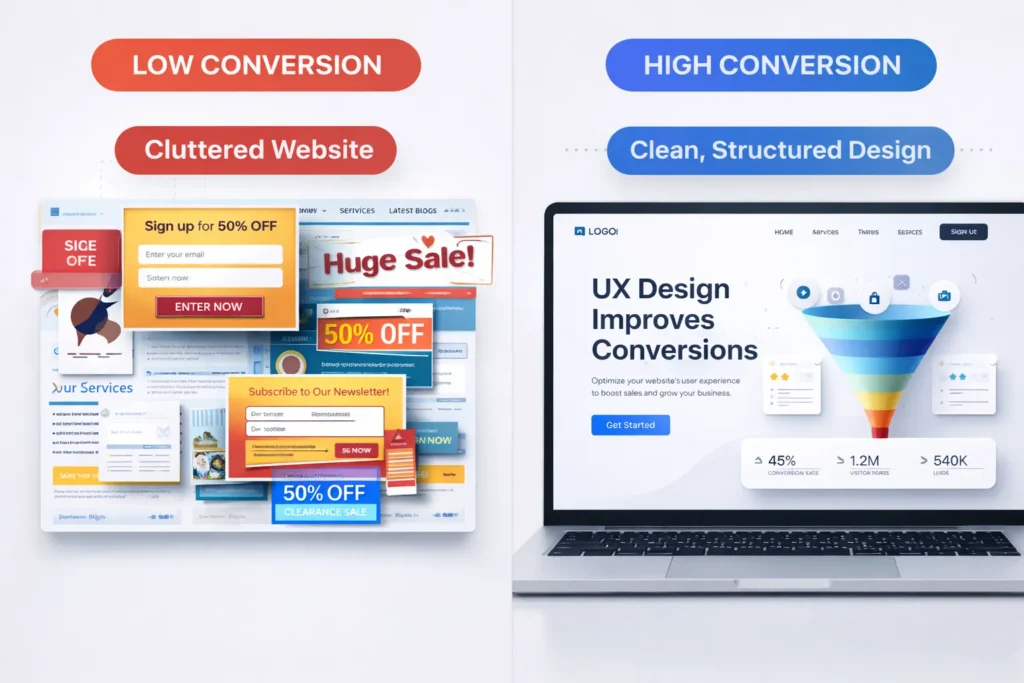
Optimization techniques:
- Use white space strategically
- Limit visual elements per section
- Focus on one message at a time
- Maintain consistent design patterns
5. Poor Mobile Experience
A significant portion of users interacts with websites through mobile devices. If the mobile experience is not optimized, conversion opportunities are lost.
UX design improves mobile performance by adapting layout, interaction, and readability.
Key improvements:
- Responsive layouts
- Touch-friendly buttons
- Simplified navigation
- Optimized loading speed
6. Slow Loading Performance
Speed is directly tied to user retention. Even a delay of a few seconds can result in significant drop-offs.
UX design improves perceived and actual performance through optimization strategies.
Solutions:
- Compress images without losing quality
- Minimize unnecessary scripts
- Use efficient hosting infrastructure
- Implement caching mechanisms
How UX Design Improves Each Stage of the Conversion Funnel
Awareness Stage
At this stage, users are forming their first impression. UX design improves engagement by delivering clarity instantly.
A strong first screen should communicate value without requiring effort.
Focus areas:
- Clear headline and subheading
- Minimal distractions
- Visual hierarchy that highlights key information
Consideration Stage
Users begin evaluating options. They need information, reassurance, and ease of exploration.
UX design improves this stage by making content accessible and digestible.
Enhancements:
- Structured content layout
- Easy navigation between sections
- Supporting information, such as FAQs and comparisons
Decision Stage
This is where conversions happen. Any friction here can lead to abandonment.
UX design improves decision-making by removing barriers and reinforcing trust.
Critical elements:
- Clear and compelling CTA
- Simplified forms of checkout
- Strong trust signals near action points
How UX Design Improves User Trust (Deep Insight)
Trust is not a single feature. It is a psychological outcome created through multiple signals working together.
UX design improves trust through consistency. When users see alignment in design, messaging, and structure, they perceive the brand as reliable.
Professional layout, balanced spacing, and clear typography create a sense of stability. Users subconsciously associate design quality with business credibility.
Transparency also plays a critical role. When pricing, policies, and contact details are clearly visible, users feel more secure.
Another important factor is predictability. If users can anticipate what will happen next, they are more likely to proceed.
Strong trust-building UX elements include:
- Consistent branding and layout
- Visible customer feedback
- Clear policies (refund, privacy, terms)
- Real-world proof (clients, results, case studies)
Advanced UX Strategies That Improve Conversions
1. Behavioral Design Integration
Understanding user psychology allows you to design experiences that align with natural decision patterns.
Examples:
- Anchoring (highlighting premium options)
- Social proof (showing popularity)
- Urgency (limited-time offers)
2. Progressive Disclosure
Instead of overwhelming users, reveal information gradually.
This improves comprehension and keeps users engaged.
3. Interaction Feedback
Users need confirmation that their actions are successful.
Include:
- Button state changes
- Form validation feedback
- Success messages
4. Content-Driven UX
Content is part of UX. Poor content structure weakens the entire experience.
Improve with:
- Short paragraphs
- Logical flow
- Clear headings
UX Design Improves Business Outcomes Beyond Conversions
While conversions are the primary goal, UX design also impacts long-term business performance.
It improves:
- Customer retention
- Brand perception
- User satisfaction
- Referral rates
A well-designed experience creates positive impressions that extend beyond a single transaction.
Common UX Mistakes That Still Exist
Even experienced businesses make these errors:
- Overuse of popups disrupting user flow
- Hidden or unclear CTAs
- Complex forms require unnecessary information
- Inconsistent design across pages
- Ignoring user feedback and behavior data
Avoiding these mistakes alone can significantly improve conversion rates.
Conclusion
Conversion rate optimization is not just about marketing tactics. It is about understanding how users interact with your website and removing every possible barrier in their journey.
UX design improves conversions by simplifying complexity, guiding user behavior, and reinforcing trust at every stage.
A high-converting website is not the one with the most features. It is the one that makes decisions easy.
When UX is aligned with user intent, conversions become a natural outcome rather than a forced action.
Faqs
UX design improves conversion rates by reducing friction, simplifying navigation, and guiding users clearly toward actions. It helps users make decisions faster and with more confidence.
UX plays a central role in CRO by shaping how users interact with a website. It directly impacts usability, trust, and the likelihood of completing a desired action.
Users leave due to confusion, slow speed, poor design, or lack of trust. These issues create friction, making it difficult for users to continue their journey.
UX builds trust through consistent design, clear messaging, visible social proof, and transparency. These elements make users feel safe and confident.
The biggest mistake is ignoring user behavior. Designing based on assumptions instead of data leads to poor user experience and low conversions.
Yes, UX affects SEO through engagement metrics like bounce rate and time on site. A better user experience leads to improved search performance.
UX should be continuously optimized based on user data, testing, and behavior analysis to maintain and improve conversion performance.