
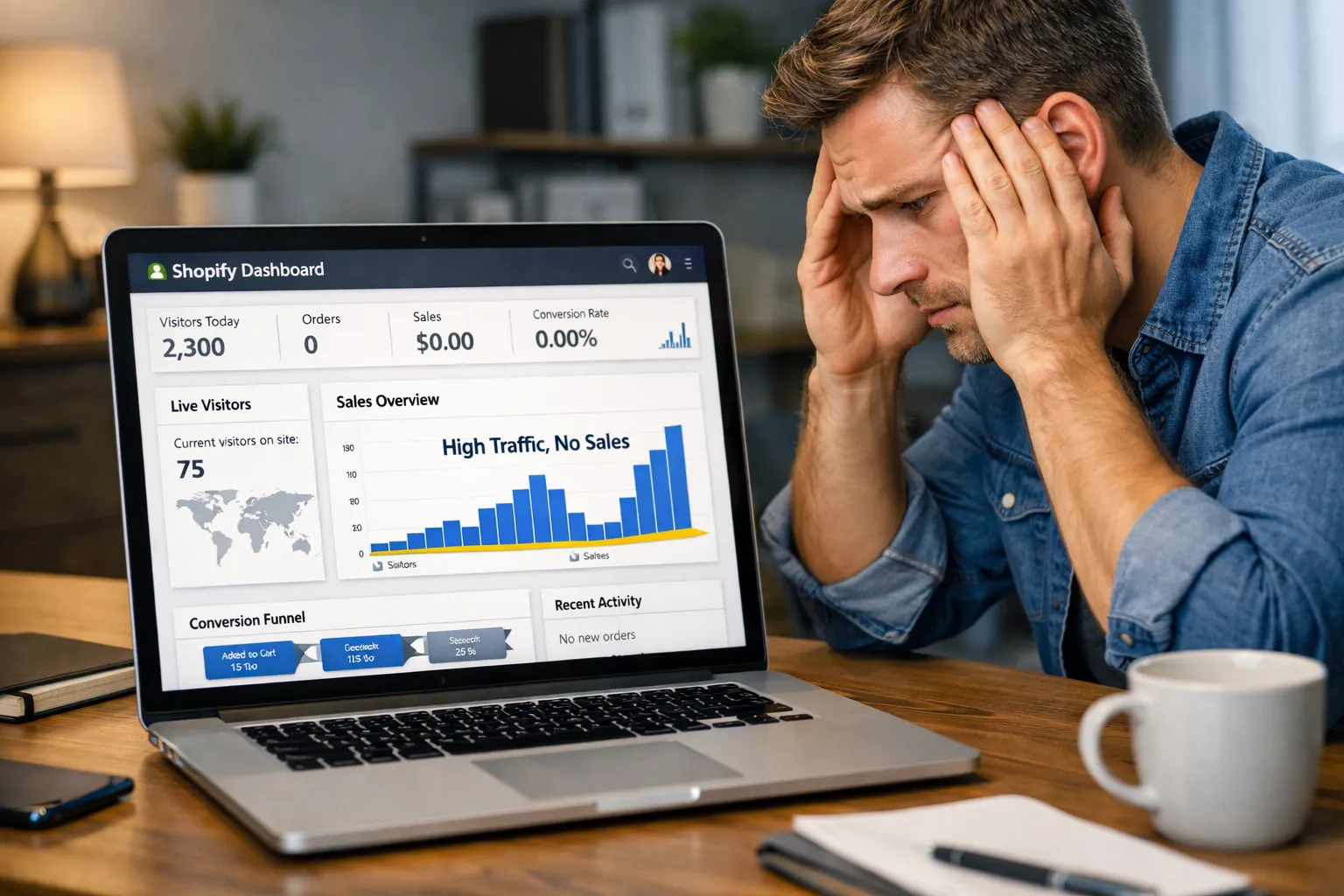
Launching a Shopify store feels exciting. You pick a theme, upload products, and run ads. Traffic starts coming in — but orders do not. Days pass. Then weeks. Still no profit.
You begin to worry: Why is my Shopify store not profitable?
This is one of the most common post-launch problems store owners face. The good news is — most stores don’t fail because of the product. They fail because of fixable mistakes in UX, SEO, trust, design, and conversion strategy.
In this guide, we will break down:
- Why a Shopify store not profitable problem happens
- The most common Shopify mistakes after launch
- UX and design issues that kill conversions
- Trust and credibility gaps
- Traffic vs conversion mismatch
- CTA and funnel problems
- SEO and visibility mistakes
- Step-by-step solutions
If your Shopify store is not profitable yet, this guide is your recovery plan.
Why Many Shopify Stores Look Good But Still Fail
A Shopify Development store can look modern and clean but still convert badly. Design alone does not sell. Profit comes from conversion systems — not just appearance.
Most new stores focus on:
- Theme design
- Logo
- Product upload
- Ads
But they ignore:
- Conversion psychology
- User behavior
- Trust signals
- SEO structure
- Page speed
- CTA clarity
- Funnel flow
That is why many owners say: “My Shopify store not profitable even with traffic.”
Because traffic without conversion equals loss.
Problem 1 — Wrong Traffic = Zero Profit
Many store owners run ads too early. They send cold traffic to unoptimized pages. Visitors come — but they do not buy.
Signs of wrong traffic:
- High bounce rate
- Low session time
- No add-to-cart activity
- Many clicks, zero sales
- Cheap clicks but no orders
Fix:
- Match ad message with landing page
- Target buyer intent keywords
- Use retargeting campaigns
- Create product-specific landing pages
- Improve audience targeting
Traffic quality matters more than traffic volume.
Problem 2 — Weak Homepage UX
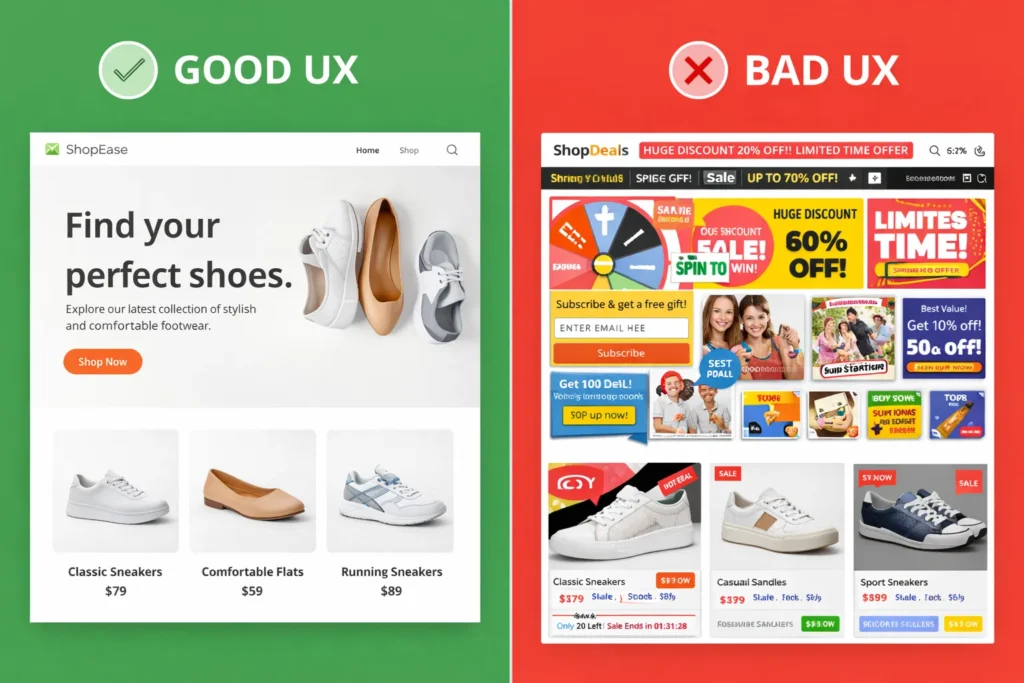
Bad UX is a major reason a Shopify store not profitable after launch.
Users decide in 3–5 seconds whether to stay or leave.
UX mistakes:
- Too much clutter
- No clear value proposition
- No benefit headline
- Confusing layout
- No clear next step
- Hard navigation
Fix UX fast:
- Add a strong hero headline
- Show product benefit clearly
- Use one main CTA above the fold
- Simplify menu
- Remove distractions
- Highlight best sellers
Think like a buyer — not a designer.
Problem 3 — Product Pages That Do Not Sell
Your product page is your salesperson. If it fails — profit fails.
Many Shopify stores not profitable because product pages are weak.
Common product page mistakes:
- Only features — no benefits
- No lifestyle images
- No problem/solution explanation
- No FAQs
- No comparison
- No guarantee
- No urgency
Fix your product pages:
Add:
- Benefit bullets
- Use-case images
- Social proof
- Reviews
- Shipping info
- Guarantee badge
- FAQ section
- Comparison table
- Clear CTA button
Product pages must answer every buyer doubt.
Problem 4 — No Trust = No Sales
Trust is critical in ecommerce. Without trust, visitors do not buy — even if price is good.
A Shopify store not profitable often lacks trust signals.
Missing trust elements:
- No reviews
- No testimonials
- No trust badges
- No contact page
- No real business info
- No return policy
- No secure checkout signs
Fix:
Add:
- Customer reviews
- Star ratings
- Real testimonials
- Refund policy
- Contact details
- Company address
- Live chat
- Secure payment icons
Trust increases conversion more than discounts.
Problem 5 — Bad CTA Strategy
CTA means call-to-action. Many stores use weak CTAs.
Bad CTA examples:
- “Submit”
- “Click Here”
- “Continue”
- Hidden buttons
High-converting CTAs:
- Buy Now
- Get Yours Today
- Add to Cart
- Claim Offer
- Start Saving
- Try Risk Free
CTA optimization tips:
- Use contrasting colors
- Place above the fold
- Repeat on page
- Add urgency text
- Make button large
Weak CTAs = weak sales.
Problem 6 — Slow Website Speed
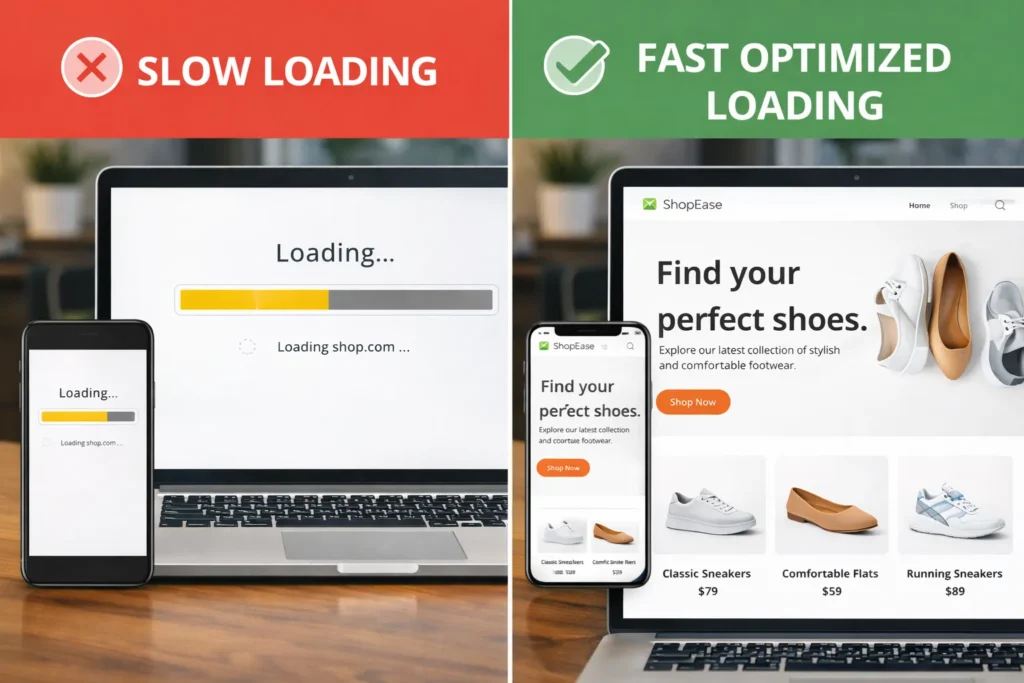
Speed affects both SEO and conversion.
If your store loads slowly — visitors leave.
Speed problems:
- Heavy images
- Too many apps
- Unoptimized themes
- Large scripts
- No compression
Fix:
- Compress images
- Remove unused apps
- Use lightweight theme
- Optimize code
- Use CDN
- Test with speed tools
Speed improves both ranking and profit.
Problem 7 — No SEO Foundation
Many stores depend only on ads. When ads stop — traffic stops.
SEO builds long-term profit.
A Shopify store not profitable often has zero SEO setup.
SEO basics missing:
- No keyword targeting
- No optimized titles
- No meta descriptions
- No blog content
- No internal linking
- No schema markup
Fix:
- Optimize product titles
- Write meta descriptions
- Add SEO blog content
- Target buyer keywords
- Create category pages
- Add internal links to SEO Services
- Build topical authority
SEO creates free traffic over time.
Problem 8 — No Funnel Strategy
Visitors need guidance. No funnel = no direction.
Funnel mistakes:
- No email capture
- No retargeting
- No abandoned cart emails
- No upsell
- No cross-sell
Fix:
Build funnel:
- Lead magnet popup
- Email series
- Abandoned cart emails
- Upsell offers
- Bundle deals
- Retargeting ads
Funnels multiply profit.
Problem 9 — Poor Mobile Experience
Most Shopify buyers are mobile users.
If mobile UX is weak — store not profitable.
Mobile problems:
- Tiny buttons
- Hard navigation
- Slow mobile load
- Broken layout
- Long forms
Fix:
- Mobile test pages
- Use large buttons
- Simplify checkout
- Reduce steps
- Optimize images
- Use sticky CTA
Mobile UX = mobile profit.
Problem 10 — No Data Tracking
Without data, you guess. Guessing kills profit.
Must track:
- Conversion rate
- Add to cart rate
- Checkout drop
- Traffic source
- Device behavior
Tools:
- GA4
- Heatmaps
- Session recordings
- Funnel tracking
Data shows exactly why your Shopify store not profitable.
Problem 11 — Wrong Pricing Strategy
Price affects perception.
Pricing mistakes:
- Too cheap = low trust
- Too expensive = low Conversion Rate Optimization
- No comparison anchor
- No bundle value
Fix:
- Use anchor pricing
- Show savings
- Offer bundles
- Test price points
Pricing is psychological.
Problem 12 — No Content Marketing
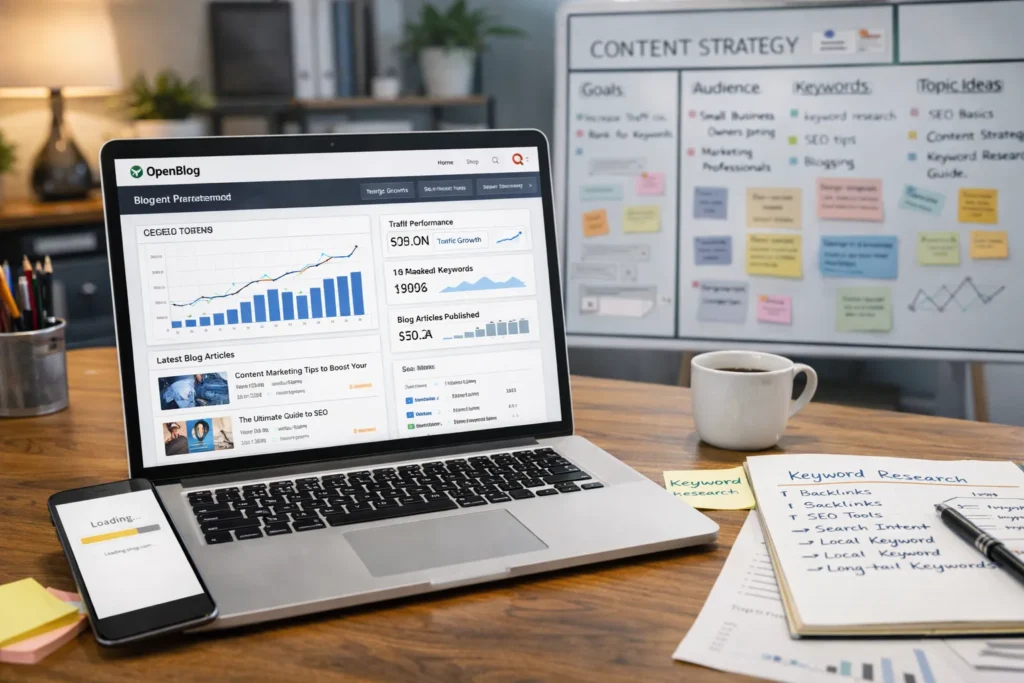
Content builds authority and SEO traffic.
Without content — visibility stays low.
Content ideas:
- Buying guides
- Comparison posts
- How-to articles
- Problem solving blogs
- Product education
Link internally to your SEO Services pages to boost authority.
Step-By-Step Recovery Plan If Your Shopify Store Not Profitable
Week 1 — Audit
- UX audit
- Speed audit
- SEO audit
- Funnel audit
2 — Fix Pages
- Improve homepage
- Upgrade product pages
- Add trust signals
3 — Optimize Conversion
- CTA redesign
- Funnel setup
- Email automation
4 — Growth
- SEO content
- Retargeting
- CRO testing
Conclusion
If your Shopify store is not profitable after launch, it does not mean your business idea is bad — it usually means your store is not optimized yet. Most post-launch failures come from fixable issues like weak UX, poor product pages, missing trust signals, slow speed, wrong traffic, and unclear CTAs. The good news is that each of these problems has a clear solution.
Focus on improving user experience, strengthening product page content, adding real trust elements, and building a proper conversion funnel. Support your store with SEO content and smart targeting instead of relying only on ads. Small structured improvements can turn a non-performing store into a profitable one.
Treat launch as the starting line — not the finish line. Optimize, test, and refine consistently — profit follows optimization.
Faqs
Most stores fail due to poor UX, weak trust signals, wrong traffic, and no conversion strategy. Profit requires optimization after launch, not just design.
No. Traffic without a conversion strategy wastes money. You need optimized product pages, CTAs, trust elements, and funnel systems to generate profit.
UX is critical. Bad layout, confusion, and slow speed push buyers away. Good UX directly increases conversion and revenue.
Yes. Reviews increase trust and reduce buyer risk. Stores with reviews convert significantly higher than stores without proof.
Yes. SEO brings long-term free traffic. It reduces ad dependency and increases stable profit over time.
Improve product pages, add trust signals, upgrade CTAs, and fix speed. These changes show quick conversion improvement.
If your Shopify store is not profitable, professional SEO Services help fix structure, visibility, and conversion pathways faster.