
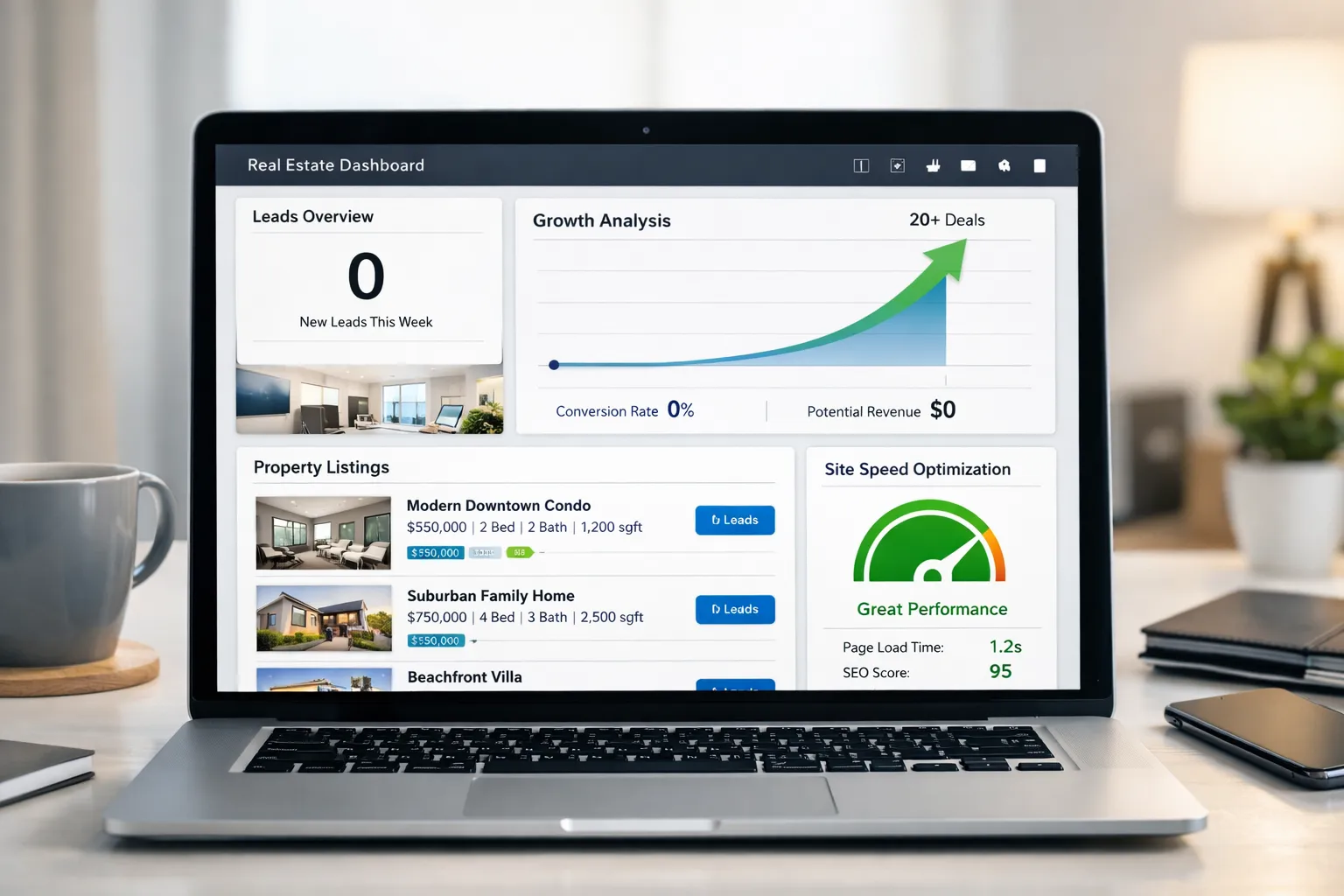
Why Do Many Property Sites Say “Real Estate Website No Leads”?
Many agencies complain about one thing: the real estate website has no leads.
Traffic is coming. Ads are running. Listings are uploaded. But inquiries stay low.
This is not just a marketing problem. It is often a speed, UX, trust, and conversion design problem.
In this industry case guide, we will break down:
- Why real estate websites fail to convert
- How speed optimization affects lead flow
- Property UX mistakes that kill trust
- Lead form errors that block inquiries
- CTA and design failures
- Exact solutions you can apply now
- How Speed Optimization Services fix this at scale
This is not a theory. These are real patterns seen across property websites.
What Happens When a Real Estate Website Gets Traffic But No Leads?
When a real estate website gets visitors but no inquiries, three things are usually happening:
- Visitors leave before the page loads
- Visitors don’t trust the site
- Visitors don’t see a clear action to take
So the result becomes: real estate website, no leads.
Most agencies blame ads. But often, the website is the bottleneck.
Industry Case Pattern: The Most Common Failure Setup
In speed optimization audits of property websites, we often see:
- Heavy property images are not compressed
- Slow mobile performance
- Broken property UX flow
- Weak lead forms
- No urgency CTA
- No trust signals
- No performance tuning
Traffic arrives → frustration happens → exit → no leads.
How Does Website Speed Kill Property Leads?
Speed is not just technical. It is emotional.
Property buyers are browsing fast. If your listing page takes more than 3 seconds:
- They hit back
- They open the competitor site
- They forget your brand
Speed Problems That Cause Real Estate Website No Leads
- Large uncompressed listing images
- Too many scripts
- Slow hosting
- No caching
- No CDN
- Heavy sliders
- Auto-play videos
Speed Solutions
- Image compression for property photos
- Lazy loading
- Code minification
- Caching setup
- Script reduction
- Server optimization
- Mobile performance tuning
This is where Speed Optimization Services directly improve lead generation.
Is Property UX the Hidden Reason Behind No Leads?
Yes. Property UX is often broken.
Users cannot easily:
- Filter listings
- Compare properties
- Find contact buttons
- Understand the next step
When navigation feels hard, people leave.
Property UX Mistakes
- Too many menu layers
- No sticky contact button
- Confusing filters
- Poor mobile layout
- Hidden inquiry buttons
- Map and list mismatch
Property UX Solutions
- Sticky inquiry CTA
- Clear filters
- Mobile-first layout
- Simple navigation
- Visual property highlights
- One-click contact options
Better property UX = more trust = more leads.
Why Do Lead Forms Fail on Property Websites?
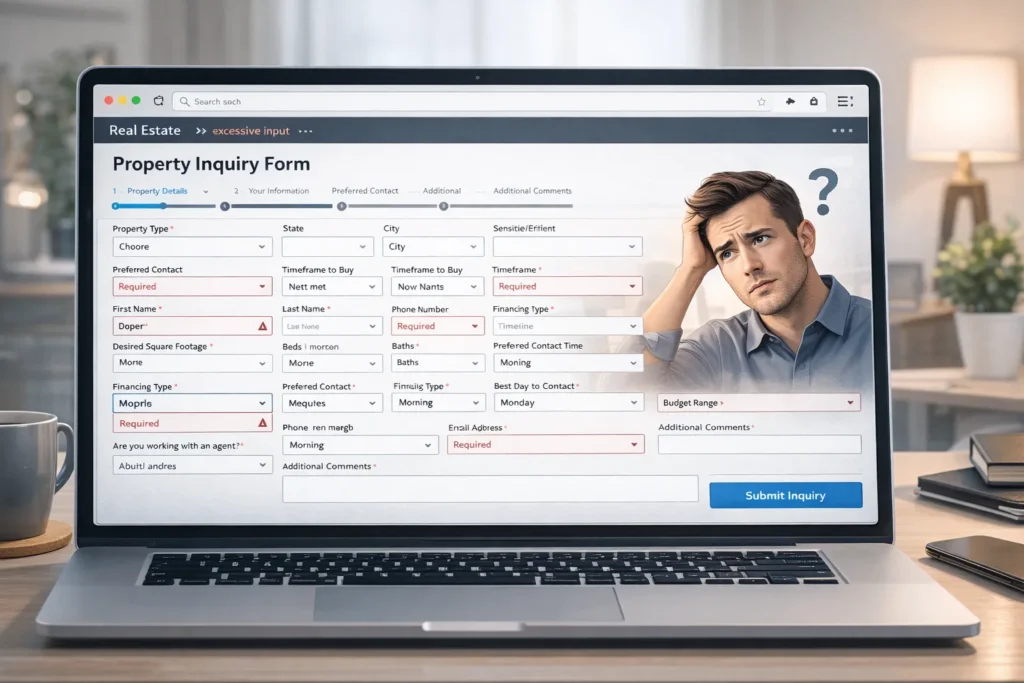
Lead forms are often built incorrectly.
Instead of helping users inquire, they block them.
Lead Form Mistakes That Cause Real Estate Website No Leads
- Too many required fields
- Asking for budget + timeline + documents upfront
- No instant feedback
- No trust message
- No privacy note
- No autofill support
Users don’t want to work. They want fast contact.
Lead Form Fix Strategy
- Keep forms short
- Name + Email + Phone only
- Add “Get Property Details Instantly”
- Show privacy note
- Add trust badges
- Enable autofill
Short forms convert more.
Are CTAs Too Weak on Property Sites?
Yes — very often.
Bad CTAs say:
- Submit
- Send
- Click here
These are low motivation.
High Conversion Real Estate CTAs
- Book Property Tour
- Get Floor Plan Now
- Check Availability Today
- Talk to Agent Now
- Request Price Sheet
Action words create urgency.
Does Design Affect Lead Generation?
Absolutely.
Design builds trust in seconds.
Property buyers judge fast:
- Clean = professional
- Modern = reliable
- Fast = credible
Design Issues That Cause Real Estate Website No Leads
- Outdated layout
- Cluttered property cards
- Bad fonts
- Poor contrast
- No whitespace
- Broken mobile design
Design Fixes
- Modern UI
- Card-based listings
- Clean typography
- Strong visual hierarchy
- Conversion Rate-focused layout
Why Trust Signals Matter More in Real Estate?
Property is a high-value purchase.
Trust signals reduce fear.
Without them → real estate website has no leads.
Must-Have Trust Signals
- Verified listings badge
- Client testimonials
- Agent profiles
- Real office address
- Phone numbers visible
- Review ratings
- Certifications
Trust reduces hesitation.
How Mobile Experience Breaks Lead Flow
Most property browsing happens on mobile.
But many real estate sites are desktop-heavy.
Mobile Mistakes
- Slow mobile load
- Tiny buttons
- Broken filters
- Overlapping forms
- Hard to tap CTAs
Mobile Fixes
- Thumb-friendly buttons
- Fast mobile speed
- Short forms
- Sticky CTA
- Clean cards
How Listing Page Structure Impacts Leads
Listing pages must guide action.
Bad Structure
- Images first
- No CTA visible
- Specs buried
- Contact hidden
Good Structure
- Hero image
- Key highlights
- Price & status
- CTA block
- Trust signals
- Quick inquiry form
Structure drives conversion.
Technical Performance Issues That Stop Leads
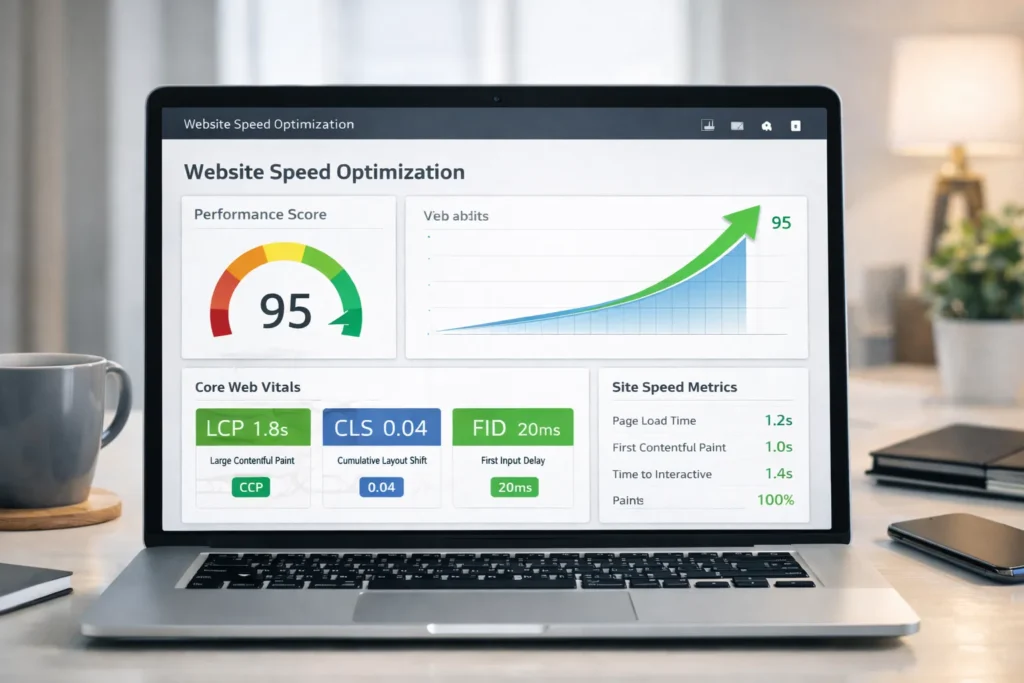
Behind the scenes, technical issues hurt performance.
Common Technical Failures
- Render blocking scripts
- No image sizing
- No browser caching
- Heavy plugins
- Slow database queries
Technical Solutions
- Script defer
- Image sizing rules
- Query optimization
- Plugin reduction
- Performance audits
Why Analytics Often Misleads Real Estate Agencies
Agencies see traffic numbers and assume the website works.
But metrics must include:
- Bounce rate
- Page load time
- Form abandonment
- Scroll depth
- CTA clicks
Without this, the real estate website has no leads.
Step-By-Step Fix Plan
Step 1 — Speed Audit
Measure load time and Core Web metrics.
Step 2 — UX Audit
Test property navigation and filters.
Step 3 — Form Simplification
Reduce friction.
Step 4 — CTA Rewrite
Add urgency.
Step 5 — Trust Layer
Add proof elements.
Step 6 — Mobile Optimization
Fix mobile flow.
Step 7 — Conversion Tracking
Track every click.
How Speed Optimization Services Solve This Fast
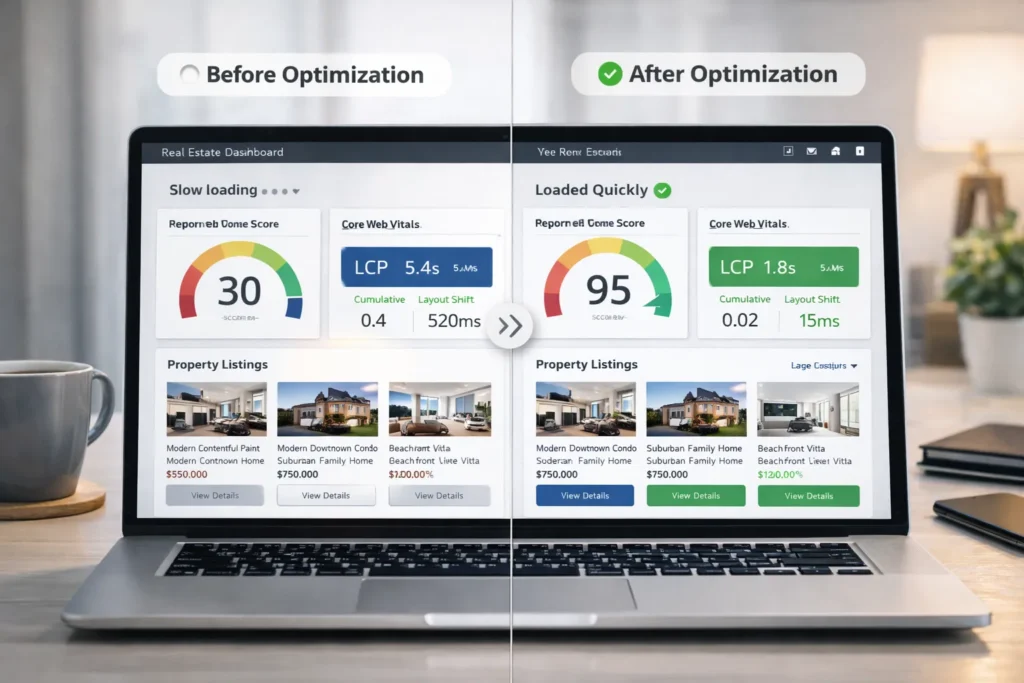
Professional Speed Optimization Services handle:
- Performance tuning
- Image optimization
- Script cleanup
- UX performance fixes
- Mobile speed boost
- Conversion performance setup
Instead of guessing, you fix root causes.
Conclusion
If your situation is a real estate website with no leads, the problem is rarely traffic alone.
It is usually:
- Slow speed
- Broken property UX
- Bad lead forms
- Weak CTAs
- No trust signals
- Poor mobile experience
Fix performance and conversion design together.
When speed + UX + trust + CTA align — leads grow.
Faqs
Usually, this is due to slow speed, weak property UX, long lead forms, and poor CTAs that don’t guide users to take action.
Under 3 seconds on mobile. Faster load times strongly increase inquiry and booking rates.
Yes. Short forms reduce friction and increase submission rates significantly in property websites.
Yes. Most property browsing is mobile. Slow mobile pages lose buyers quickly.
Action-focused CTAs like “Book Property Tour” or “Get Price Sheet Now” perform better.
Very important. Buyers look for proof, reviews, and agent credibility before contacting.
If your real estate website has traffic but no leads, speed optimization services usually give a strong ROI.