
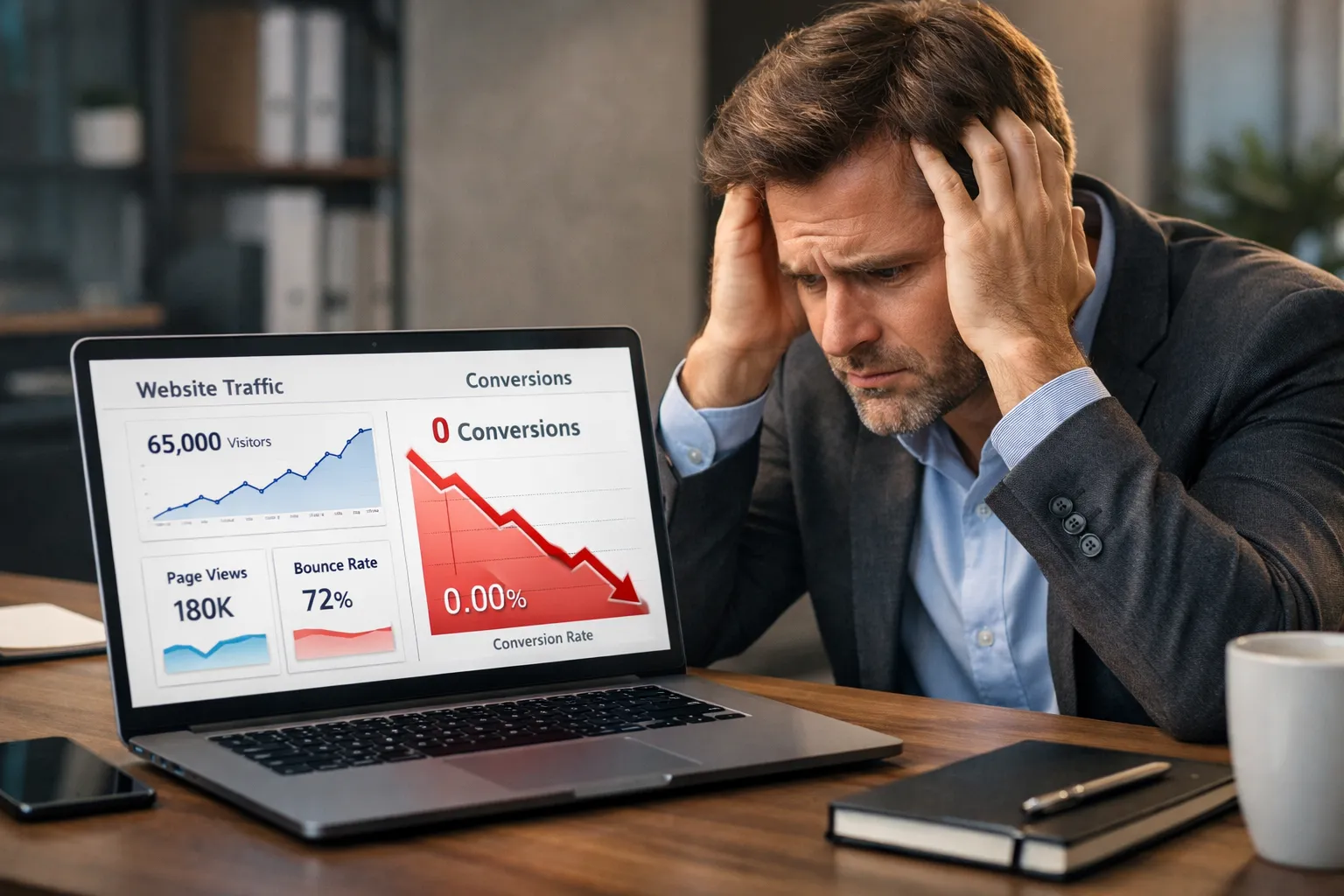
You invested in a professional website.
It looks modern.
loads fast.
It works perfectly on mobile.
Yet the results are disappointing.
Traffic comes in, but leads don’t.
If you’re thinking, “My professional website is not converting”, you’re not alone. This is one of the most common SEO and CRO problems businesses face today.
The harsh truth is simple:
A professional design does not guarantee conversions.
Websites fail not because they look bad, but because they are built with design-first thinking instead of ca onversion-first strategy.
In this in-depth guide, you’ll learn:
- Why professional websites fail to convert
- The biggest UX, layout, and CRO mistakes
- How modern design can hurt conversions
- Practical solutions to turn visitors into clients
1. A Professional Design Is Not a Conversion Strategy
Many businesses confuse good design with good performance.
A website can look stunning and still perform poorly.
Common Design Mistakes:
- Overuse of animations
- Heavy sliders and videos
- Creative layouts that confuse users
- Style prioritized over clarity
Design agencies often focus on aesthetics, awards, and visual impact — not on user behavior.
When design distracts instead of guiding, the result is obvious:
Professional website not converting.
Solution:
Design should support one goal only:
Guide the user toward action.
Every section, color, font, and image should push visitors closer to conversion.
2. Your Value Proposition Is Not Clear
Visitors decide within 5 seconds whether to stay or leave.
If your website does not immediately answer:
- What do you offer?
- Who is it for?
- Why should they choose you?
They leave.
Weak Example:
We provide innovative digital solutions.
This sounds impressive — but says nothing.
Strong Example:
We help service businesses generate more leads with conversion-focused websites.
Clear message = higher conversions.
3. Modern Design Often Hurts Conversions
Minimalist design is trendy — but dangerous when done wrong.
Problems with Over-Minimal Design:
- Missing context
- Hidden CTAs
- Too much white space
- Important content pushed below the fold
Users don’t want to explore.
They want answers fast.
When modern design removes clarity, conversions drop.
4. Poor User Experience (UX) Kills Conversions
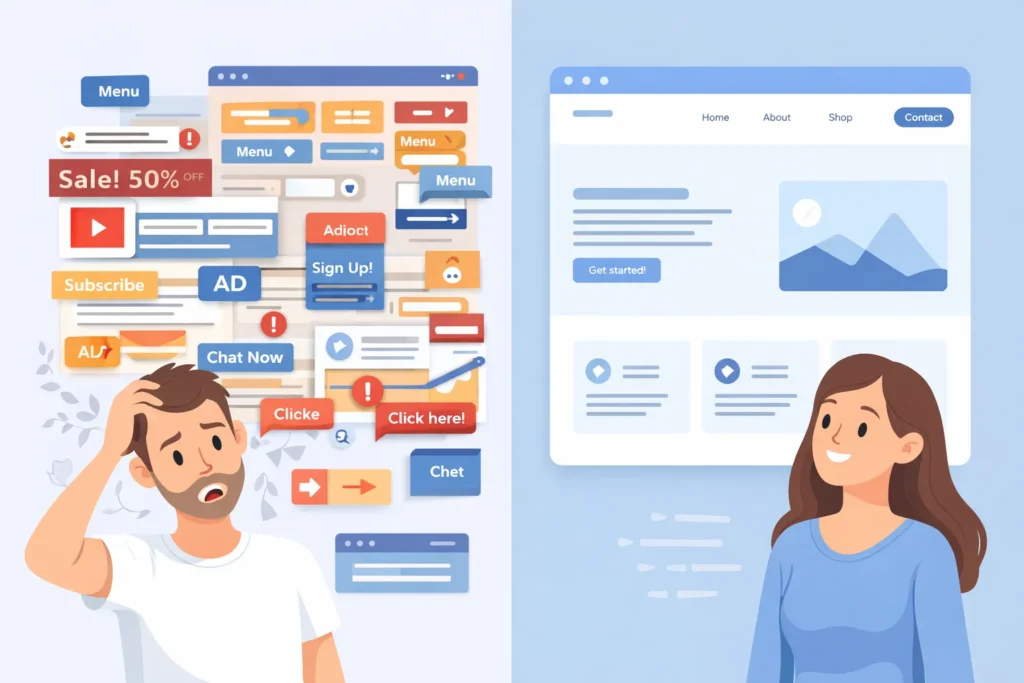
User experience directly impacts trust and decision-making.
Common UX Issues:
- No clear content hierarchy
- Hard-to-read fonts
- Poor contrast
- Confusing layouts
If users have to think too much, they leave.
UX Rule:
If a user is confused, they won’t convert.
5. Weak or Confusing Call-to-Actions (CTA)
One of the biggest reasons a professional website is not converting is a poor CTA strategy.
Common CTA Mistakes:
- Generic CTAs (“Submit”, “Learn More”)
- Too many CTAs competing for attention
- CTAs are placed only at the bottom
High-Converting CTAs:
- Get a Free SEO Audit
- Book a Free Consultation
- Request a Custom Quote
Your CTA must:
- Be visible
- Be specific
- Highlight value
6. Missing Trust Signals Destroy Confidence
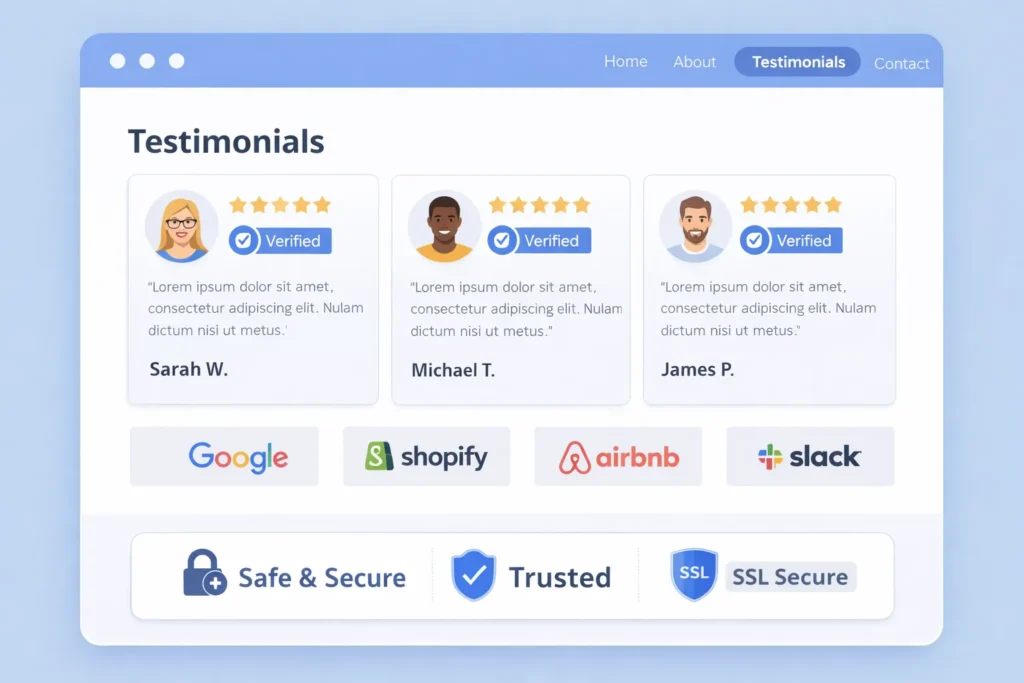
People don’t buy from websites they don’t trust.
No matter how professional your site looks, trust must be proven.
Missing Trust Elements:
- Client testimonials
- Case studies
- Real team photos
- Business address and phone number
- Certifications or guarantees
Without trust signals, users hesitate — and hesitation kills conversions.
7. Mobile Experience Is Poor
More than 70% of website traffic comes from mobile devices.
Yet many professional websites are:
- Designed desktop-first
- Hard to navigate on mobile
- Slow on smartphones
Mobile Conversion Issues:
- Small text
- Tiny buttons
- Long forms
- Pop-ups covering content
Solution:
Adopt a mobile-first approach:
- Short sections
- Large buttons
- Easy forms
- Fast loading
8. Forms Are Too Long and Complicated
Users want solutions — not interrogations.
Low-Converting Forms:
- Too many required fields
- Budget questions upfront
- Long message boxes
High-Converting Forms:
- Name
- Phone (optional)
The fewer the fields, the higher the conversion rate.
9. Slow Website Speed Is a Silent Conversion Killer
Speed affects:
- SEO
- User experience
- Conversions
Even a 1-second delay can reduce conversions by up to 7%.
Common Speed Killers:
- Large images
- Animations
- Unoptimized scripts
- Cheap hosting
This is where professional SEO Services play a critical role — optimizing speed, performance, and user experience together.
10. Conversion Rate Optimization (CRO) Is Ignored
Most websites are launched — and forgotten.
No testing.
Not optimization.
No data analysis.
CRO Includes:
- Heatmaps
- Scroll tracking
- A/B testing
- CTA optimization
Without CRO, even a professional website will fail to convert consistently.

11. Content Focuses on Features, Not Benefits
Businesses love talking about themselves.
Users care about results.
Feature vs Benefit:
Responsive website design.
Your website looks perfect on every device and converts more visitors.
Benefits sell. Features explain.
12. Wrong Traffic Is Being Targeted
Sometimes the website isn’t the problem — the traffic is.
If you attract:
- Informational users
- Low-intent keywords
- Non-buyers
Conversion Rate will stay low.
Strategic SEO Services ensure:
- Commercial keyword targeting
- Intent-based traffic
- Conversion-focused pages
13. Navigation Is Overcomplicated
Too many menu items overwhelm users.
Bad Navigation:
- 10+ menu options
- Multiple dropdown levels
- No clear priority
Good Navigation:
- Simple structure
- Clear services
- One primary action
Clarity always beats creativity.
14. No Clear Conversion Funnel
A website without a funnel is like a shop without directions.
You need:
- Landing pages
- Service-specific pages
- Lead magnets
Users should always know what to do next.
15. Emotional Connection Is Missing
People buy emotionally, then justify logically.
If your content feels:
- Generic
- Robotic
- Copy-pasted
Users won’t connect.
Use storytelling, pain points, and real-world scenarios to create emotional engagement.
16. No Analytics or Tracking Setup
If you don’t measure behavior, you can’t improve results.
Without analytics, you don’t know:
- Where users drop off
- Which CTA works
- Which page converts best
Professional websites fail because decisions are made on assumptions — not data.
Conclusion
If your professional website is not converting, the problem is not design — it’s strategy.
A high-converting website requires:
- Clear messaging
- Strong UX
- Conversion-focused CTAs
- Trust signals
- CRO and SEO alignment
A website should not be a digital marketing brochure.
It should be a 24/7 sales engine.
If you want:
- More leads
- Better ROI
- Real business growth
Then stop focusing only on design — and start investing in conversion strategy and SEO services.
Faqs
A professional website may fail to convert due to unclear messaging, weak CTAs, poor UX, missing trust signals, or wrong traffic targeting. Design alone does not guarantee conversions without a CRO strategy.
Yes, overly modern or minimalist design can hurt conversions if it hides key information or CTAs. Clean design should support clarity and action — not remove essential decision-making elements.
The biggest mistake is an unclear value proposition and weak call-to-action placement. If users don’t understand your offer quickly, they leave without taking any action.
Conversion Rate Optimisation (CRO) is critical. It uses testing and user behavior data to improve CTAs, layouts, and funnels so more visitors turn into leads and clients.
Yes. Slow websites increase bounce rates and reduce trust. Even small speed delays can significantly lower conversion rates and hurt both SEO performance and user experience.
Absolutely. Testimonials, reviews, case studies, certifications, and real contact details build credibility. Trust signals reduce hesitation and make users more comfortable submitting forms or booking services.
Not always. First audit UX, CTAs, content clarity, and funnel structure. Often, conversion improves with CRO and SEO fixes instead of a full redesign.