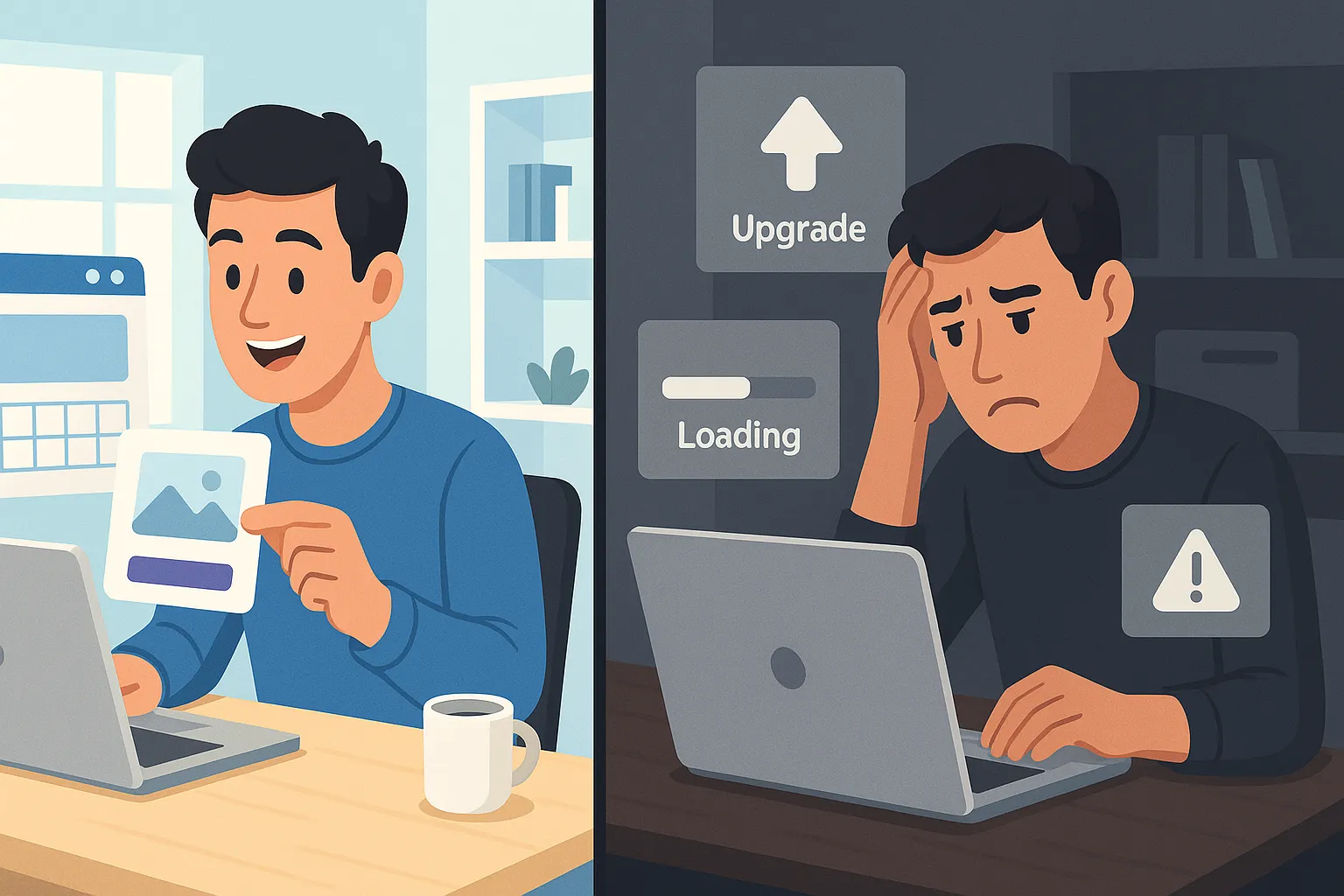
DIY website builders promise a simple idea: build a professional website without coding, quickly and cheaply. For many individuals and small businesses, this sounds perfect. Drag-and-drop editors, beautiful templates, and low monthly prices make DIY builders extremely attractive.
But the reality is more complex. This guide explains what DIY website builders really are, how they work, where they shine, where they fail, and when you should (or should not) use them — with a focus on business growth, SEO, and long-term costs.
What are DIY website builders?
DIY website builders are online platforms that allow users to create websites without writing code. They provide visual drag-and-drop editors, pre-designed templates, built-in hosting, and integrated features like forms, blogs, and e-commerce. Popular examples include Wix, Squarespace, Shopify, WordPress.com, and Weebly.
How do DIY website builders work?
- Sign up on the platform
- Choose a template
- Customize text, images, and layout
- Publish your website on their hosting
Everything is controlled by the platform — including speed, structure, and limitations.
Top DIY website builders compared
Wix
Best for beginners, small service websites, and portfolios. Pros: very easy to use, large template library, app marketplace. Cons: SEO flexibility is limited, hard to migrate later, performance issues on complex sites.
Squarespace
Best for designers, creatives, and content-focused sites. Pros: high-quality templates, clean design, good blogging experience. Cons: less flexibility than Wix, limited third-party apps, not ideal for large e-commerce.
Shopify
Best for e-commerce businesses. Pros: powerful store features, secure and scalable, strong payment integrations. Cons: monthly costs add up quickly, blog and content SEO are basic, limited design freedom without apps.
WordPress.com
Best for content websites with moderate needs. Pros: strong blogging foundation, better SEO than most builders, familiar WordPress experience. Cons: many features locked behind higher plans, less freedom than self-hosted WordPress, plugin limitations.
Weebly
Best for very small or temporary websites. Pros: simple interface, low learning curve. Cons: weak SEO tools, limited scalability, declining innovation.
Why do people choose DIY website builders?
DIY builders are popular because they’re quick to launch, have low upfront costs, require no technical knowledge, and offer all-in-one convenience. For personal sites, hobby projects, or early-stage ideas, DIY builders work well. Problems start when business goals grow.
What are the common pitfalls and disadvantages?
Design limitations
Templates look good, but many sites end up looking similar. True brand differentiation is difficult.
Performance issues
You don’t control the code. Extra scripts, apps, and bloated builders slow down your site — hurting both Core Web Vitals and conversion.
SEO ceiling
DIY platforms allow basic SEO, but advanced optimization is limited: restricted URL structures, limited schema markup, inconsistent Core Web Vitals.
Security and maintenance
You rely completely on the platform: security updates aren’t customizable, backup control is limited, data ownership is restricted.
What are platform-specific problems to know?
Wix SEO issues: limited control over technical SEO, heavy JavaScript usage, difficult long-term scaling.
Squarespace limitations: weak e-commerce SEO, limited integrations, less flexibility for growing businesses.
Shopify constraints: transaction fees on certain plans, app dependency, content SEO is not its strength.
What are the hidden costs of DIY website builders?
DIY builders are not as cheap as they look. Real costs include monthly subscription, domain renewals, premium templates, paid apps and plugins, email marketing tools, SEO tools, transaction fees (for stores). Over 3–5 years, DIY sites often cost much more than expected.
How do you choose the right DIY website builder?
Ask yourself: Is this a short-term or long-term project? Do I need strong SEO? Will this site grow into e-commerce? Is performance important for conversions? If growth matters, DIY builders may become a bottleneck.
How do you get started with DIY builders?
- Define your website goal
- Choose the correct platform type
- Register a custom domain
- Select a clean, simple template
- Customize only what’s necessary
- Add essential pages (Home, About, Services, Contact)
- Launch and monitor performance
Avoid adding too many apps early — each one slows your site.
Does e-commerce work on DIY website builders?
DIY e-commerce works best for small product catalogs, simple checkout flows, and local businesses. For serious online stores, Shopify or WooCommerce performs better. DIY platforms struggle with scaling, SEO, and flexibility.
How does SEO work with DIY website builders?
What you can do: optimize titles and meta descriptions, use headings correctly, improve content quality.
What you can’t fully control: advanced technical SEO, page speed optimization, schema flexibility, server-side performance. For competitive SEO, DIY platforms have a clear ceiling.
Security and maintenance on DIY builders
DIY builders handle hosting, basic security, and updates. But you lose full control, advanced security customization, and flexible backup strategies. For regulated markets and serious businesses, this matters.
When are DIY website builders the right choice?
DIY builders are suitable when: budget is very limited, project is short-term, SEO competition is low, growth expectations are small.
When is professional development the better option?
Choose professional development if: SEO matters for leads, performance impacts conversions, branding is important, you plan long-term growth. Custom websites provide freedom, scalability, and ownership.
How do you migrate away from DIY builders?
Migration is possible but not easy. Challenges include content export limitations, SEO risks, URL changes, design rebuilding. Planning and 301 redirects are critical to avoid traffic loss.
When does DIY work and when does it fail?
DIY works for: small portfolio sites, local service websites, MVP projects. DIY fails for: growing e-commerce stores, SEO-driven businesses, content-heavy platforms. Most failures happen when businesses outgrow the platform.
Performance and speed benchmarks
DIY platforms generally load slower than custom sites, depend on shared infrastructure, and struggle with Core Web Vitals at scale. Speed directly affects SEO and conversions.
Conclusion
DIY website builders aren’t bad. They’re simply limited tools. They work best for beginners, small projects, and short-term needs. For serious businesses, SEO growth, and scalability, professional solutions win in the long term. The smartest strategy is knowing when to start DIY and when to move on.