
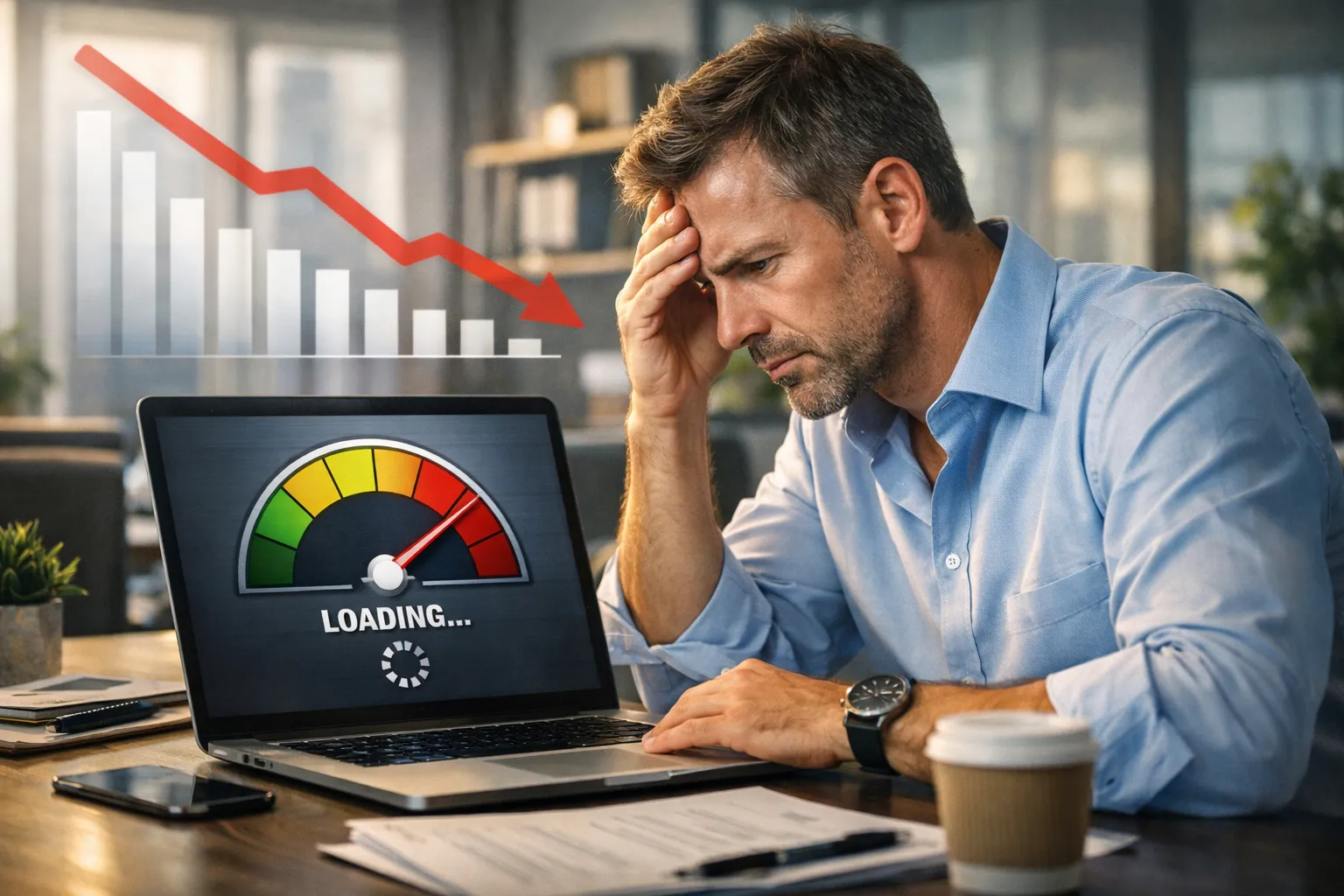
The Hidden Revenue Killer Most Businesses Ignore
Many businesses invest in ads, SEO, and social media. Traffic increases. Visitors come. But sales stay low.
Why?
Because a slow website losing customers is more common than most owners realize.
Speed is no longer just a technical metric. It is now a revenue factor. Every extra second of load time reduces conversions, increases bounce rates, and damages brand trust.
Modern users are impatient. Search engines are stricter. Competitors are faster.
If your page speed is poor, your business is leaking money every single day.
This guide explains:
- How speed affects revenue
- Why slow sites destroy trust
- How Core Web Vitals impact rankings
- UX and conversion damage from delays
- Real solutions that fix performance
What Does “Slow Website Losing Customers” Really Mean?
A slow website losing customers means:
- Visitors leave before the page loads
- Checkout pages feel laggy
- Buttons respond slowly
- Product images load late
- Forms freeze
- Mobile pages feel heavy
Users do not complain.
They simply leave.
Most business owners never see these lost customers.
But analytics shows it clearly:
- High bounce rate
- Low session duration
- Cart abandonment
- Drop at checkout
Speed directly affects revenue.
Why Page Speed Is Now a Revenue Metric
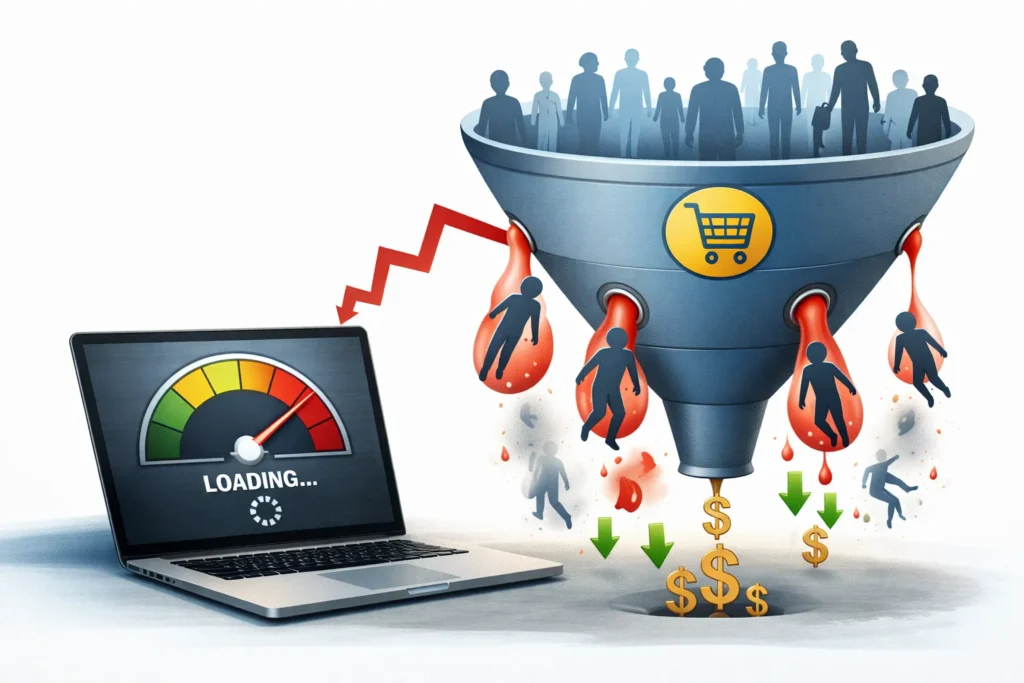
Page speed used to be a developer concern. Not anymore.
Today it impacts:
- Sales
- SEO rankings
- Ad quality score
- Conversion rates
- Brand trust
- User experience
Google officially uses Core Web Vitals as ranking signals.
That means speed affects both:
- Traffic
- Conversions
So, a slow website losing customers also loses rankings.
Double loss.
The Psychology of Speed and User Behavior
Users expect instant results.
Research behavior patterns show:
- Under 2 seconds → feels smooth
- 3 seconds → feels slow
- 4+ seconds → feels broken
When pages are delayed:
- Users feel risk
- Trust drops
- Frustration rises
- Decision confidence falls
Speed creates trust signals subconsciously.
Slow sites create doubt.
How Slow Website Losing Customers Happens Step-by-Step
Let’s break the real conversion damage path.
Step 1 — Visitor Clicks Link
From:
- Ads
- Social
Expectation: instant load.
2 — Page Delays
User sees:
- Blank screen
- Loader spinner
- Jumping layout
- Late images
3 — User Doubt Begins
Questions appear:
- Is this safe?
- Is the site broken?
- Should I go back?
4 — Exit Happens
Bounce.
No sale.
And no lead.
No revenue.
That is how a slow website losing customers works silently.
Mobile Speed Damage Is Even Worse
Most traffic is mobile now.
Mobile networks vary. Devices are slower.
Heavy sites perform even worse on mobile.
Common mobile speed killers:
- Large images
- Heavy scripts
- Too many plugins
- Unoptimized themes
- Video backgrounds
Mobile users abandon faster than desktop users.
How Slow Page Speed Hurts Conversion Rates
Conversion rate drops sharply with each second delay.
Speed impacts:
- Add to cart clicks
- Form submissions
- Demo bookings
- Checkout completion
- Lead generation
Even small delays reduce:
- CTA clicks
- Scroll depth
- Engagement time
A slow website losing customers often shows strong traffic but weak conversions.
Core Web Vitals — Why Google Cares About Speed
Core Web Vitals measure user experience speed.
Three main metrics:
Largest Contentful Paint (LCP)
Measures the loading speed of the main content.
Target: under 2.5 seconds.
Interaction to Next Paint (INP)
Measures responsiveness.
Target: under 200 ms.
Cumulative Layout Shift (CLS)
Measures visual stability.
Target: near-zero shift.
Poor Core Web Vitals = ranking loss + UX damage.
UX Problems Caused by Slow Sites

Speed affects usability directly.
Poor Navigation Feel
Menus lag → users get confused.
Broken CTA Flow
Buttons respond late → users double-click or leave.
Form Frustration
Slow fields → abandonment rises.
Visual Jumping
Late images → layout shifts → misclicks happen.
UX trust drops instantly.
Trust Signals Break When Pages Load Slowly
Trust is fragile online.
Slow loading creates doubt:
- Is the site secure?
- And is checkout safe?
- Is the brand reliable?
Fast sites feel professional.
Slow sites feel risky.
Trust affects buying decisions heavily.
Design Mistakes That Make Speed Worse
Many businesses focus only on looks.
Common mistakes:
- Heavy sliders
- Auto-play videos
- Large animations
- Too many fonts
- Oversized images
- Fancy but heavy themes
Design must support speed — not kill it.
Technical Causes of Slow Website Losing Customers
Main technical issues include:
Large Uncompressed Images
Biggest speed killer.
Too Many Plugins
Each adds load time.
No Caching
Pages regenerate every visit.
Poor Hosting
Cheap hosting = slow response.
Blocking JavaScript
Prevents page rendering.
No CDN
Global users load more slowly.
How Speed Affects SEO Rankings
Search engines measure user behavior.
If users bounce → ranking drops.
Slow sites cause:
- Higher bounce
- Lower engagement
- Fewer pages viewed
Google sees this as low quality.
Result: ranking loss.
A slow website not only loses customers but also loses search traffic.
Speed vs Ad Performance
Paid ads also suffer.
Slow landing pages cause:
- Lower quality score
- Higher cost per click
- Lower ad ROI
- Reduced conversion
You pay more — earn less.
Speed Optimization Solutions That Work
Now the fix side.
Optimize Images
- Convert to WebP
- Compress properly
- Resize correctly
Use Page Caching
Caching reduces server work.
Minify CSS & JS
Removes extra code weight.
Use CDN
Delivers content faster globally.
Remove Heavy Plugins
Keep only essentials.
Upgrade Hosting
Performance hosting matters.
Lazy Load Media
Load images only when needed.
UX Speed Improvements That Increase Conversions
Speed + UX together create revenue.
Simplify Layout
Less clutter = faster render.
Reduce Above-Fold Weight
Load top content first.
Optimize CTA Buttons
Fast response increases clicks.
Streamline Checkout
Fewer steps = faster completion.
Speed Optimization Services — When to Hire Experts
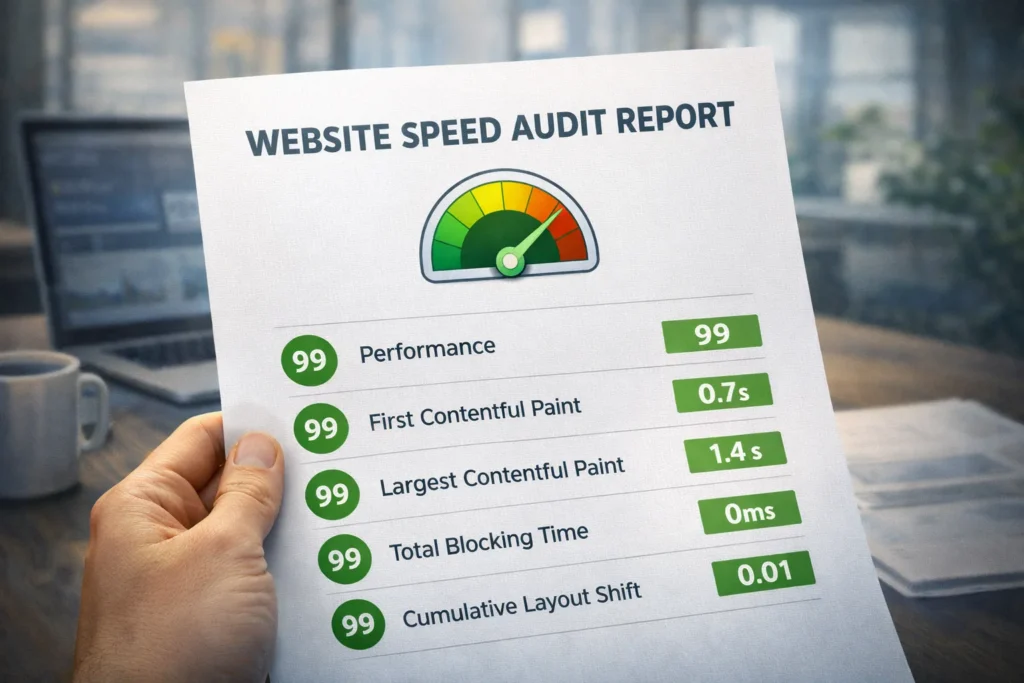
DIY helps — but experts go deeper.
Professional speed optimization services:
- Audit Core Web Vitals
- Fix server bottlenecks
- Optimize database
- Refactor scripts
- Improve rendering path
- Test across devices
Internal link placement:
Need help? Explore our Speed Optimization Services.
How to Measure If Your Slow Website Is Losing Customers
Use tools:
- PageSpeed Insights
- Lighthouse
- GTmetrix
- WebPageTest
Track:
- LCP
- INP
- CLS
- TTFB
- Load time
- Bounce rate
Speed metrics must match UX results.
Business Case — Speed = Direct Revenue Growth
Speed improvements typically produce:
- Higher conversion rates
- Lower bounce rates
- Better rankings
- More leads
- More sales
- Better ROI
Speed optimization is not a cost.
It is revenue recovery.
Future of Speed — Why It Will Matter More
Web standards are getting stricter.
Google increases UX signals yearly.
User patience keeps decreasing.
Fast websites will dominate.
Slow sites will disappear.
Conclusion — Speed Is No Longer Optional
A slow website losing customers is not a theory — it is a measurable business risk.
Speed affects:
- Revenue
- Trust
- Rankings
- UX
- Conversions
- Ads
- Brand perception
The good news: speed problems are fixable.
With the right optimization strategy and technical improvements, you can recover lost customers and increase sales.
If performance matters to your business, speed must become a priority.
Faqs
Yes. A slow website losing customers is common. Even a 1–2-second delay reduces conversions, increases bounce rates, and erodes trust, directly lowering business revenue.
A good page speed loads main content under 2.5 seconds and passes Core Web Vitals metrics for LCP, INP, and CLS across mobile and desktop.
Google uses page speed and Core Web Vitals as ranking signals. Slow performance leads to poor engagement metrics, which lowers search rankings over time.
Most users browse on mobile with slower networks. Heavy pages load worse, causing faster abandonment and higher customer loss compared to desktop visitors.
Yes. Uncompressed and oversized images are one of the biggest page speed killers. Proper compression and WebP formats greatly improve performance.
Too many plugins add scripts and server load. This increases render time and delays interaction, contributing to slow websites losing customers.
If your site affects revenue, yes. Professional speed optimization services fix deep technical issues and improve Core Web Vitals, UX, and conversion rates faster.